
Changing units
Pick another unit in the menu next to a field. The number you typed is converted, not cleared.
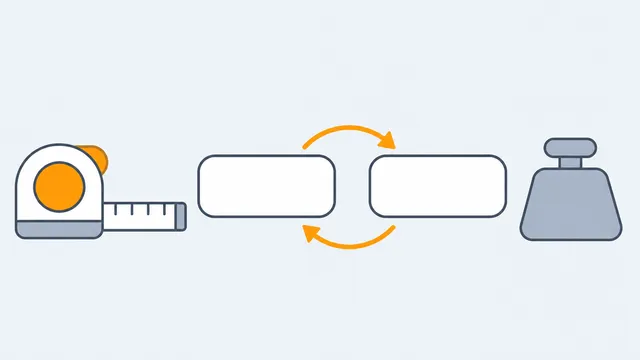
Each field that measures something has a unit menu next to it, for example kg, lb or st for weight, and cm, m or ft in for height.

- Pick another unit and the number you already typed is converted, not cleared: 70 kg becomes 154.32 lb.
- Units that combine, such as feet and inches, split into two boxes.
- Results that carry a unit follow the unit of the matching field. Where a calculator offers it, a unit menu above the results lets you change the result unit too.
The unit you need is not there
Convert the value first with a unit converter, or tell us which unit is missing with Report an error on this page on that calculator.