
No card, or the wrong card, in your search results
A card appears only when the match is clear. Report a wrong one with the thumbs-down, or turn cards off for one search or one search engine.
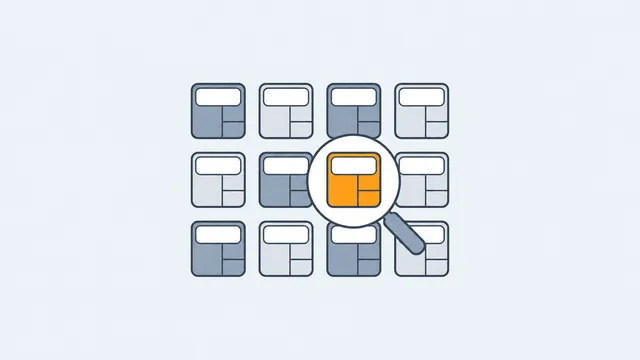
No card appeared
The extension only shows a card when the match is clear. For anything else, open the side panel from the toolbar icon, or type calculator in the address bar, and search there.
Also check that the search engine you use is switched on in the extension settings. Google and Bing are on from the start; the others ask for permission on that site when you turn them on.
The card shows the wrong calculator
Press the thumbs-down on the card and choose Wrong calculator. That report goes to the team that tunes the matching.
Showing fewer cards
- Never show for this search: hides the card for that one search.
- Turn off on a search engine: stops cards on that engine. The side panel and the address bar keep working.