
Using calculators from an AI agent
Connect an AI assistant to our MCP server so it runs real calculators instead of guessing: 60 calls a minute without a token, 600 with one.
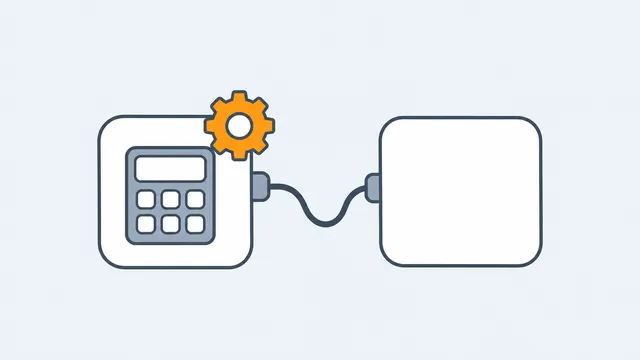
CalculatorLib runs a Model Context Protocol (MCP) server, so an AI assistant can search the library and run a calculator instead of doing the arithmetic itself. The API and MCP documentation has the address, the tool list and a runner you can try in the browser.
The model chooses the tool and reads the answer, but the calculation is done by the same code that runs on the site.
Rate limits
- Without a token: 60 calls a minute.
- With a token: 600 calls a minute, counted against your plan's monthly calls.
Setup notes for Claude, Cursor, Zed, Cline, Windsurf and other clients are on Integrations.