
What is a Minutes to Decimal Hours Converter?
This tool converts a time entered as whole hours and whole minutes into decimal hours — a single decimal number that payroll systems, time cards and time sheets use instead of the hours:minutes format. Because clocks count minutes in base 60 but money is calculated in base 10, you cannot simply write "8 hours 41 minutes" as "8.41" on a pay sheet. You must convert the minutes to a fraction of an hour. This process is sometimes called converting to "military minutes" or "hundredths of an hour."
How to use it
Enter the whole-hour part in Hours (leave blank or use 0 if there are none), enter the minutes in Minutes, and choose how many decimal places you want the answer rounded to. The result updates as a single decimal-hours figure together with a short cancellation showing minutes / 60.
The formula explained
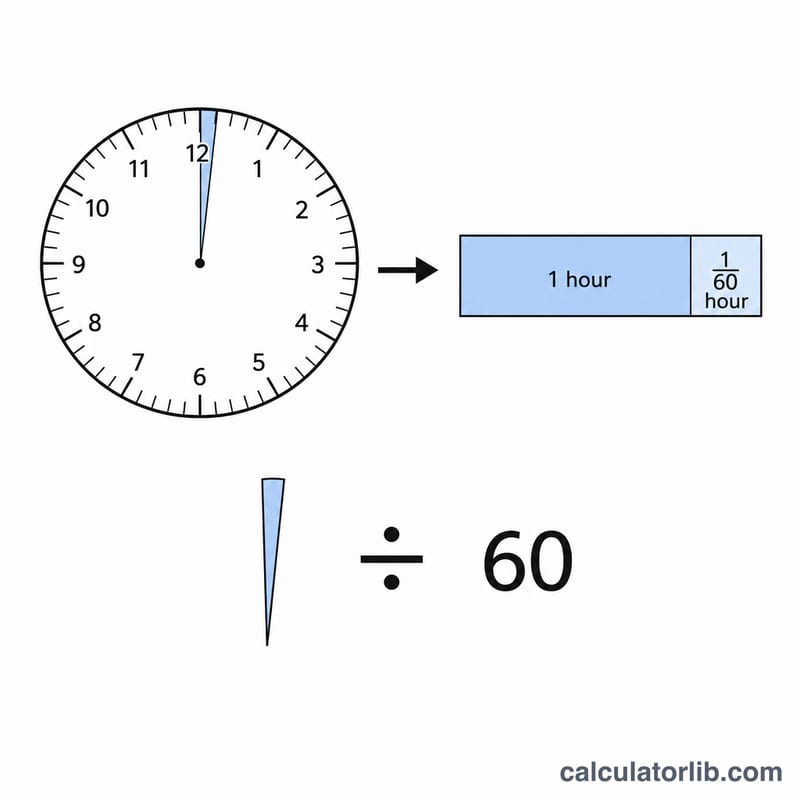
The conversion is: $$\text{Decimal Hours} = \text{Hours} + \dfrac{\text{Minutes}}{60}$$. There are always 60 minutes in an hour, so dividing minutes by 60 gives the fraction of an hour they represent. The result is then rounded to your chosen number of decimal places. Note that minutes is not clamped at 59: if you enter 60 or more, the whole-number part automatically carries into hours.
Worked example
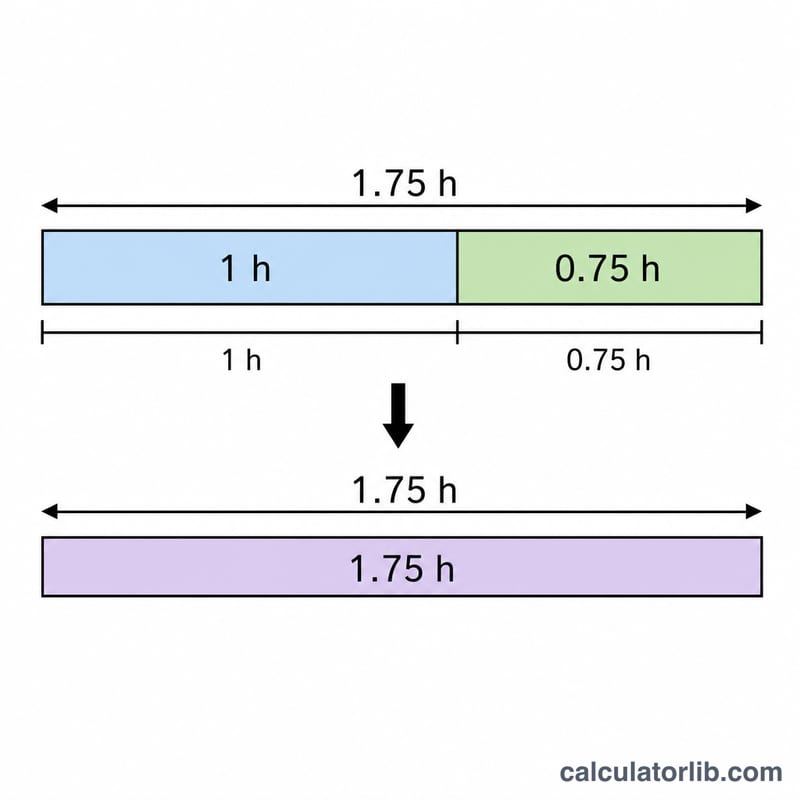
Suppose an employee worked 8 hours and 41 minutes. Divide 41 by 60 to get 0.683333… hours. Add the 8 whole hours: $$8 + 0.683333\ldots = 8.683333\ldots$$ Rounded to 3 decimal places, the time card reads 8.683 hours.
FAQ
Why not just write 8.41? Because 41 minutes is not 0.41 of an hour — it is 0.6833 of an hour. Decimal hours are base 10, not base 60.
What if I enter 90 minutes? The formula handles it: \(90 / 60 = 1.5\), so 1 hour 90 minutes becomes 2.5 decimal hours.
How do I go back to minutes? Multiply the decimal hours by 60. For example, \(0.28 \times 60 \approx 17\) minutes.