
What is the Mbps to MB/s Converter?
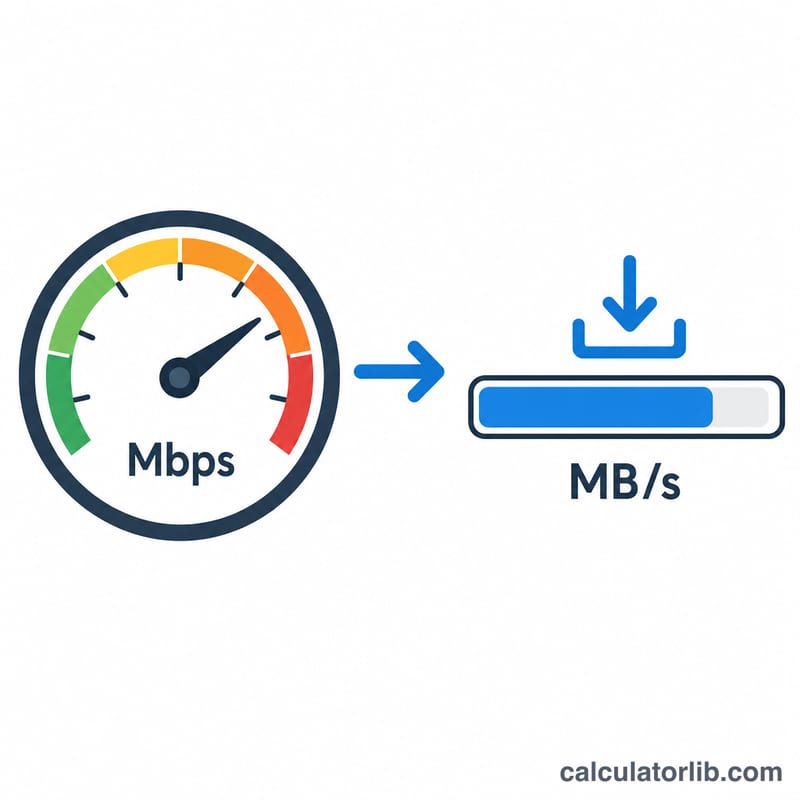
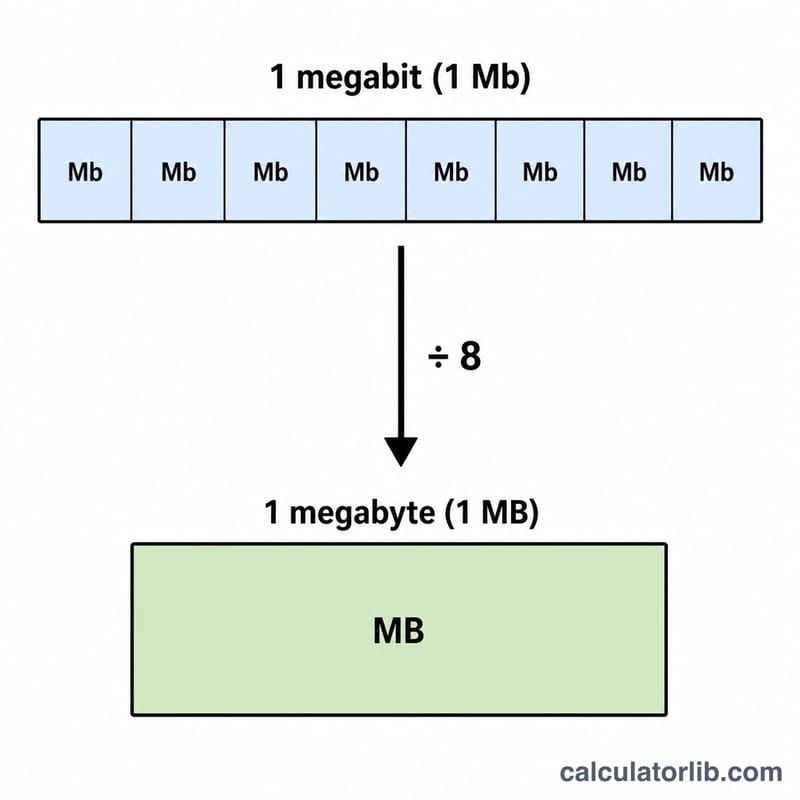
Internet plans are advertised in megabits per second (Mbps), but file sizes and download managers usually report speed in megabytes per second (MB/s). Because there are 8 bits in 1 byte, the two numbers differ by a factor of eight. This converter turns your connection's bandwidth into the real-world throughput you actually see when downloading a file.
How to use it
Enter your bandwidth in Mbps — for example the 100, 500 or 1000 figure from your broadband plan — and the calculator instantly shows the equivalent MB/s, plus KB/s and GB/s for convenience. Use the MB/s value to estimate how fast a download should complete under ideal conditions.
The formula explained
The conversion is a simple division:
$$\text{MB/s} = \frac{\text{Mbps}}{8}$$
A "bit" (b) is the smallest unit of data, and a "byte" (B) is a group of 8 bits. Network speeds are measured in bits per second while storage is measured in bytes, which is why a 800 Mbps link delivers only about 100 MB/s.
Worked example
Suppose you have a 100 Mbps connection. Divide by 8: $$100 \div 8 = 12.5 \text{ MB/s}$$ That means a 1,250 MB (1.25 GB) game update would take roughly 100 seconds to download at full speed.
FAQ
Why is my download slower than my plan? Real-world throughput is reduced by network overhead, Wi-Fi limits, server speed and congestion, so you typically see 80–95% of the theoretical MB/s.
Is Mbps the same as MBps? No. Mbps is megabits per second; MBps (or MB/s) is megabytes per second — eight times larger per unit.
Does this use 1000 or 1024? Network bandwidth uses decimal (1 byte = 8 bits, 1 MB = 1000 KB), which is the convention this tool follows.