
What is an epoch milliseconds timestamp?
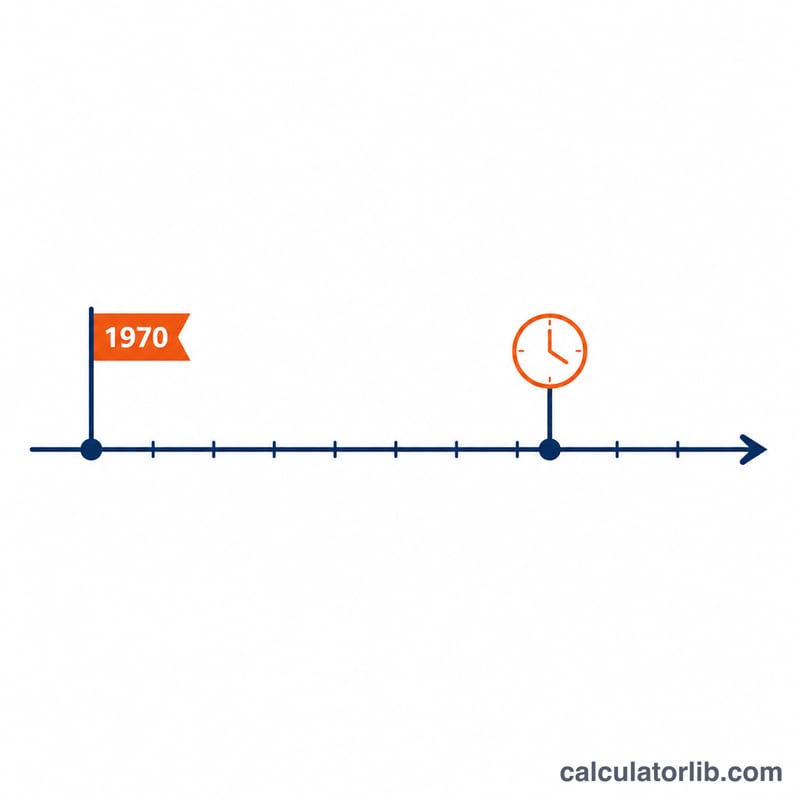
A Unix epoch timestamp counts the time elapsed since 1970-01-01 00:00:00 UTC, known as the "epoch." Many programming languages and APIs (JavaScript's Date.now(), Java's System.currentTimeMillis(), and many JSON payloads) express this value in milliseconds rather than seconds. This converter turns that raw number into a clear, human-readable UTC date and time.
How to use this converter
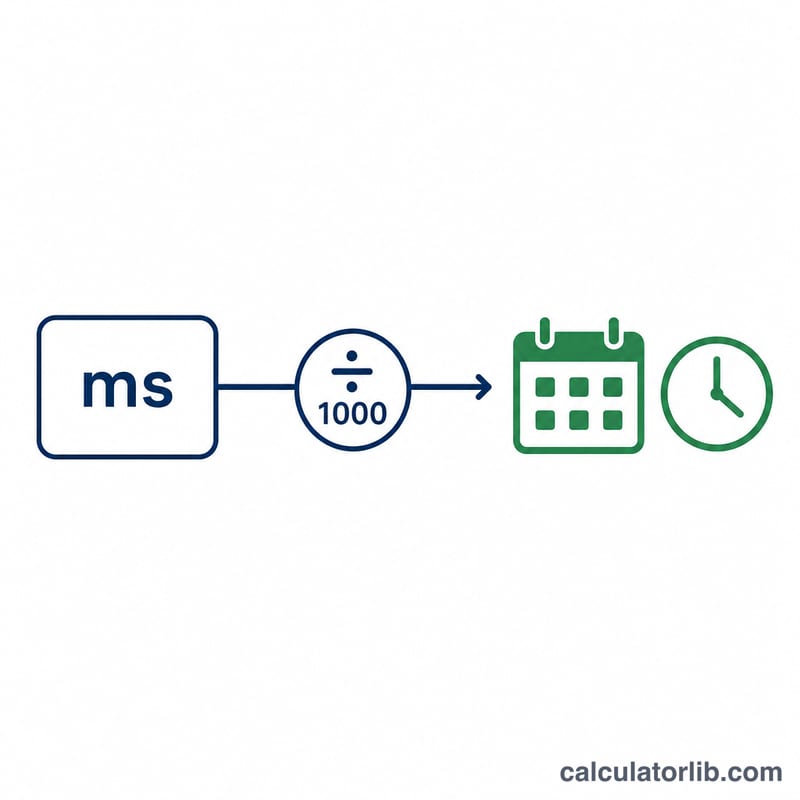
Paste or type your millisecond timestamp into the input box and submit. The tool divides the value by 1000 to obtain whole seconds, then maps those seconds onto the calendar starting from the epoch. You get the full ISO 8601 string (e.g. 2023-11-14T22:13:20Z) plus a breakdown into year, month, day, hour, minute and second — all in UTC, so the result is unaffected by your local time zone.
The formula explained
The conversion is two simple steps. First, \(\text{seconds} = \left\lfloor \text{ms} / 1000 \right\rfloor\) drops the sub-second remainder. Second, \(\text{date} = \text{epoch} + \text{seconds}\) adds those seconds to midnight on 1 January 1970. Calendar logic handles leap years, varying month lengths and the like automatically.
$$\text{Date}_{\text{UTC}} = \text{Epoch}_{1970}\;+\;\frac{\text{Epoch Time (ms)}}{1000}\ \text{seconds}$$
$$\begin{gathered} \text{Date}_{\text{UTC}} = \text{Epoch}_{1970} + t_{s}\ \text{seconds} \\[1.5em] \text{where}\quad \left\{ \begin{aligned} t_{s} &= \left\lfloor \dfrac{\text{Epoch Time (ms)}}{1000} \right\rfloor \\ \text{Epoch}_{1970} &= \text{1970-01-01T00:00:00Z} \end{aligned} \right. \end{gathered}$$
Worked example
Take 1,700,000,000,000 ms. Dividing by 1000 gives 1,700,000,000 seconds. Adding that to the epoch lands on 2023-11-14T22:13:20Z — that is the 14th of November 2023 at 22:13:20 UTC.
$$\text{Date}_{\text{UTC}} = \text{Epoch}_{1970} + \frac{1{,}700{,}000{,}000{,}000}{1000}\ \text{seconds} = \text{Epoch}_{1970} + 1{,}700{,}000{,}000\ \text{seconds} = \text{2023-11-14T22:13:20Z}$$
FAQ
Is the result in my local time? No. To avoid ambiguity, the output is always in UTC (Coordinated Universal Time). Apply your own time-zone offset if you need local time.
What if I have seconds, not milliseconds? Multiply your second-based timestamp by 1000 before entering it, or simply append three zeros.
Why might a timestamp look like a date far in the future or 1970? A value in seconds entered as milliseconds appears near 1970, while a value already in milliseconds entered again with extra zeros lands far in the future. Always confirm your unit is milliseconds.