
What is the Countdown to Date Calculator?
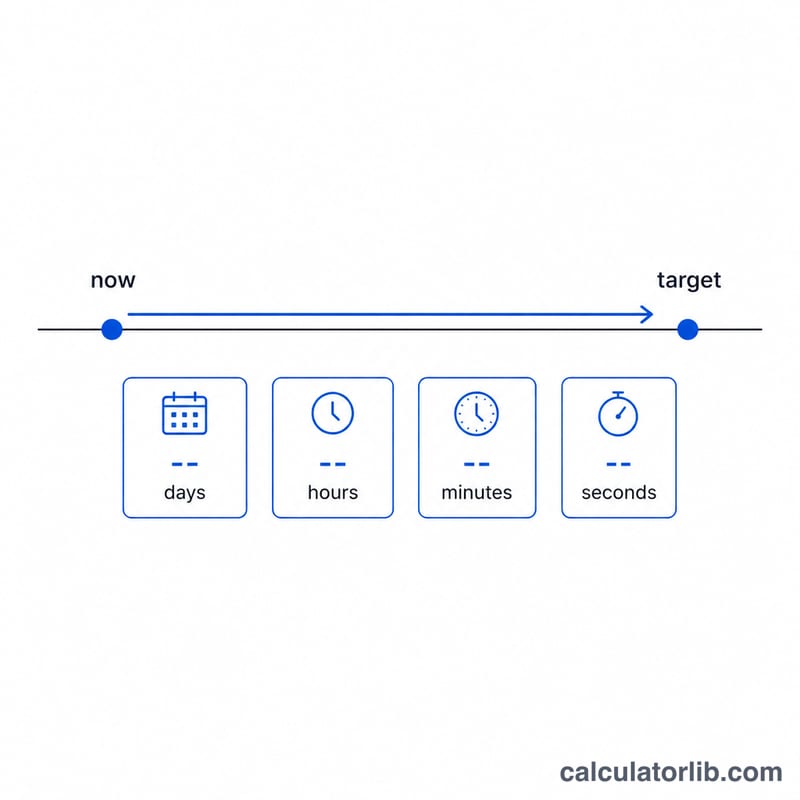
This tool tells you exactly how much time is left until a future date and time — broken down into days, hours, minutes and seconds. If the target moment is already in the past, it shows how long ago it occurred instead. It works for any event: a birthday, a product launch, an exam, a holiday, or a project deadline.
How to use it
Pick the target date, optionally set the target time (defaults to midnight), and press calculate. By default the calculator measures from the current moment, but you can supply a custom reference "now" to compute the gap between any two points in time.
The formula
The calculation converts both moments to seconds and subtracts them:
$$\text{remaining} = \text{target\_datetime} - \text{now}$$The breakdown then uses integer division: \(\text{days} = \left\lfloor \text{remaining} / 86400 \right\rfloor\), \(\text{hours} = \left\lfloor (\text{remaining} \bmod 86400) / 3600 \right\rfloor\), and \(\text{minutes} = \left\lfloor (\text{remaining} \bmod 3600) / 60 \right\rfloor\). If \(\text{remaining}\) is negative the date is in the past and the magnitude is displayed.
Worked example
Suppose "now" is 2025-01-01 00:00 and the target is 2025-01-03 05:30. The gap is 2 days, 5 hours and 30 minutes. In seconds: $$2\times86400 + 5\times3600 + 30\times60 = 172800 + 18000 + 1800 = 192600 \text{ seconds}.$$ Dividing back out gives \(\text{days} = \left\lfloor 192600/86400 \right\rfloor = 2\), \(\text{hours} = \left\lfloor 19800/3600 \right\rfloor = 5\), \(\text{minutes} = \left\lfloor 1800/60 \right\rfloor = 30\).
FAQ
What happens if the date already passed? The result shows the elapsed time and labels it "has already passed".
Does it count leap years? Yes — it uses a calendar-aware date conversion, so February 29 and month lengths are handled correctly.
What time zone is used? The server's local time zone for the live "now"; for reproducible results, set the optional reference "now" field.