What is the Date Countdown Calculator?
The Date Countdown Calculator tells you exactly how much time remains until a future date and time — broken into days, hours, minutes and seconds. If the target date is in the past, it shows how long ago it occurred instead. It is perfect for counting down to weddings, holidays, product launches, exams, deadlines or birthdays.
How to use it
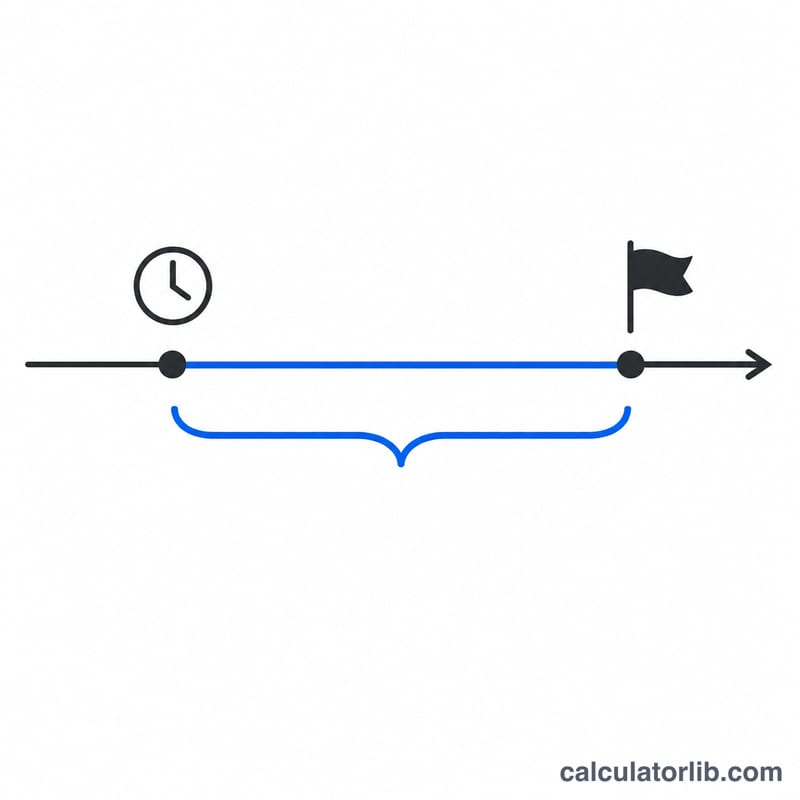
Enter your Target Date and optionally a Target Time (defaults to midnight). Leave the From Date blank to count from right now, or set a specific starting date and time to measure the gap between two arbitrary moments. The result shows a live breakdown plus convenient totals expressed entirely in days, hours, minutes and seconds.
The formula explained
The calculator converts both moments into a single number — milliseconds since a fixed reference instant — then subtracts them: \(\Delta = \text{target} - \text{from}\). The sign of \(\Delta\) tells you whether the date is in the future or the past. The absolute value is then divided down: \(\text{days} = \left\lfloor |\Delta| / 86{,}400{,}000 \right\rfloor\), with the remainder carved into hours, minutes and seconds.
$$\Delta = \left|\;\bigl(\text{Target Date} + \text{Target Time}\bigr) - \bigl(\text{From Date} + \text{From Time}\bigr)\;\right|$$$$\begin{gathered} \text{Days} = \left\lfloor \frac{S}{86400} \right\rfloor,\quad \text{Hours} = \left\lfloor \frac{S}{3600} \right\rfloor \bmod 24 \\[0.6em] \text{Min} = \left\lfloor \frac{S}{60} \right\rfloor \bmod 60,\quad \text{Sec} = S \bmod 60 \\[1.5em] \text{where}\quad S = \left\lfloor \Delta_{\text{seconds}} \right\rfloor \end{gathered}$$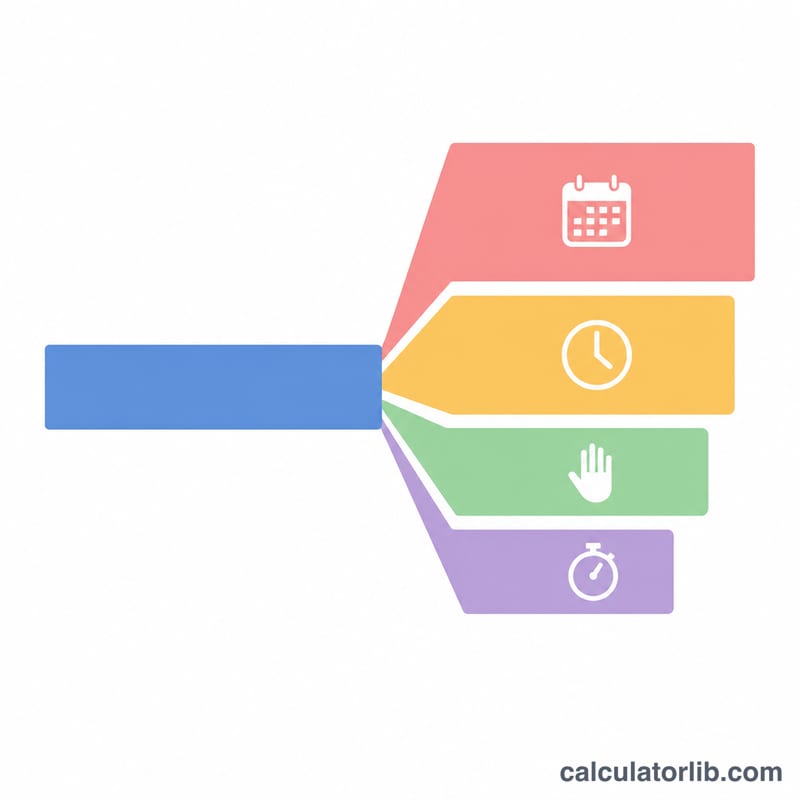
Worked example
Suppose the target is exactly 7 days after the start moment. The difference is \(7 \times 86{,}400 = 604{,}800\) seconds. That yields 7 days, 0 hours, 0 minutes and 0 seconds, and a total of 168 hours or 10,080 minutes. Because \(\Delta\) is positive, the date has not passed.
Time Unit Conversion Reference
A countdown is ultimately a number of seconds divided into larger units. The table below uses exact fixed lengths, where 1 day is counted as 24 hours of 3,600 seconds each.
| Span | Seconds | Equivalent |
|---|---|---|
| 1 minute | 60 | 60 s |
| 1 hour | 3,600 | 60 minutes |
| 1 day | 86,400 | 24 hours |
| 1 week | 604,800 | 7 days |
| 30 days | 2,592,000 | 720 hours |
| 365 days | 31,536,000 | 8,760 hours |
| 366 days (leap year) | 31,622,400 | 8,784 hours |
Months and years are not fixed multiples of days. A calendar month has 28 to 31 days, and a year has 365 or 366 days. The average Gregorian year is 365.2425 days, or 31,556,952 seconds. This is why a countdown is best expressed in days, hours, minutes and seconds rather than in months.
Countdown Scenarios Compared
These rows assume the From and Target times are identical (for example both at 00:00), with no daylight saving change in between, so every day is exactly 86,400 seconds.
| Scenario | Days | Hours | Minutes | Seconds | Total hours | Total seconds | Status |
|---|---|---|---|---|---|---|---|
| Target 1 day away | 1 | 0 | 0 | 0 | 24 | 86,400 | Future |
| Target 30 days away | 30 | 0 | 0 | 0 | 720 | 2,592,000 | Future |
| Target 365 days away | 365 | 0 | 0 | 0 | 8,760 | 31,536,000 | Future |
| Date 10 days in the past | 10 | 0 | 0 | 0 | 240 | 864,000 | Passed (10 days since) |
Check of the arithmetic: \(30 \times 24 = 720\) hours and \(30 \times 86{,}400 = 2{,}592{,}000\) seconds. Likewise \(365 \times 24 = 8{,}760\) hours and \(365 \times 86{,}400 = 31{,}536{,}000\) seconds. The past-date row shows the same size of gap as a future date, because the calculator reports the absolute difference and labels it as passed.
Interpreting Your Countdown Result
- Calendar days vs 24-hour periods: In regions that use daylight saving time, the clock change makes one calendar day 23 hours long (clocks go forward) and another 25 hours long (clocks go back). A countdown that spans a change can therefore differ by an hour from a simple count of \(\text{days} \times 24\). The exact result depends on the time zone and how the tool treats local time.
- Leap years: A leap year has 366 days because 29 February is added. Years divisible by 4 are leap years, except century years, which must also be divisible by 400. So 2024 and 2000 were leap years, while 1900 and 2100 are not. A countdown across 29 February includes the extra 86,400 seconds.
- Default midnight time: If you only pick a date and leave the time at the default of 00:00, the countdown targets the very start of that day. Events later in the day, such as a 6 p.m. party, will be under-counted by that many hours unless you set the target time.
- Negative or passed results: When the target is earlier than the From moment, the event has already happened. The figure shown is the time elapsed since the target, not time remaining.
- Live clock: When the From date and time are the current moment, the live countdown uses your device clock and time zone. If that clock is wrong or the time zone is not what you expect, the result shifts accordingly.
FAQ
What if my target date already happened? The calculator detects this, marks the date as passed, and shows how much time has elapsed since it.
Does it account for time zones? Both dates use the same reference, so the gap between them is consistent regardless of zone.
Can I count between two future dates? Yes — set both the From Date and Target Date to measure any interval.