
What is the Days Until Calculator?
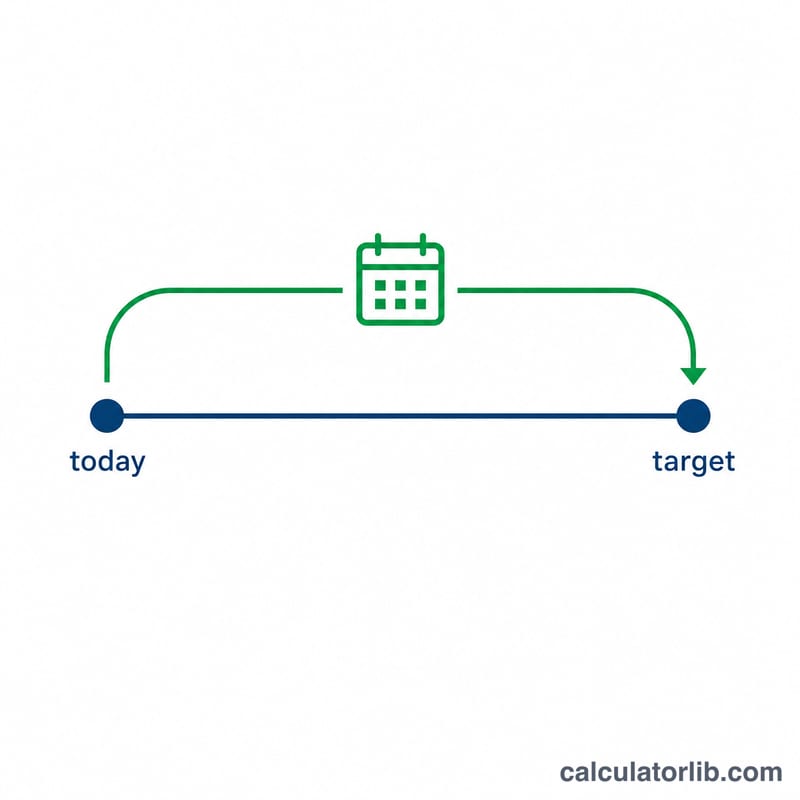
The Days Until Calculator tells you exactly how many days remain between today (or any "from" date) and a target date in the future. It is perfect for counting down to a holiday, birthday, wedding, exam, product launch, vacation, or any deadline. If the target date is in the past, the tool instead reports how many days have already passed.
How to use it
Pick your target date — the day you are counting toward. The from date defaults to today, but you can change it to measure the gap between any two dates. Press calculate and you'll see the number of days remaining, plus the equivalent number of weeks. The calculation is calendar-accurate and automatically handles leap years and month lengths.
The formula explained
The calculator converts each date into a Julian Day Number (JDN) — a single integer counting days from a fixed reference point. Because each date becomes one number, finding the gap is a simple subtraction:
$$\text{days} = \text{JDN}(\text{target}) - \text{JDN}(\text{from})$$This avoids the headaches of varying month lengths and leap years that come with manual counting.
Worked example
Suppose today is 1 January 2024 and your target is 31 December 2024. The JDN of 31 Dec 2024 minus the JDN of 1 Jan 2024 equals 365 — because 2024 is a leap year, the full span from Jan 1 to Dec 31 is 365 days (the year has 366 days, but the difference between its first and last day is 365). The calculator returns 365 days, or about 52.14 weeks.
$$\text{days} = \text{JDN}(\text{31 Dec 2024}) - \text{JDN}(\text{1 Jan 2024}) = 365$$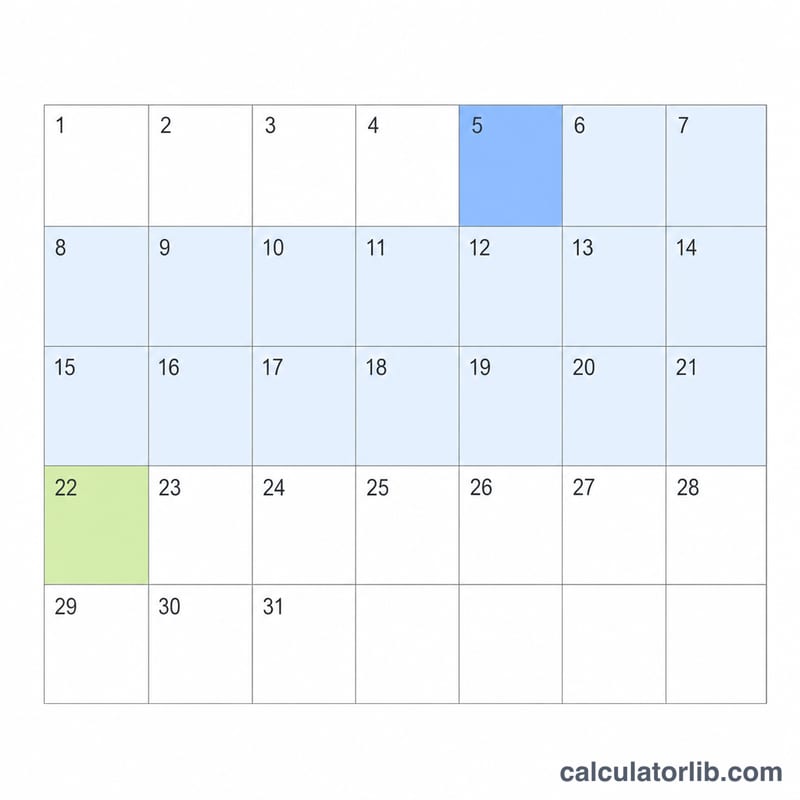
FAQ
Does it count today? No — it counts the days between the from date and the target date. The target day itself is the last day reached, so a result of 1 means "tomorrow."
What if the date is in the past? The result becomes negative internally, and the display switches to "days ago" so you can see how long it has been.
Does it handle leap years? Yes. The Julian Day Number method accounts for leap years, century rules, and all month lengths automatically.