What Is the Days Until Calculator?
The Days Until Calculator is a free, simple tool that tells you exactly how many days are left between today and any future date you choose. Instead of flipping through a calendar and counting squares by hand, you enter a target date and instantly see the number of days, weeks, and months remaining. It works for any date and any country, since it relies only on the universal calendar — there are no regional rules or tax laws involved.
People use it to count down to weddings, vacations, exams, product launches, paydays, retirement, holidays, birthdays, and project deadlines. If a date matters to you, this calculator turns it into a clear, motivating number.
How to Use It
- Enter your target date — the future day you want to count toward (for example, a birthday or a deadline).
- Read the result — the calculator subtracts today's date and shows the days remaining, plus an approximate breakdown in weeks and months.
- Adjust as needed — change the target date to compare multiple events or plan ahead.
The result updates instantly, so you can quickly test different dates without doing any math yourself.
The Formula Explained
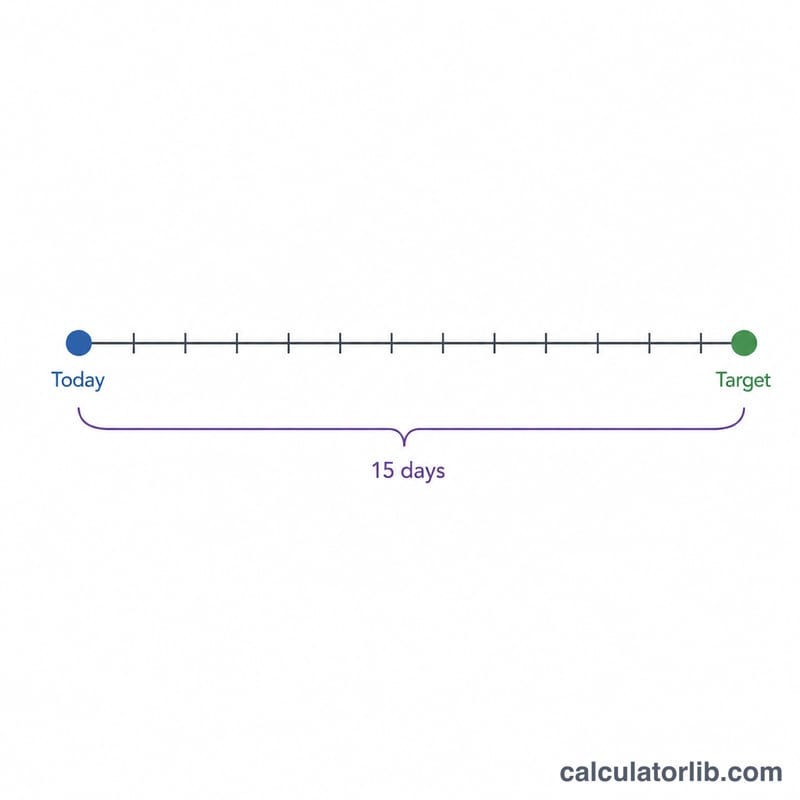
The math behind the tool is straightforward subtraction of calendar dates:
$$\text{Days Until} = \text{Target Date} - \text{Today}$$
Weeks remaining are calculated as \(\text{days} \div 7\), and months are estimated using an average of about \(30.44\) days per month. Because the calculator counts whole calendar days, it automatically accounts for leap years and months of different lengths, so you never have to worry about February 29 or a 31-day month throwing off your count.
Worked Example
Suppose today is March 1 and your target date is June 1. From March 1 to June 1 there are 92 days (31 days in March + 30 in April + 31 in May). The calculator would show:
$$\text{Days Until} = 31 + 30 + 31 = 92$$
- Days until: 92
- Weeks: about 13.1
- Months: about 3.0
Frequently Asked Questions
Does the count include today? No. The calculator counts full days from today until the target, so the current day is not added to the total.
Can I count to a date in the past? This tool is designed for future dates. A past date would simply return zero or a "date has passed" message, since there are no days left until it.
Does it handle leap years? Yes. Because it counts actual calendar days, leap years and varying month lengths are handled automatically.