
What is the Weeks Until Date Calculator?
This tool tells you how many weeks remain between a start date and a target date. Leave the start date blank to count from today, or set it to any date to measure the span between two dates. It is useful for planning pregnancies, project deadlines, exam dates, vacations, and countdowns.
How to use it
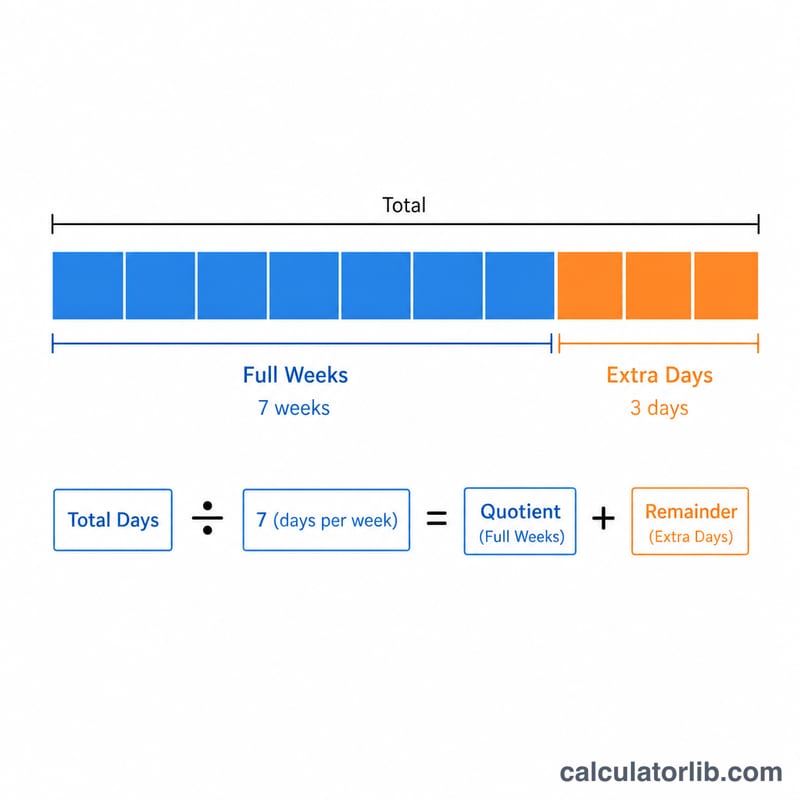
Enter your target date. Optionally enter a start date (defaults to today). The calculator returns the number of weeks, the total days, and a breakdown into full weeks plus extra days.
The formula
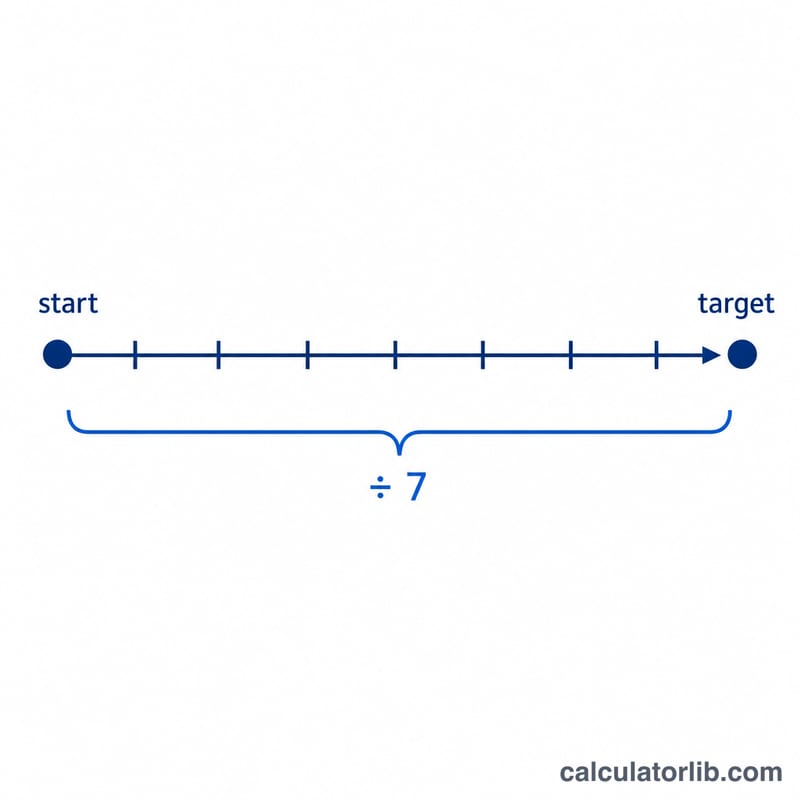
The math is simple: $$\text{weeks} = \frac{\text{target date} - \text{start date}}{7}$$ We first compute the whole-day difference, then divide by seven. Negative values mean the target date is in the past.
Worked example
If the start date is January 1, 2024 and the target date is January 22, 2024, the difference is 21 days. Dividing by 7 gives exactly 3 weeks (3 full weeks, 0 extra days).
$$\frac{21}{7} = 3 \text{ weeks}$$
FAQ
What if the target is in the past? The result will be negative, indicating how many weeks ago the date occurred.
Does it count partial weeks? Yes — the main result shows decimal weeks, while the table shows full weeks plus leftover days.
Are time zones considered? Dates are treated as calendar days at midnight, so time zones do not affect the day count.