
What this calculator does
This tool counts the exact number of weeks and days between any two calendar dates. Pick a start date and an end date, and it returns the total number of days, how many complete weeks that represents, and the leftover days. It is popular for pregnancy tracking (where gestational age is expressed as "weeks + days"), but it works equally well for project schedules, subscription periods, anniversaries, or any time you need an elapsed-time count.
How to use it
Enter the earlier date in the Start date field and the later date in the End date field, then read the result. The headline shows the duration as weeks and days, while the table breaks out the total day count, full weeks, and extra days. If you reverse the dates, the calculator uses the absolute difference, so you always get a positive duration.
The formula explained
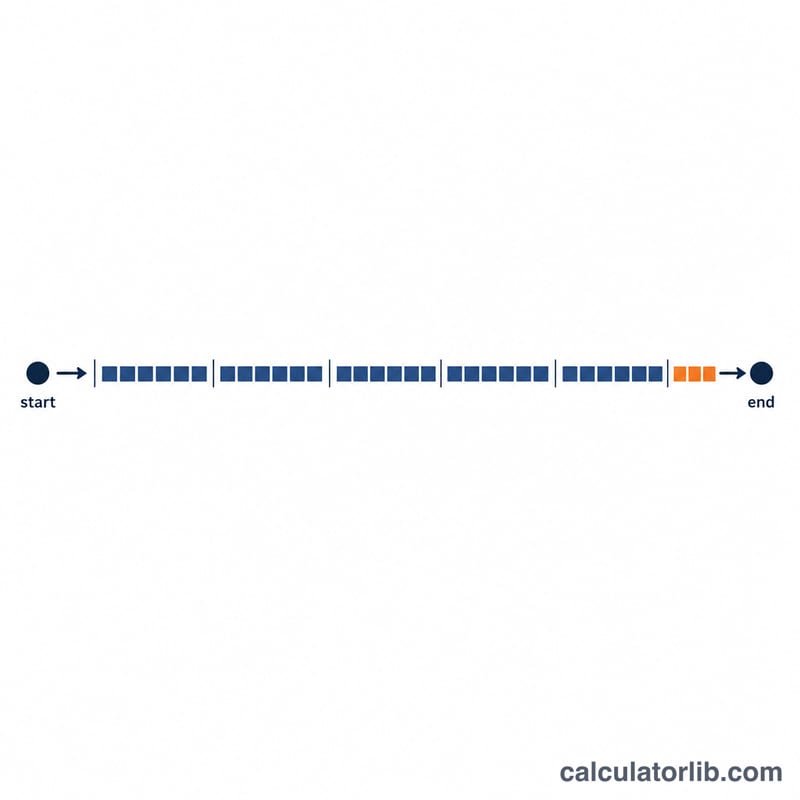
First the calculator finds the total number of whole days between the two dates: \(\text{totalDays} = \text{end} - \text{start}\). It then divides by 7 and keeps only the whole-number part to get complete weeks, and the remainder becomes the extra days:
$$\text{weeks} = \left\lfloor \frac{\text{totalDays}}{7} \right\rfloor \quad \text{and} \quad \text{days} = \text{totalDays} \bmod 7$$Because a week is exactly 7 days, this conversion is exact and never loses a day.
Worked example
Suppose your start date is 1 January 2024 and your end date is 15 March 2024. The total span is 74 days. Dividing 74 by 7 gives 10 with a remainder of 4, so the result is 10 weeks and 4 days, or 74 days in total.
$$\left\lfloor \frac{74}{7} \right\rfloor = 10, \quad 74 - 7 \times 10 = 4$$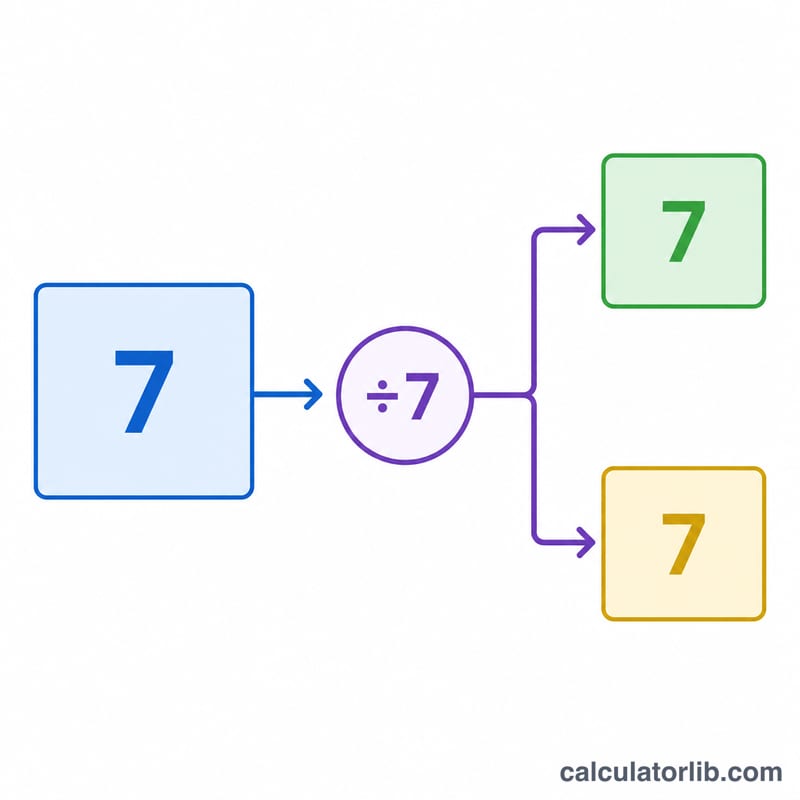
FAQ
Does it count both the start and end day? No. It measures the gap between the two dates, so the same date entered twice returns 0 days.
Why does the order of dates not matter? The calculator uses the absolute difference, so swapping start and end still gives the same positive number of weeks and days.
Is this accurate for pregnancy weeks? Yes — gestational age is conventionally written as completed weeks plus extra days, which is exactly what this calculator produces from your chosen reference date.