
What is the Week Calculator?
The Week Calculator tells you exactly how many weeks fall between two dates. It returns the number of complete weeks, any leftover days, the total number of days, and the equivalent number of weeks expressed as a decimal. It is useful for tracking pregnancy progress, project timelines, study schedules, subscription periods, and anything else measured in weeks.
How to use it
Pick a start date and an end date, then read the result. The tool counts the calendar days between the two dates and divides by seven. The order of the dates does not matter — the calculator uses the absolute difference, so you always get a positive count.
The formula explained
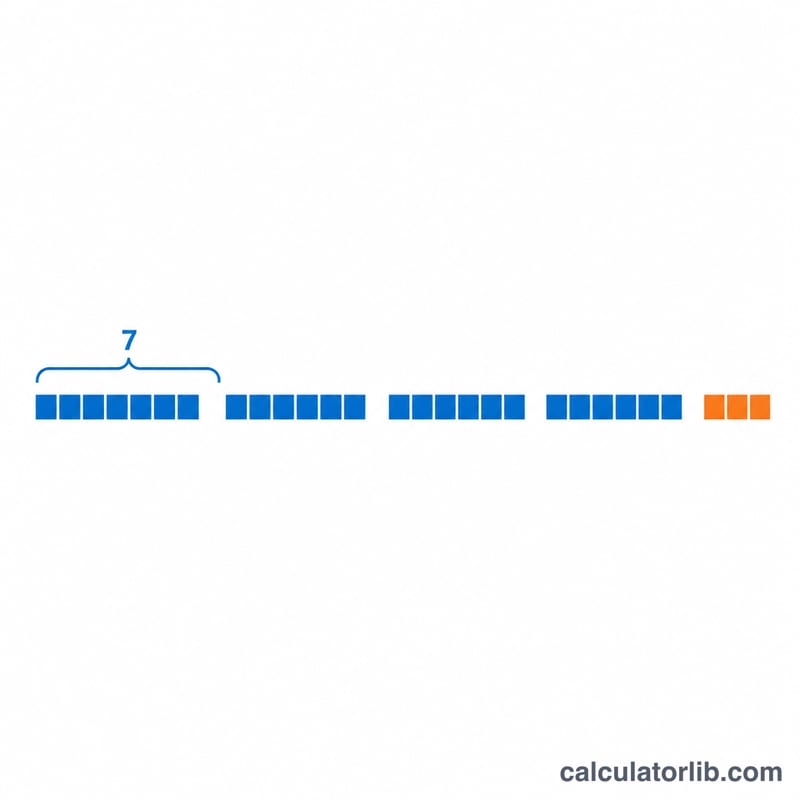
First the calculator finds the total number of days between the dates. It then divides that figure by 7. The integer (floor) part of that division is the number of whole weeks, and the remainder of dividing by 7 is the number of extra days. As an equation: $$\text{weeks} = \left\lfloor \text{days} \div 7 \right\rfloor$$ and $$\text{remainder} = \text{days} \bmod 7$$ The decimal total is simply \(\text{days} \div 7\).
Worked example
From 1 January 2024 to 31 December 2024 there are 365 days. Dividing 365 by 7 gives 52 with a remainder of 1, because \(52 \times 7 = 364\). So the answer is 52 weeks and 1 day, or about 52.14 weeks.
FAQ
Does it include both the start and end day? No — it counts the span between the dates, so a Monday-to-the-next-Monday gap is 7 days (1 week).
What if I enter the dates in the wrong order? The result is always positive; the calculator uses the absolute difference in days.
How are leap years handled? The calculator counts real calendar days, so leap days (29 February) are automatically included in the total.