
What is the Audiobook Speed Calculator?
This tool tells you how long an audiobook will actually take to finish when you speed it up. Listening at faster playback speeds — like 1.25x, 1.5x or 2x — shrinks the total time you spend, but it can be hard to picture what a "12-hour" book becomes at 1.75x. Enter the original runtime and your chosen speed, and the calculator returns your real listening time plus how many minutes you save.
How to use it
Enter the audiobook length in hours and minutes (you'll find this on the book's detail page in most apps). Then enter your playback speed multiplier — 1.0 is normal speed, 2.0 is double speed. The result shows your adjusted listening time in hours and minutes, the total in minutes, and the time you save compared with normal speed.
The formula explained
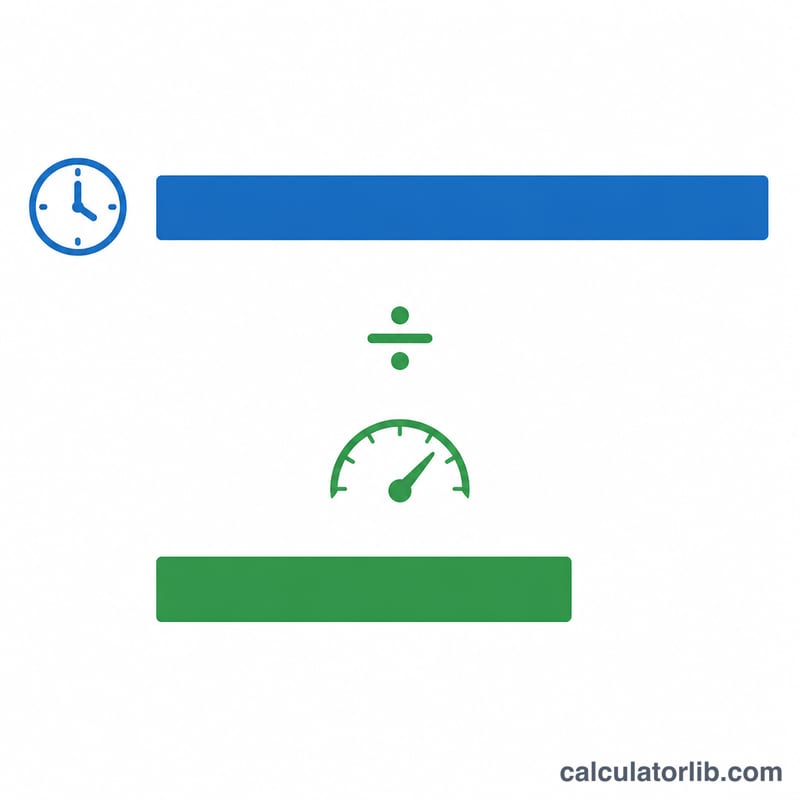
The math is simple division: adjusted time = original length ÷ playback speed. At 2x speed everything plays twice as fast, so the time halves. At 1.5x you finish in two-thirds of the original time. Time saved is just the original length minus the adjusted time.
$$\text{Listening Time (min)} = \frac{60 \times \text{Hours} + \text{Minutes}}{\text{Speed}}$$
Worked example
Suppose a book is 10 hours (600 minutes) long and you listen at 1.5x. Adjusted time = $$600 \div 1.5 = 400 \text{ minutes},$$ which is 6 hours 40 minutes. You save \(600 - 400 = 200\) minutes (3 hours 20 minutes).
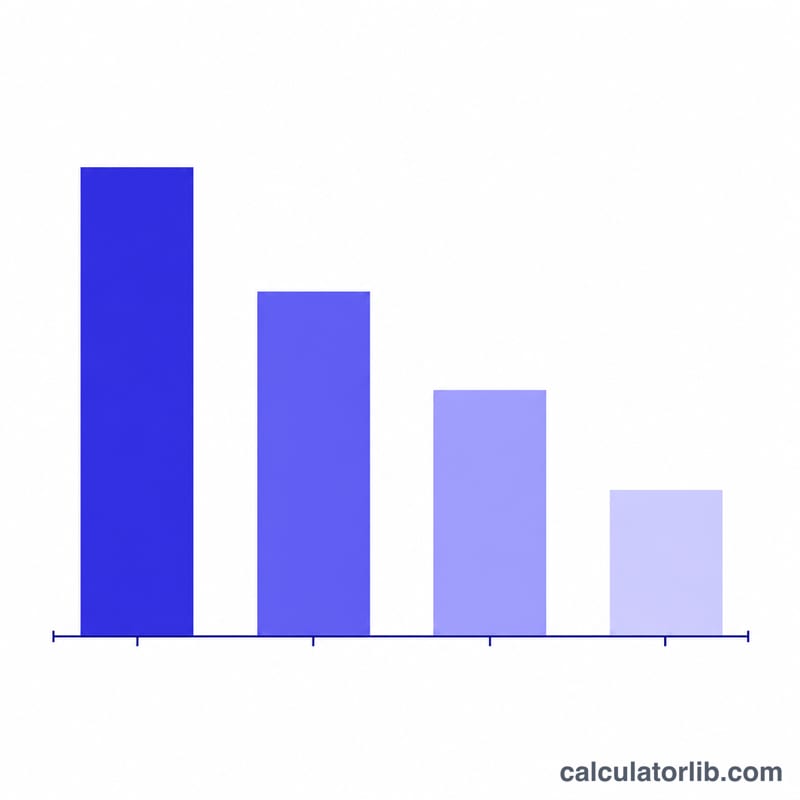
Listening Time at Different Speeds
The listening time for an audiobook is the original runtime divided by your chosen playback speed:
$$\text{Listening Time} = \frac{\text{Original Runtime}}{\text{Speed}}$$The table below shows the adjusted listening time for several common book lengths at popular speeds. The time saved (shown in parentheses) is simply the original runtime minus the adjusted listening time.
| Original Length | 1.0x | 1.25x | 1.5x | 1.75x | 2.0x |
|---|---|---|---|---|---|
| 8 h (480 min) | 8 h 0 m | 6 h 24 m (saves 1 h 36 m) |
5 h 20 m (saves 2 h 40 m) |
4 h 34 m (saves 3 h 26 m) |
4 h 0 m (saves 4 h 0 m) |
| 10 h (600 min) | 10 h 0 m | 8 h 0 m (saves 2 h 0 m) |
6 h 40 m (saves 3 h 20 m) |
5 h 43 m (saves 4 h 17 m) |
5 h 0 m (saves 5 h 0 m) |
| 12 h (720 min) | 12 h 0 m | 9 h 36 m (saves 2 h 24 m) |
8 h 0 m (saves 4 h 0 m) |
6 h 51 m (saves 5 h 9 m) |
6 h 0 m (saves 6 h 0 m) |
| 20 h (1200 min) | 20 h 0 m | 16 h 0 m (saves 4 h 0 m) |
13 h 20 m (saves 6 h 40 m) |
11 h 26 m (saves 8 h 34 m) |
10 h 0 m (saves 10 h 0 m) |
Worked example for the 12-hour book at 1.5x: \(\frac{60 \times 12 + 0}{1.5} = \frac{720}{1.5} = 480\) minutes, which is exactly 8 hours — saving 4 hours over the full-speed runtime.
Common Playback Speeds and What They Mean
Every playback speed corresponds to a simple fraction of the original time. At speed \(s\), the fraction of the original runtime you still spend listening is \(1/s\), and the fraction of time you save is \(1 - 1/s\).
| Speed | Fraction of Original Time Remaining | Percent of Time Saved |
|---|---|---|
| 1.0x | 1 (100%) | 0% |
| 1.25x | 4/5 (80%) | 20% |
| 1.5x | 2/3 (≈66.7%) | ≈33.3% |
| 1.75x | 4/7 (≈57.1%) | ≈42.9% |
| 2.0x | 1/2 (50%) | 50% |
| 2.5x | 2/5 (40%) | 60% |
| 3.0x | 1/3 (≈33.3%) | ≈66.7% |
Notice that the time saved grows quickly at first but with diminishing returns: jumping from 1.0x to 1.5x cuts off a third of your time, while going from 2.5x to 3.0x only trims an additional ~6.7 percentage points. Most listeners find 1.25x–1.75x comfortable for retention, while 2x and above suits review or familiar material.
FAQ
Does faster speed hurt comprehension? Many listeners adapt to 1.25x–1.5x with little loss; comprehension typically drops more noticeably above 2x, but it varies by person and material.
Why isn't the audio shorter on disk? Speed adjustment is done at playback; the file length stays the same. Only your listening time changes.
Can I use decimals like 1.75x? Yes — enter any speed your app supports, including fine steps like 1.85x.