
What is the Pregnancy Week Calculator?
This tool reports your gestational age — how far along a pregnancy is — expressed as whole weeks plus extra days (for example, "13 weeks + 6 days") on any date you choose. It follows the standard obstetric convention used worldwide: the first day of the last menstrual period (LMP) is counted as week 0, day 0, and the estimated due date (EDD) falls 40 weeks (280 days) later. Because it is pure calendar arithmetic, the calculation is universal and not tied to any country.
How to use it
First choose your input method. If you know the first day of your last menstrual period, pick "Calculate from first day of last menstrual period" and enter that date. If your clinician gave you an estimated due date, pick "Calculate from estimated due date" and enter the EDD instead — the tool derives the LMP automatically by subtracting 280 days. Then enter the "date to check" (often today's date) to see the gestational age on that day.
The formula explained
The calculator converts both dates to a day count and subtracts them to get the total elapsed days \(D\) since the LMP. It then splits \(D\) into weeks and days: \(\text{weeks} = \left\lfloor D / 7 \right\rfloor\) and \(\text{days} = D - 7 \times \text{weeks}\), which is always 0 to 6. Day differences use true calendar subtraction (a Julian Day Number conversion), so leap years such as February 29 are handled exactly — no 30-day-month shortcuts.
$$\begin{gathered} \text{Weeks} + \text{Days} = \left\lfloor \frac{D}{7} \right\rfloor \;\text{wks} \;+\; \left(D \bmod 7\right)\;\text{days} \\[1.5em] \text{where}\quad \left\{ \begin{aligned} D &= JDN_{\text{target}} - JDN_{\text{EDD}} + 280 \\ JDN_{\text{EDD}} &= JDN\!\left(\text{Year},\, \text{Month},\, \text{Day}\right) \\ JDN_{\text{target}} &= JDN\!\left(\text{Year},\, \text{Month},\, \text{Day}\right) \end{aligned} \right. \end{gathered}$$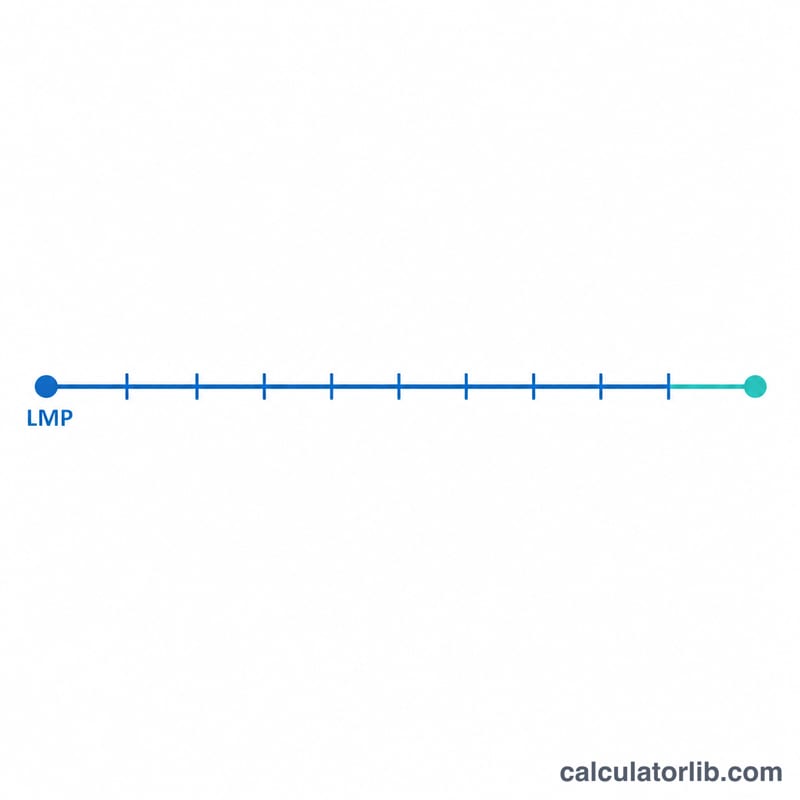
Worked example
Suppose your estimated due date is 15 December 2024 and you want to check 15 June 2024. Subtracting 280 days from the EDD gives an LMP of 10 March 2024. From 10 March to 15 June is \(21 + 30 + 31 + 15 = 97\) days. Then \(\text{weeks} = \left\lfloor 97 / 7 \right\rfloor = 13\) and \(\text{days} = 97 - 91 = 6\), so the gestational age is 13 weeks + 6 days.
FAQ
Why does week 0 start at my last period, not conception? Conception usually occurs about two weeks after the LMP, but the LMP is a more reliable, observable date, so the medical standard dates pregnancy from it.
What if the date I check is before the LMP? The elapsed days become negative, indicating a date before pregnancy began; the result then shows negative weeks/days.
Is this a substitute for a clinical scan? No. An early ultrasound can adjust the due date. Use this calculator as a convenient estimate, not a medical diagnosis.