
What is the Days Until Date Calculator?
The Days Until Date Calculator tells you exactly how many days separate two dates — typically from today until a future event such as a birthday, wedding, exam, holiday, product launch, or project deadline. Enter a target date and, optionally, a custom start date, and the tool returns a precise day count plus the equivalent number of weeks.
How to use it
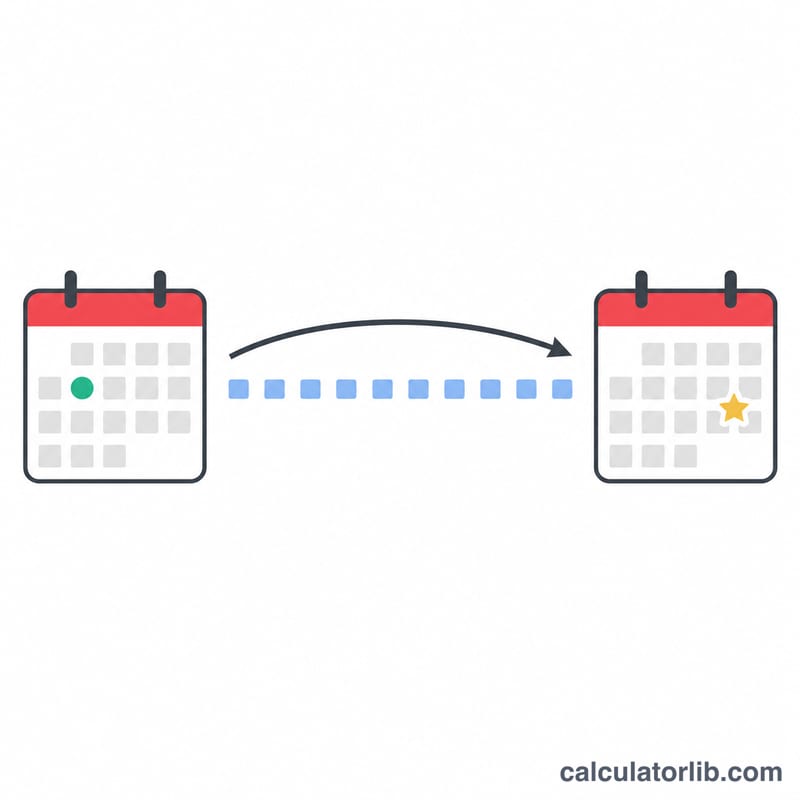
Pick your target date using the date picker. By default the countdown is measured from today; if you want to count from a different day, enter a from date. Press calculate and the result shows the signed number of days (negative if the target is in the past), the absolute number of days, and the number of weeks.
The formula explained
Each date is converted to a timestamp in milliseconds at midnight. The calculator subtracts the start timestamp from the target timestamp and divides by 86,400,000 — the number of milliseconds in one 24-hour day (1000 × 60 × 60 × 24). The result is rounded down with the floor function to give whole days:
$$\text{days} = \left\lfloor \frac{\text{target} - \text{from}}{86{,}400{,}000} \right\rfloor$$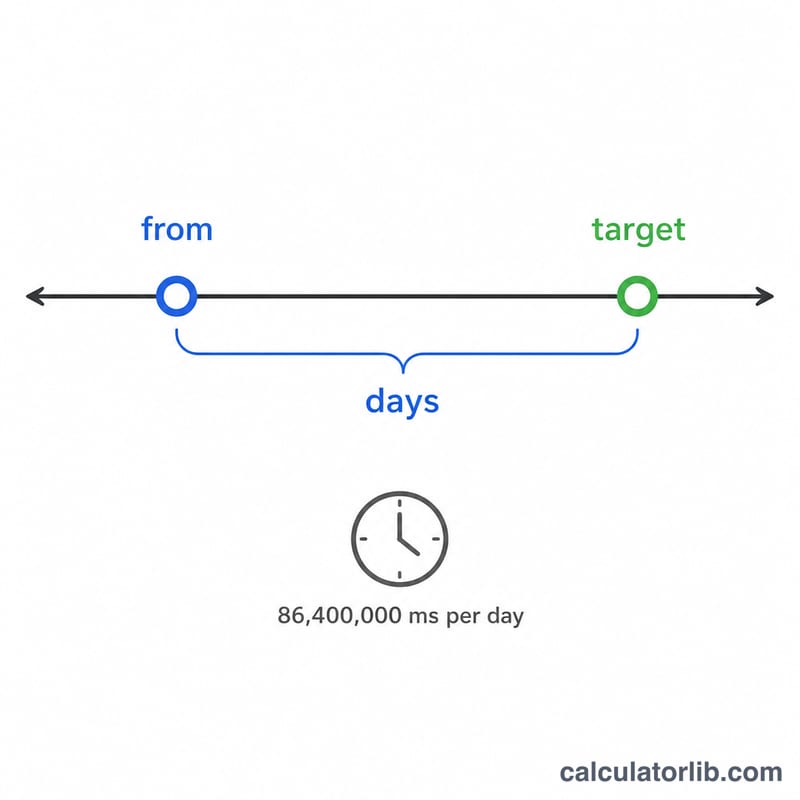
Worked example
Suppose today is January 1, 2024 and your target date is January 31, 2024. The difference is 30 days, so the calculator returns 30 days (about 4.29 weeks). If the target were in the past, the day count would be negative while the "absolute" row still shows the magnitude.
FAQ
Does it include the target day itself? No. The count is the number of full days between the two dates, so the target day is day zero. Add 1 if you want an inclusive count.
Why is my result negative? A negative value means the target date has already passed relative to your start date.
Does it handle leap years? Yes. Because the calculation uses real calendar timestamps, February 29 and varying month lengths are accounted for automatically.