

What is the Business Days Until Date Calculator?
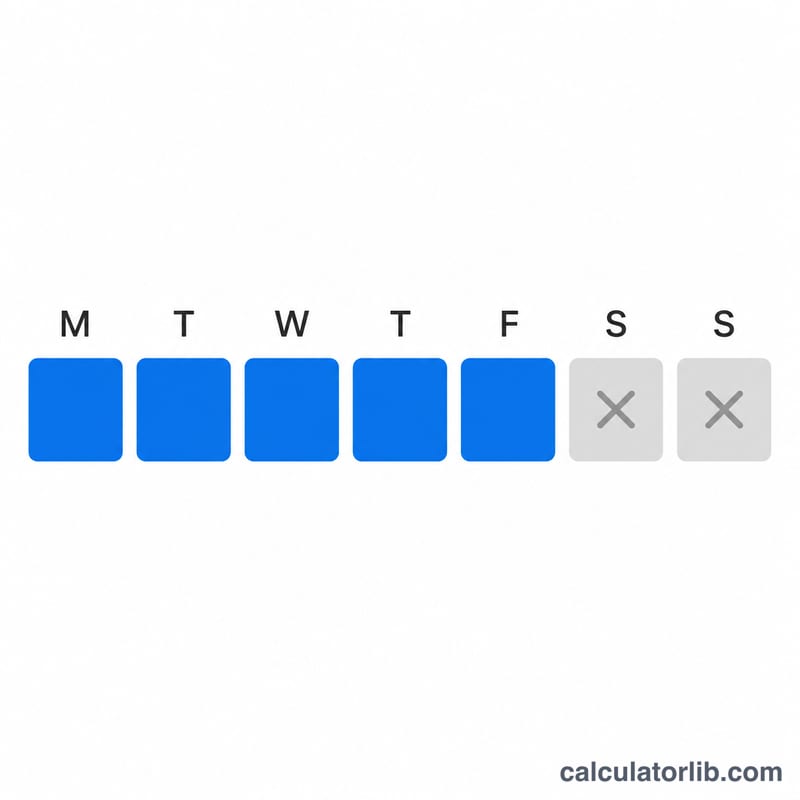
This tool counts the number of working days (Monday through Friday) between a start date and a target date. It excludes Saturdays and Sundays, giving you the true number of business days you have before a deadline. The count is exclusive of the start date and inclusive of the target date.
How to use it
Pick a start date (defaults to today) and a target date. The calculator returns the number of business days, the total calendar days, and how many of those days fall on weekends. If the target date is before the start date, the result is shown as a negative number of business days.
The formula
The calculator walks through every calendar day after the start date up to and including the target date. For each day it checks the day of the week; if it is Saturday or Sunday it is counted as a weekend day, otherwise it is counted as a business day.
$$\text{Business Days} = \sum_{d \,=\, \text{Start date}+1}^{\text{Target date}} \begin{cases} 1 & \text{if } d \text{ is a weekday} \\ 0 & \text{if } d \in \{\text{Sat},\text{Sun}\} \end{cases}$$
Worked example
From Monday June 2, 2025 to Monday June 16, 2025 there are 14 calendar days. Iterating June 3 through June 16: that span includes two weekends (Jun 7, 8, 14, 15 = 4 weekend days) and 10 weekdays. So the answer is 10 business days, 14 calendar days, 4 weekend days.

FAQ
Does it count the start date? No. The start date is excluded; the target date is included.
Are public holidays excluded? No. Only weekends are removed. Holidays vary by country, so subtract them manually if needed.
What if the target is in the past? The business-day count is returned as a negative value to indicate the target precedes the start.