

What is the Business Days Calculator?
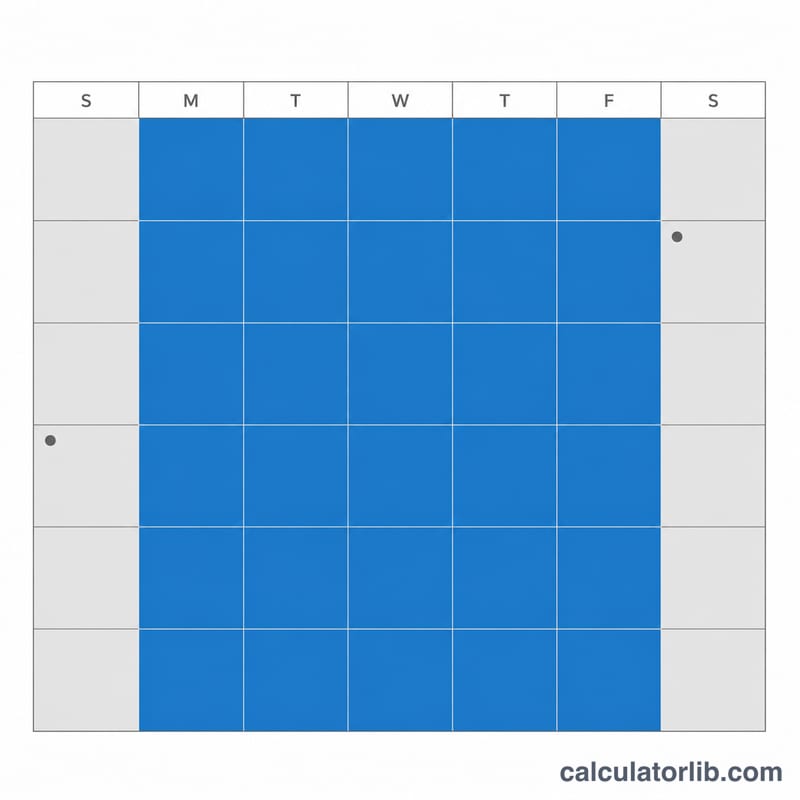
This tool counts the number of business days (working days) between two calendar dates. A business day is any day from Monday to Friday. The calculator includes both the start and end dates, then subtracts every Saturday and Sunday in the range as well as any public holidays you specify. It is handy for project planning, payroll periods, invoice due dates, shipping estimates and service-level agreements.
How to use it
Enter the start date and end date using the year, month and day fields. If you want to exclude public holidays, count how many of them fall on a weekday (Mon–Fri) within your date range and enter that number in the holidays field. Holidays that already fall on a weekend should not be counted, since those days are already removed as weekend days. Click calculate to see the working-day total along with a breakdown of total days and weekend days.
The formula explained
The calculation is straightforward: $$\text{Business Days} = \text{Total Days} - \text{Weekend Days} - \text{Holidays}$$ First the calculator finds the total inclusive number of days between the two dates. It then steps through each day, flagging every Saturday and Sunday as a weekend day. Finally it subtracts both the weekend total and your holiday count to leave only the working days.
Worked example
Suppose your range runs from Monday 1 January 2024 to Wednesday 31 January 2024. That is 31 total calendar days. January 2024 contains four Saturdays and four Sundays (8 weekend days). With no holidays entered, the result is $$31 - 8 - 0 = 23 \text{ business days}$$

Key Terms Explained
- Business day (working day)
- A day on which normal business is conducted — conventionally Monday through Friday — excluding weekends and recognized public holidays. This is the figure the calculator reports.
- Calendar day
- Any day on the calendar, including weekends and holidays. The total number of calendar days is the raw span between the two dates before any deductions are made.
- Weekend day
- A Saturday or Sunday. These are automatically removed from the total because they are not standard working days in most business calendars.
- Public holiday
- An officially observed non-working day (for example, a national or bank holiday). Because holidays vary by country, region and employer, you enter the count manually rather than relying on a fixed list.
- Inclusive count
- A count in which both the start date and the end date are included in the total. An exclusive count would omit one (or both) endpoints, producing a smaller number. The examples above use inclusive counting.
- Weekday-only holiday
- A public holiday that falls on a Monday through Friday. Only these should be entered into the holidays field, since a holiday landing on a Saturday or Sunday has already been excluded as a weekend day — counting it again would subtract it twice.
FAQ
Are the start and end dates included? Yes — the count is inclusive of both endpoints, so a single day from a date to itself counts as 1.
Do I count weekend holidays? No. Only enter holidays that land on a weekday, because weekend days are already excluded automatically.
What if my dates are reversed? The calculator automatically swaps them so the earlier date is treated as the start, giving a positive result.