

What is the Subtract Time Calculator?
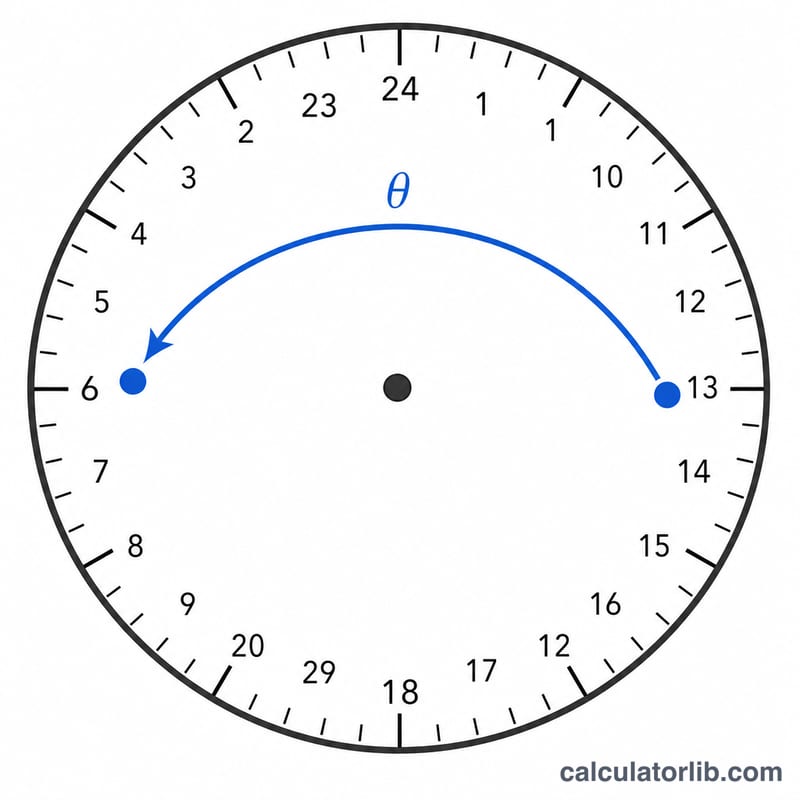
This tool subtracts a duration (hours, minutes and seconds) from a given start time and returns the resulting clock time in 24-hour format. If the subtraction crosses midnight, the result is automatically wrapped into the correct time on the previous day, and the calculator reports how many days earlier it falls.
How to use it
Enter the start time as hour (0–23), minute (0–59) and second (0–59). Then enter how many hours, minutes and seconds you want to subtract. The calculator outputs the resulting time as HH:MM:SS along with a breakdown and the number of days earlier.
The formula explained
Both values are converted to total seconds. The start time becomes \(S = h \times 3600 + m \times 60 + s\) and the duration becomes \(D\) the same way. The raw difference \(S - D\) may be negative, so it is normalized with modulo arithmetic:
$$t = ((S - D) \bmod 86400 + 86400) \bmod 86400$$where 86400 is the number of seconds in a day. The result is then split back into hours, minutes and seconds.
Worked example
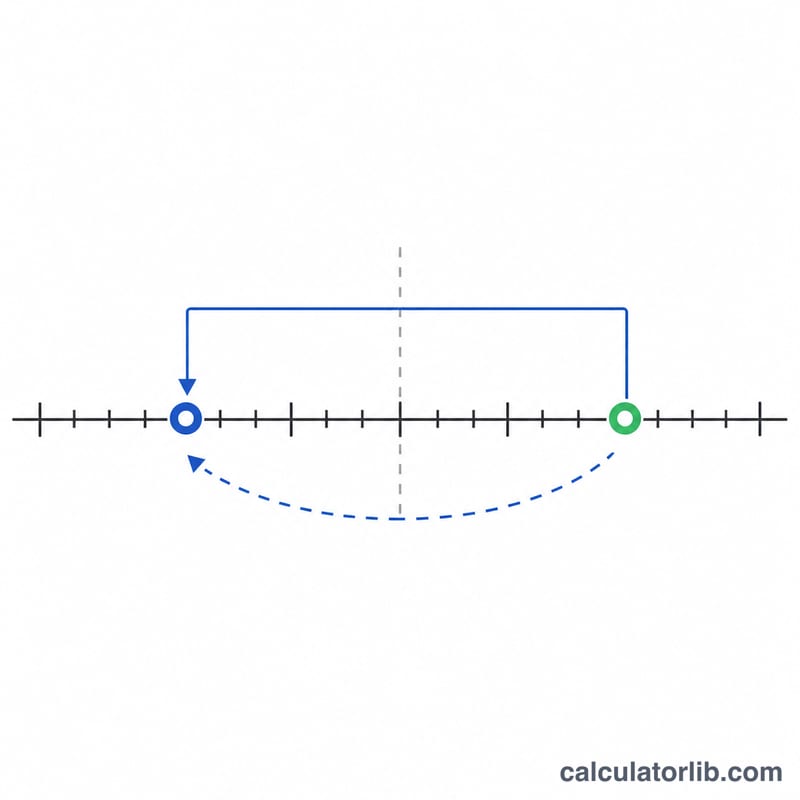
Start at 02:00:00 and subtract 3 hours. \(S = 7200\) seconds, \(D = 10800\) seconds, so \(S - D = -3600\). Adding a day:
$$-3600 + 86400 = 82800 \text{ seconds} = 23{:}00{:}00$$The result is 23:00:00, which is 1 day earlier.
FAQ
What happens if I subtract more than 24 hours? The result still wraps correctly within a single day, and the days-earlier count reflects how many full days back it went.
Is the output 12-hour or 24-hour? The result is shown in 24-hour format (00:00:00 to 23:59:59).
Can I subtract only minutes or seconds? Yes — leave the other duration fields at 0.