

What the Time Calculator Does
This Time Calculator lets you add or subtract two blocks of time expressed in days, hours, minutes, and seconds. Instead of manually carrying over 60 seconds into a minute or 24 hours into a day, the tool converts everything into total seconds, performs the addition or subtraction, then formats the result neatly back into days, hours, minutes, and seconds. It is unit-based (a pure duration calculator), so it works the same anywhere in the world — it is not tied to any specific country, calendar, or time zone.
How to Use It
- Select an operation: choose (+) Add to combine two durations, or (–) Subtract to find the difference between them.
- Enter the first duration: type the days, hours, minutes, and seconds. Any blank field is treated as 0, and leading zeros are stripped automatically.
- Enter the second duration: the amount you want to add to or subtract from the first.
- Read the result: the calculator returns the total time, normalised into proper day/hour/minute/second values.
The Formula Explained
Every input is converted to seconds and summed:
- days \(\times 86{,}400\)
- hours \(\times 3{,}600\)
- minutes \(\times 60\)
- seconds \(\times 1\)
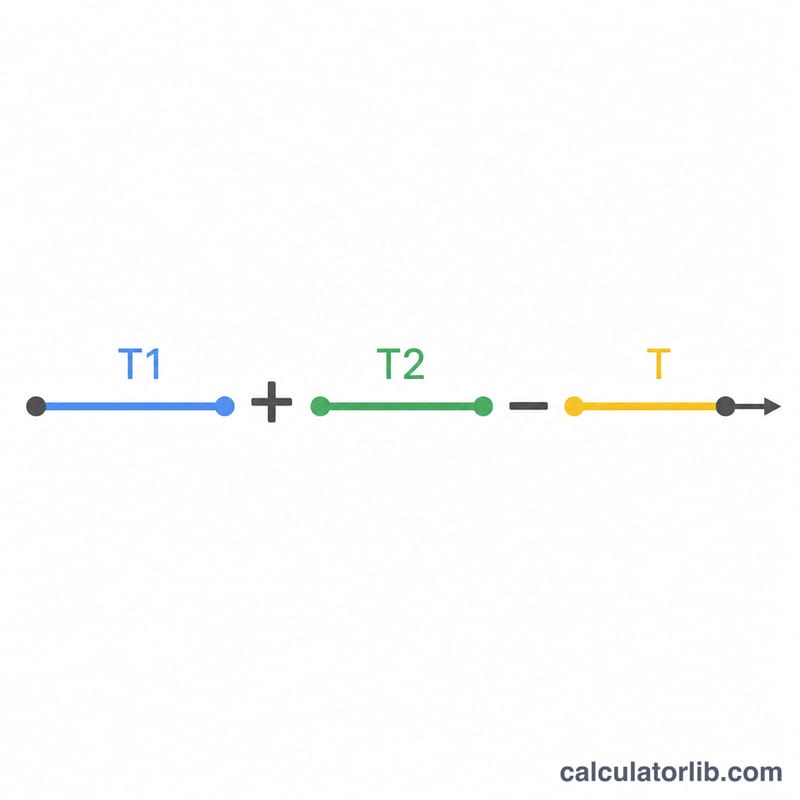
The first duration's total seconds and the second duration's total seconds are then combined: result = total₁ + total₂ when adding, or result = total₁ − total₂ when subtracting. The final figure is reformatted into days, hours, minutes, and seconds for display.
$$T_{\text{total}} = T_1 + T_2 \\[1.5em] \text{where}\quad \left\{ \begin{aligned} T_1 &= 86400\,\text{Days} + 3600\,\text{Hours} + 60\,\text{Minutes} + \text{Seconds} \\ T_2 &= 86400\,\text{Days} + 3600\,\text{Hours} + 60\,\text{Minutes} + \text{Seconds} \end{aligned} \right.$$$$T_{\text{total}} = T_1 - T_2 \\[1.5em] \text{where}\quad \left\{ \begin{aligned} T_1 &= 86400\,\text{Days} + 3600\,\text{Hours} + 60\,\text{Minutes} + \text{Seconds} \\ T_2 &= 86400\,\text{Days} + 3600\,\text{Hours} + 60\,\text{Minutes} + \text{Seconds} \end{aligned} \right.$$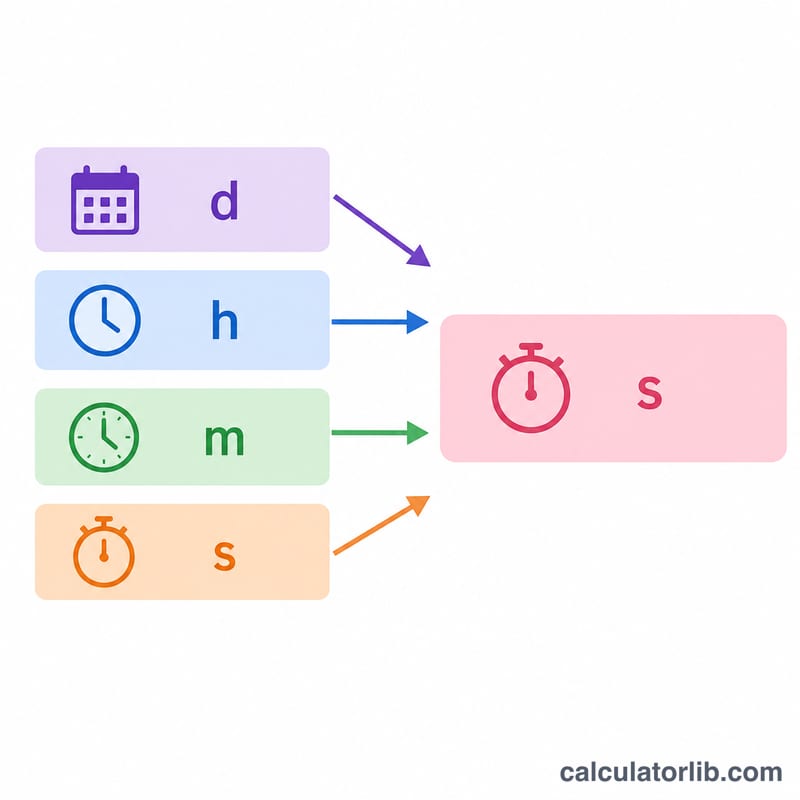
Worked Example
Suppose you choose Add, enter a first duration of 2 days, 5 hours, 30 minutes, and a second duration of 1 day, 20 hours, 45 minutes.
- First duration: \(2\times86{,}400 + 5\times3{,}600 + 30\times60 = 192{,}600\) seconds
- Second duration: \(1\times86{,}400 + 20\times3{,}600 + 45\times60 = 161{,}100\) seconds
- Total: \(353{,}700\) seconds = 4 days, 2 hours, 15 minutes, 0 seconds
FAQ
What happens if subtraction gives a negative result? Subtracting a larger duration from a smaller one yields a negative total in seconds, representing a time deficit. Reverse the order of inputs if you want the absolute gap.
Can I leave fields blank? Yes. Empty fields default to 0, so you can enter just hours and minutes if that's all you need.
Does it account for dates or time zones? No. This is a pure duration tool that works with intervals of time, not calendar dates, daylight saving, or time zones.