
What this Fraction Calculator does
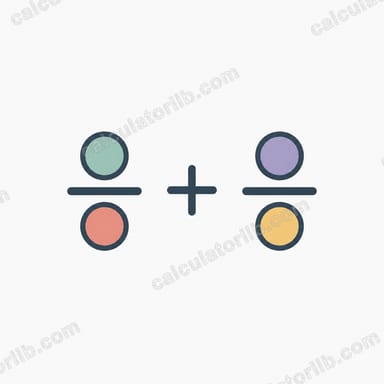
This tool performs the four basic arithmetic operations on two fractions. You enter the numerator and denominator of each fraction, choose whether to add, subtract, multiply or divide them, and the calculator returns the answer as a fully reduced fraction plus its decimal equivalent. It works with positive and negative whole numbers and automatically simplifies the result, so you never have to hand-cancel common factors.
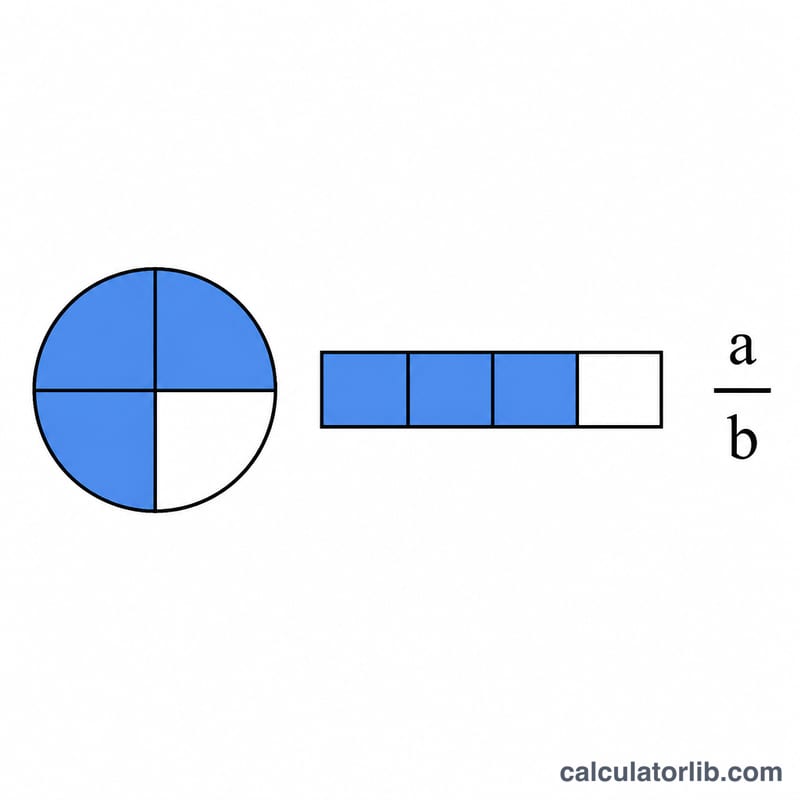
The input fields
- num1 / den1 – the numerator and denominator of the first fraction.
- num2 / den2 – the numerator and denominator of the second fraction.
- op – the operation: add (+), subtract (−), multiply (×) or divide (÷).
A denominator of 0 is invalid, and dividing by a second fraction whose numerator is 0 is also rejected, since both create an undefined value.
The formulas used
The calculator applies the standard cross-multiplication rules:
- Add: (num1 × den2 + num2 × den1) / (den1 × den2)
- Subtract: (num1 × den2 − num2 × den1) / (den1 × den2)
- Multiply: (num1 × num2) / (den1 × den2)
- Divide: (num1 × den2) / (den1 × num2)
It then divides both the numerator and denominator by their greatest common divisor (GCD) to reduce the fraction, and moves any negative sign to the numerator so the result is in a clean standard form.
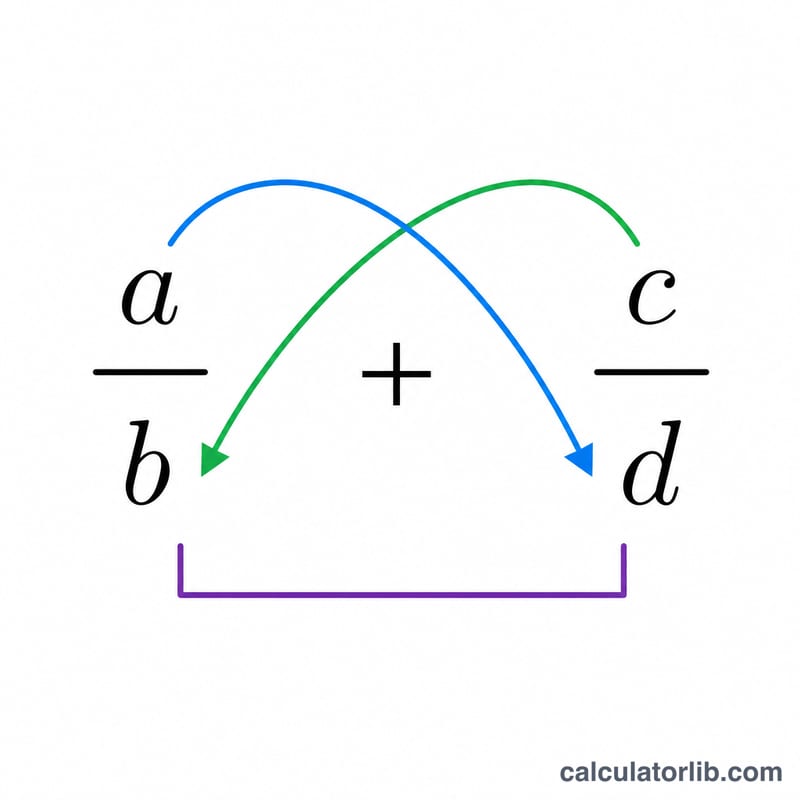
Worked example
Suppose you want to add 1/2 and 1/3. Enter num1 = 1, den1 = 2, num2 = 1, den2 = 3 and select add.
- Numerator: 1 × 3 + 1 × 2 = 5
- Denominator: 2 × 3 = 6
The GCD of 5 and 6 is 1, so 5/6 is already reduced. The decimal result is 0.8333.
FAQ
What happens if I enter a denominator of 0? The calculator flags it as invalid and returns no result, because a fraction with a zero denominator is undefined.
Why does my answer look different from what I typed? The result is always reduced to lowest terms. For example, 2/4 × 2/3 returns 1/3 rather than 4/12.
Can I use negative fractions? Yes. Enter a negative numerator or denominator, and the tool keeps the sign on the numerator after simplifying, so −2/4 becomes −1/2.