
What the Hex Calculator Does
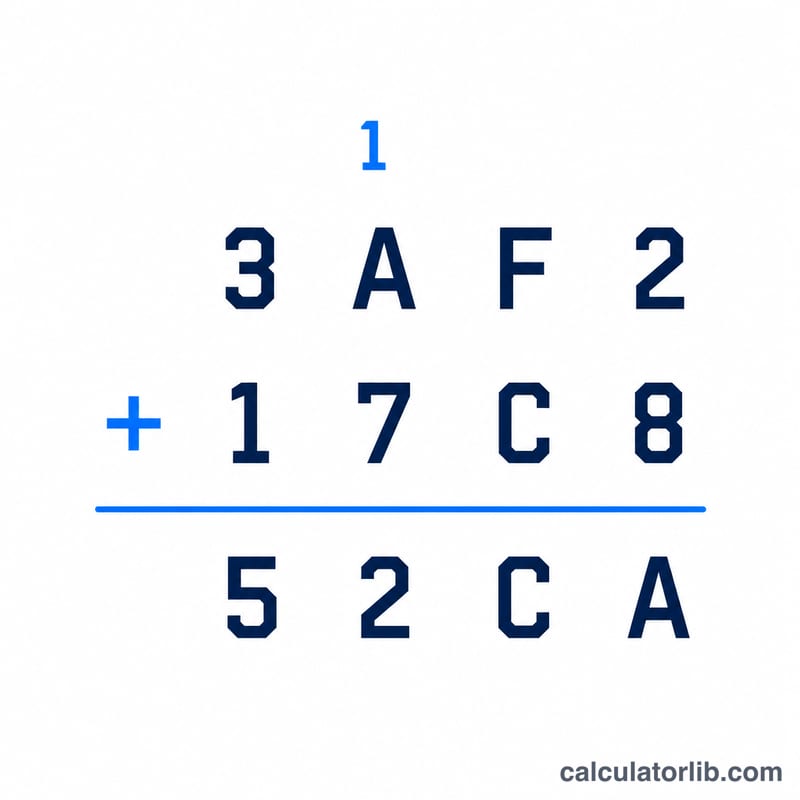
The Hex Calculator performs arithmetic directly on hexadecimal (base-16) numbers. Instead of converting to decimal by hand, doing the math, and converting back, you simply enter two hex values, pick an operation, and get the answer in hex. It supports addition, subtraction, multiplication, and division, making it handy for programmers, embedded engineers, and anyone working with memory addresses, color codes, or byte-level data.
The Input Fields
- Hex Value 1: Your first hexadecimal number (digits 0–9 and letters A–F).
- Operation: Choose Add, Subtract, Multiply, or Divide.
- Hex Value 2: Your second hexadecimal number.
How the Calculation Works
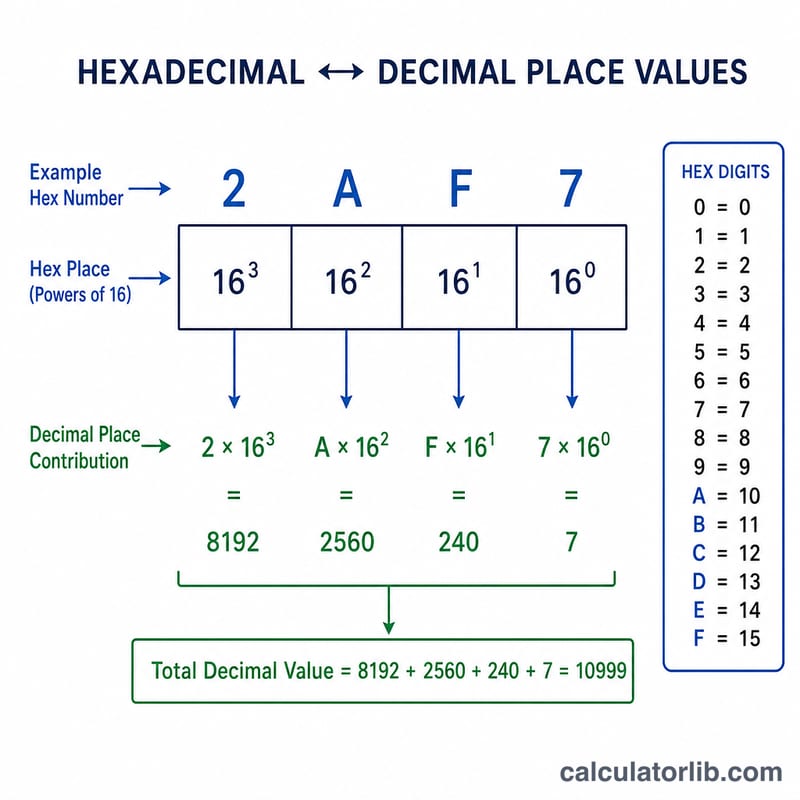
Behind the scenes, both hex strings are parsed into whole numbers (base 16 to base 10). The chosen operation is applied, then the result is converted back to uppercase hexadecimal. In formula terms:
- Add: \( \text{Result}_{16} = \text{Hex}_1 + \text{Hex}_2 \)
- Subtract: \( \text{Result}_{16} = \text{Hex}_1 - \text{Hex}_2 \)
- Multiply: \( \text{Result}_{16} = \text{Hex}_1 \times \text{Hex}_2 \)
- Divide: \( \text{Result}_{16} = \left\lfloor \frac{\text{Hex}_1}{\text{Hex}_2} \right\rfloor \) (whole-number division, the remainder is dropped)
Because the math uses big-integer arithmetic, it handles very large hex values without overflow. If you divide by zero (Hex Value 2 = 0), the calculator returns "Error" since division by zero is undefined.
Worked Example
Suppose you enter Hex Value 1 = 1A, choose Multiply, and enter Hex Value 2 = F.
- 1A in decimal = 26
- F in decimal = 15
- \( 26 \times 15 = 390 \)
- 390 back to hex = 186
So $$ 1A \times F = 186 $$ in hexadecimal. The calculator shows you both the hex result and the underlying decimal values so you can double-check.
Frequently Asked Questions
Does division give a fraction or remainder? No. Division returns the integer quotient only — for example, 10 ÷ 3 (hex) yields the whole-number result, and any remainder is discarded.
Can I use lowercase hex letters? Yes. Hex parsing accepts both lowercase (a–f) and uppercase (A–F). The result is always displayed in uppercase.
What if subtraction produces a negative number? The calculator handles it correctly and will display a negative hex result, since it works with signed big-integer values.