
What Is a Hex to Binary Converter?
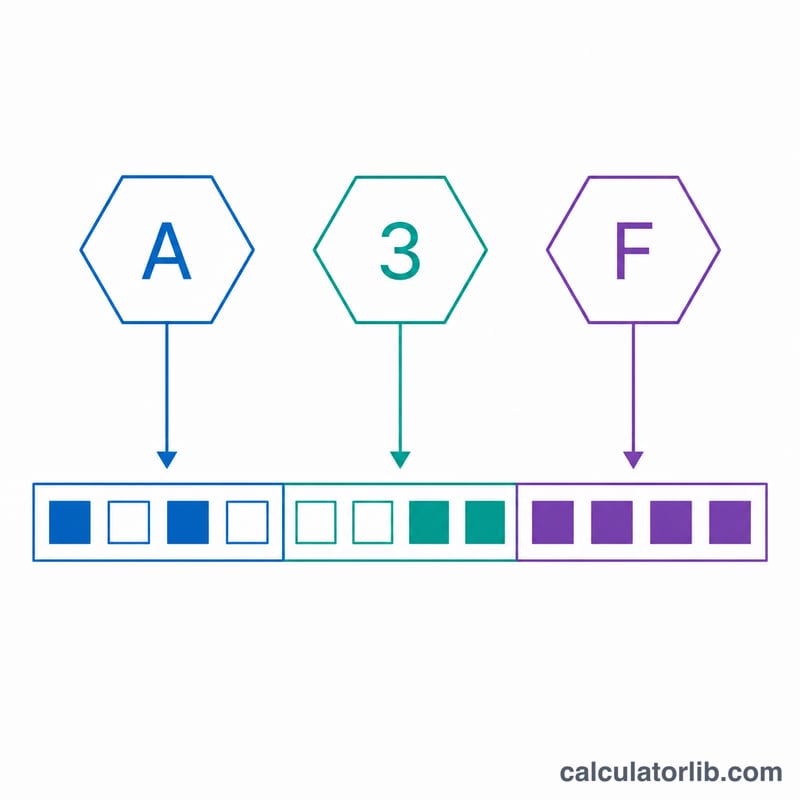
A hex to binary converter turns a hexadecimal number (base 16) into its binary equivalent (base 2). Hexadecimal is widely used in computing — for memory addresses, color codes, MAC addresses and machine code — because it is a compact way to write binary. Each single hex digit corresponds to exactly four binary bits, so conversion is fast and lossless.
How to Use It
Type a hexadecimal value into the field. You may include or omit a leading 0x prefix, and both uppercase and lowercase letters A–F are accepted. The calculator returns the full binary string, a version padded to 4 bits per hex digit (a "nibble" view), the equivalent decimal integer, and the number of hex digits you entered.
The Formula Explained
Because 16 = 2⁴, every hex digit maps neatly to a 4-bit group. The converter looks up each digit's 4-bit pattern and concatenates them in order. For the human-readable result, leading zeros are trimmed; the padded row keeps every nibble so you can see the digit-by-digit alignment. The decimal value is computed as a positional sum:
$$N = \sum_i d_i \cdot 16^i$$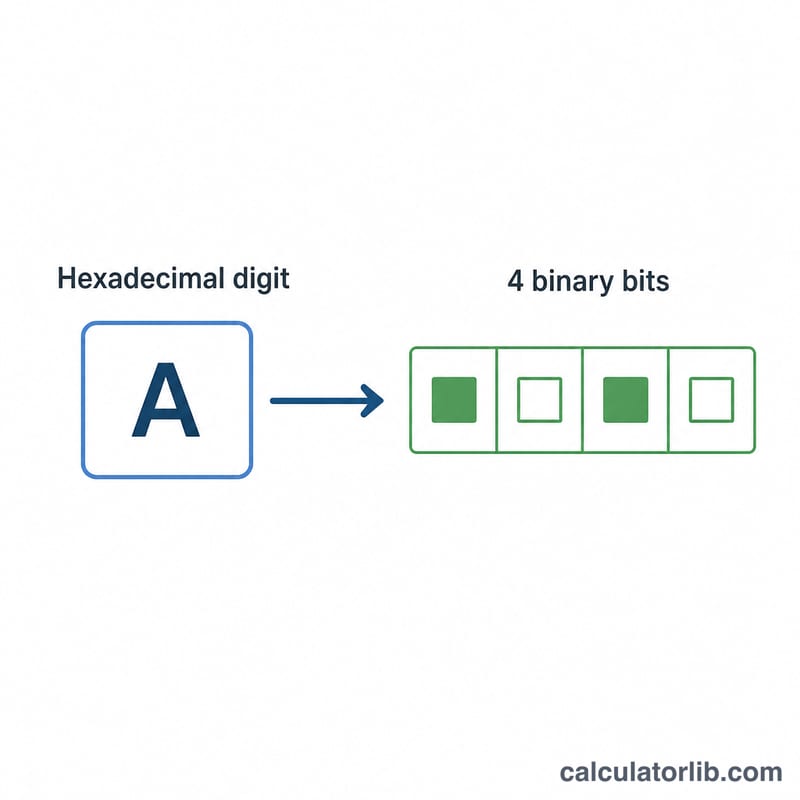
Worked Example
Convert 1A3F. Map each digit: 1 → 0001, A → 1010, 3 → 0011, F → 1111. Concatenated that is 0001101000111111; trimming the leading zeros gives 1101000111111. The decimal value is
FAQ
Does case matter? No — 1a3f and 1A3F give the same result.
What about the 0x prefix? It is optional and ignored automatically.
Why does the padded version have more digits? The padded row always uses exactly four bits per hex digit so the nibble boundaries are visible, while the main result strips unnecessary leading zeros.