
What the Decimal to Time Calculator Does
This tool converts a single decimal number into a standard hours : minutes : seconds (HH:MM:SS) time format. It is handy whenever you have a value like 2.75 hours from a timesheet, a stopwatch reading, or a spreadsheet export and you need it expressed as proper clock time (2 hours, 45 minutes). It works with any unit of measurement — you tell it whether your decimal represents hours, minutes, or seconds, and it does the rest.
The Input Fields
- Decimal Value — the number you want to convert, for example 2.75 or 150.5.
- Input Unit — choose whether that number is measured in Hours, Minutes, or Seconds.
How the Formula Works
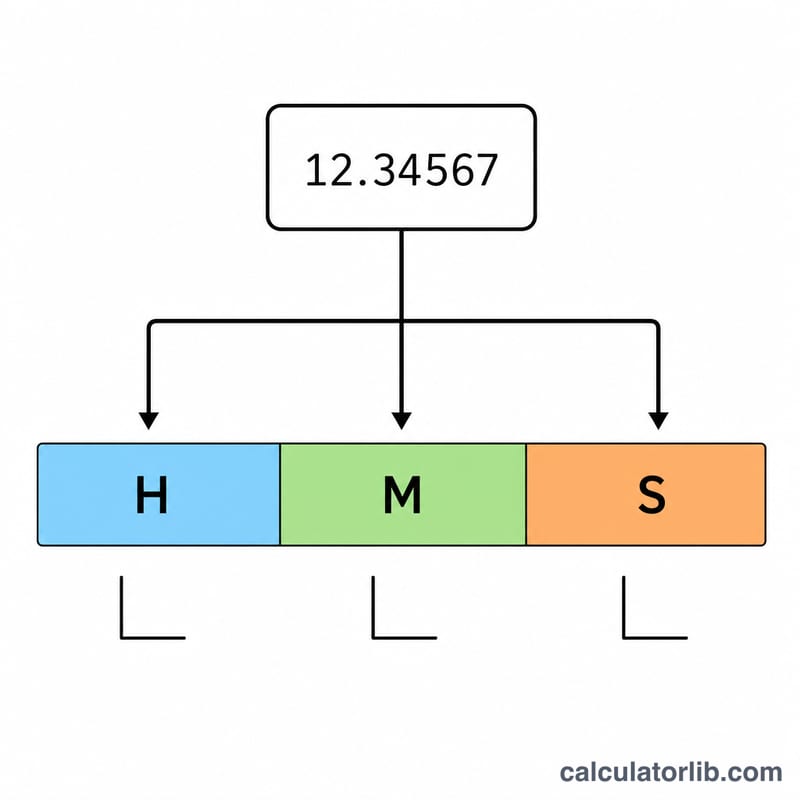
The calculator first converts your input into decimal hours. If you entered minutes, it divides by 60; if you entered seconds, it divides by 3600; hours are used as-is. From those decimal hours it then splits out each component:
- Hours = the whole-number part of the decimal hours.
- Minutes = the leftover fraction × 60, rounded down to a whole number.
- Seconds = whatever remains × 60, rounded to the nearest whole second.
A small safeguard adjusts the result so that if seconds round up to 60 they roll into the next minute, and 60 minutes roll into the next hour. The tool also reports the total time as minutes and as seconds for convenience.
Worked Example
Suppose you enter a Decimal Value of 2.755 with the Input Unit set to Hours.
- Whole hours = 2
- Remaining 0.755 × 60 = 45.3 → 45 minutes
- Remaining 0.3 × 60 = 18 → 18 seconds
The result is 02:45:18, equal to 165 total minutes or 9,918 total seconds.
Frequently Asked Questions
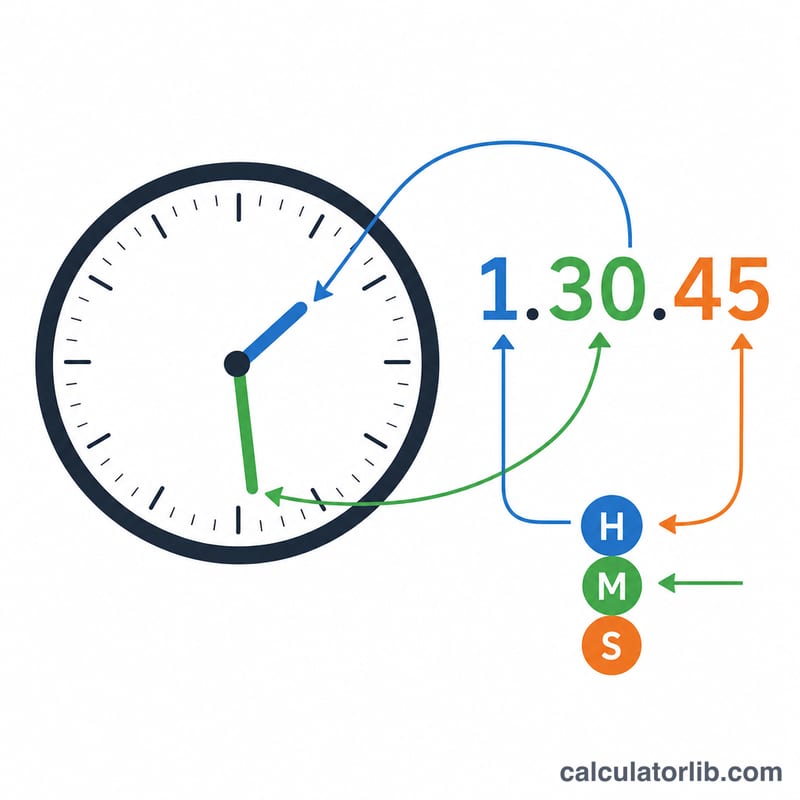
How do I convert 1.5 decimal hours to time? Enter 1.5 and select Hours. The result is 1 hour and 30 minutes (01:30:00), because 0.5 × 60 = 30 minutes.
Can I convert decimal minutes instead? Yes. Choose Minutes as the input unit. For example, 90.5 minutes becomes 01:30:30 — one hour, thirty minutes, thirty seconds.
Why might my seconds appear slightly rounded? Seconds are rounded to the nearest whole number. If rounding produces 60 seconds, the calculator automatically adds one minute and resets seconds to zero so the displayed time always stays valid.