
What the Time Zone Converter Does
This Time Zone Converter takes a single moment in time in one location and tells you the exact equivalent clock time in another location anywhere in the world. Instead of doing fragile mental arithmetic across "hours ahead" and "hours behind", you enter a date and time, pick the originating zone, pick the destination zone, and the tool returns the matching instant in the target zone — perfect for booking international calls, webinars, flights and deadlines.
The Inputs You Provide
- Local Time — the date and time you already know, entered in ISO format (for example
2024-06-15T14:30). This is the moment as it reads on the clock in the "From" zone. - From Time Zone — the IANA zone identifier the local time belongs to, such as
America/New_YorkorEurope/London. - To Time Zone — the zone you want the time converted into, such as
Asia/Tokyo.
How the Conversion Works
The calculator parses your local time and "anchors" it to the From zone, creating a precise zoned timestamp. It then keeps the same absolute instant and re-expresses it in the To zone (withZoneSameInstant). In plain terms: the actual moment in the universe does not change — only the clock reading does.
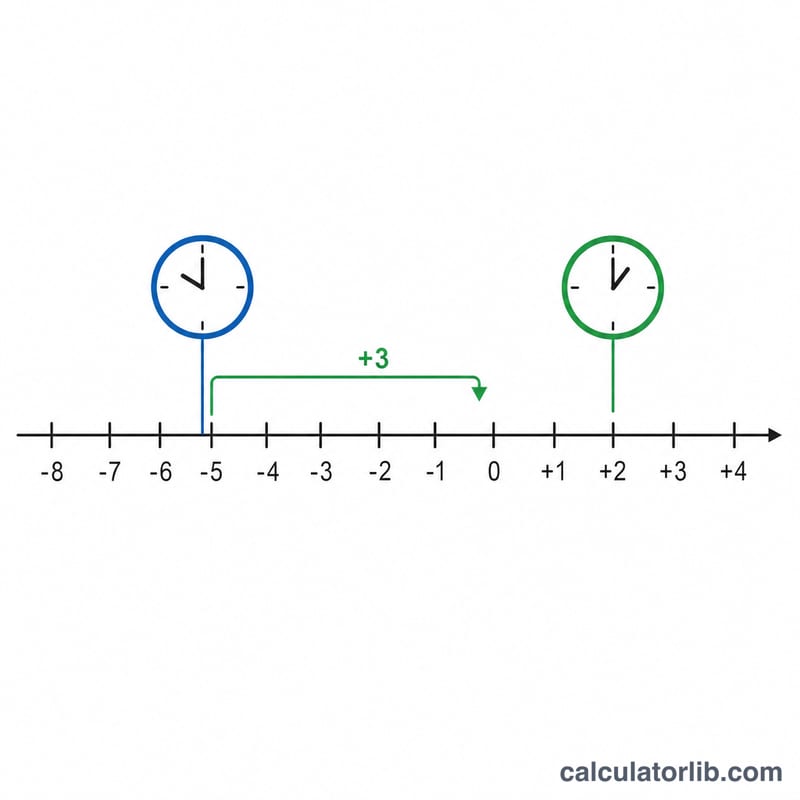
The raw offset difference is also shown. The formula is simply:
- Difference = To zone offset − From zone offset
That difference is reported in hours, minutes and seconds, and each zone is labelled with its GMT offset (e.g. GMT+9:00 Asia/Tokyo).
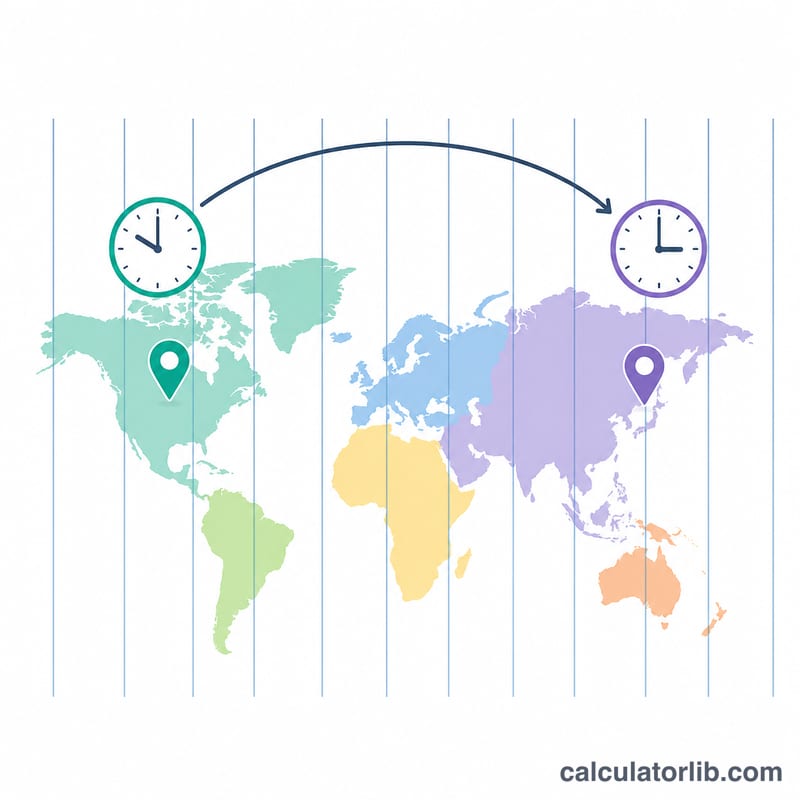
Worked Example
Suppose you enter Local Time = 2024-06-15T14:30, From = America/New_York (GMT−5), and To = Asia/Tokyo (GMT+9). The raw offset difference is +9 − (−5) = 14 hours. So 2:30 PM in New York converts to 4:30 AM the next day (June 16) in Tokyo. The tool displays both zoned timestamps so the date roll-over is unmistakable.
Frequently Asked Questions
Does it handle Daylight Saving Time? The converted clock time uses full zone rules, so the instant is correct. Note that the headline hour difference is based on each zone's standard raw offset, which may differ from the live DST gap by an hour.
What format should I enter the time in? Use ISO date-time, like YYYY-MM-DDThh:mm, for example 2024-12-01T09:00.
Why do half-hour zones appear? Some regions (like India, GMT+5:30) use non-whole-hour offsets, so results may show minutes such as GMT+5:30.