
What this calculator does
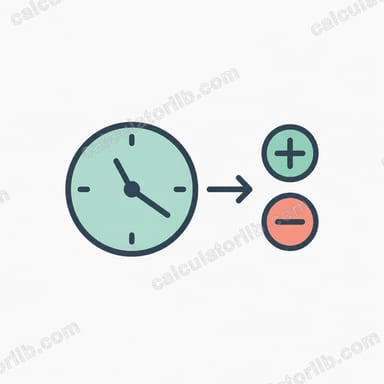
This time calculator adds or subtracts an elapsed duration to a starting clock time and tells you the resulting time of day on a 24-hour clock. It is pure arithmetic on time-of-day, so it works the same everywhere — no calendar, time zone, or regional rules are involved.
How to use it
Enter your start time as hour, minute and second (leave blank for 0). Then enter the elapsed duration in hours, minutes and seconds, and choose whether it happens after the start time (add) or before it (subtract). The components are not limited to 0–59, so you can enter "100" hours or "200" minutes directly. The calculator returns the resulting HH:MM:SS and, when the duration crosses midnight, how many whole days the result rolls over (negative when going before).
The formula explained
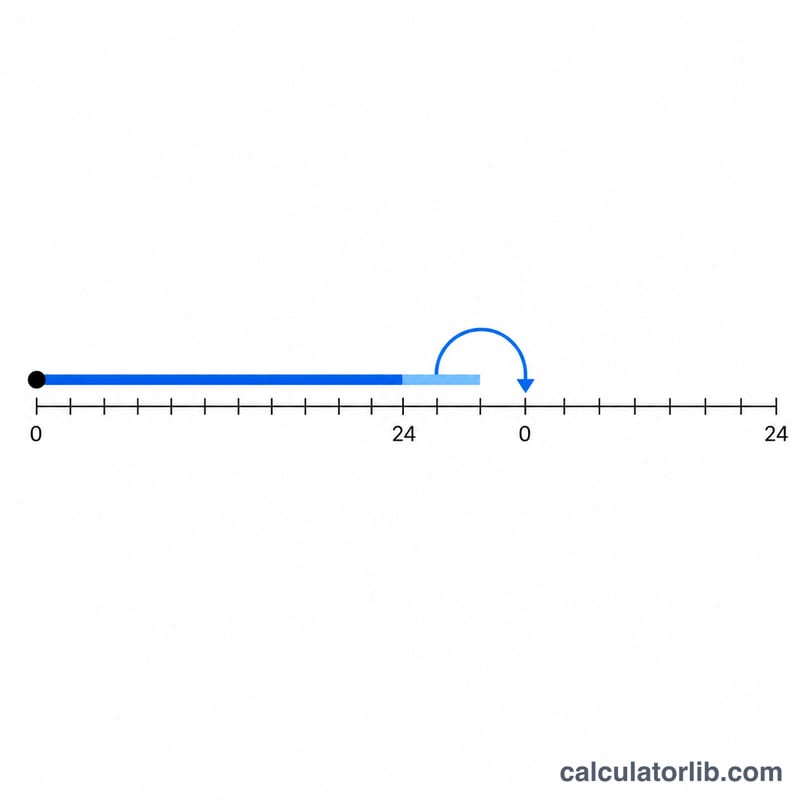
Each clock time and duration is converted to seconds: hours are multiplied by 3600, minutes by 60, and seconds by 1. The signed elapsed seconds (positive for after, negative for before) are added to the start seconds to give a raw total. A floored division by 86400 (the number of seconds in a day) yields the whole-day offset, and the remainder is the time-of-day, always between 0 and 86399 seconds. That remainder is split back into hours, minutes and seconds.
$$\begin{gathered} T = \left(S + E\right) \bmod 86400 \\[1.5em] \text{where}\quad \left\{ \begin{aligned} S &= 3600\,\text{Hr} + 60\,\text{Min} + \text{Sec} \\ E &= \pm\left(3600\,\text{Hr} + 60\,\text{Min} + \text{Sec}\right) \end{aligned} \right. \end{gathered}$$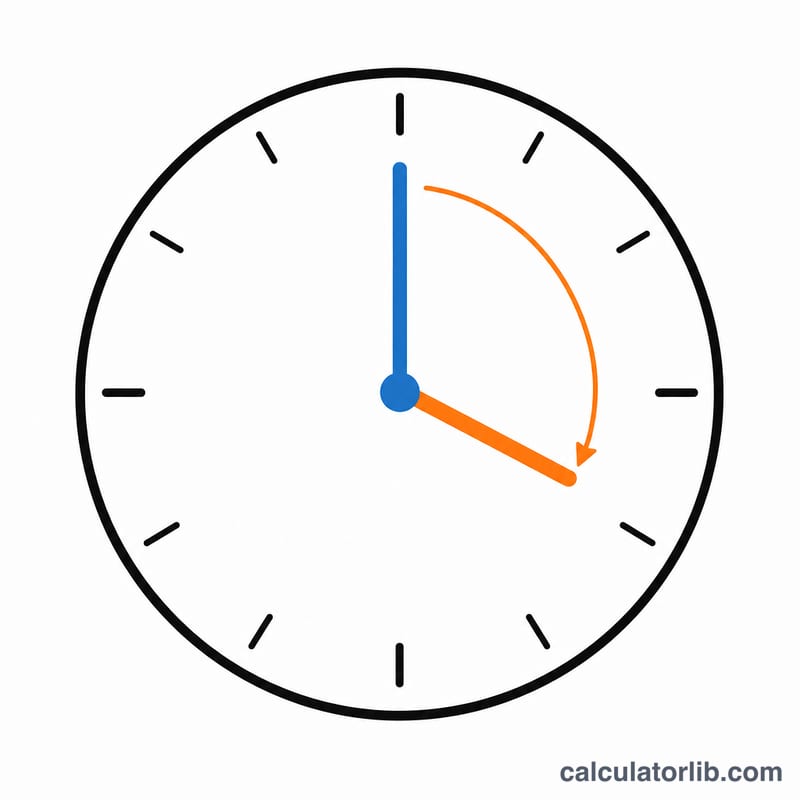
Worked example
Start 10:30:00, elapsed 100 hours, after. Start = 37,800 s; elapsed = 360,000 s; total = 397,800 s. \(\lfloor 397{,}800 / 86{,}400 \rfloor = 4\) days; remainder = 52,200 s = 14:30:00. So the answer is 14:30:00, +4 days.
FAQ
Can I subtract more than a day? Yes. Choose "before" and enter any duration; the day offset will go negative to show how far back the result lands.
Why is my result a previous-day time? When subtracting pushes the time before midnight, the clock wraps to the prior day and the day offset becomes -1 (or lower).
Does it handle AM/PM? The tool uses a 24-hour clock. Convert PM hours by adding 12 (for example 2 PM = 14).