
What this calculator does
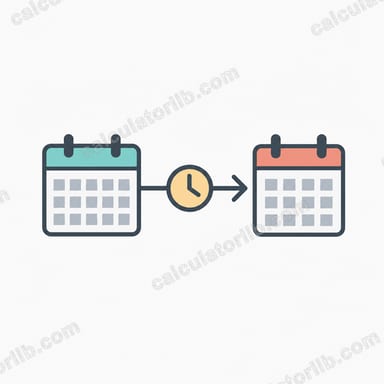
The Date & Time Duration Calculator measures the exact length of time between two moments. You enter a Start Date & Time and an End Date & Time, and the tool returns the precise interval between them — broken down into days, hours, minutes and seconds. It is useful for project planning, hourly billing, shift tracking, event scheduling, and any situation where you need an accurate elapsed-time figure rather than a rough estimate. The calculator is region-flexible: it accepts ISO (yyyy-MM-dd), US (MM/dd/yyyy), and European (dd/MM/yyyy) styles, with or without a time component, and with 24-hour or AM/PM clocks.
How to use it
- Enter the Start Date & Time — for example
2024-03-01 09:00. - Enter the End Date & Time — for example
2024-03-04 17:30. - Submit to see the total duration between the two points.
If you leave the time off a date, the calculator treats it as midnight (00:00) at the start of that day. You can mix formats, but keeping both fields in the same style avoids ambiguity (for instance, 03/04 could be read as March 4 or April 3 depending on locale).
The formula explained
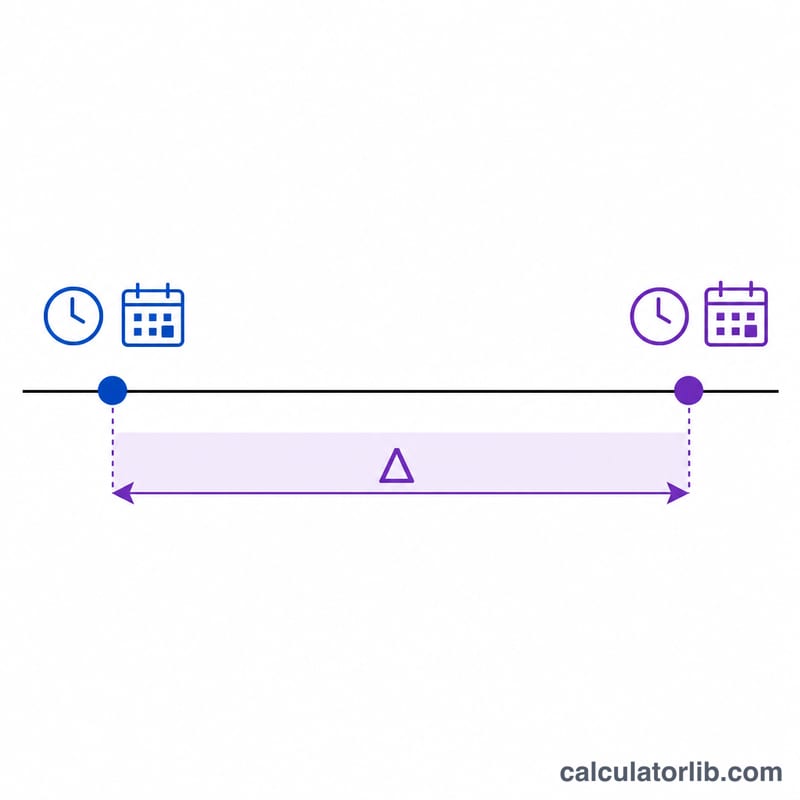
The calculation is simply the difference between the two timestamps: Duration = End − Start. Both dates are converted to a single point in time (effectively a count of milliseconds since a fixed reference), the start is subtracted from the end, and the result is converted into human-readable units. Because it works on absolute timestamps, it correctly accounts for month lengths and leap years.
Worked example
Start: 2024-03-01 09:00. End: 2024-03-04 17:30.
- Full days between the dates: 3 days (1st → 4th).
- Time difference within the day: 09:00 to 17:30 = 8 hours 30 minutes.
Total duration = 3 days, 8 hours and 30 minutes, or 80.5 hours.
FAQ
Does it count leap years and varying month lengths? Yes. Because it compares actual calendar timestamps, February 29 and 30- or 31-day months are handled automatically.
What if I only enter a date with no time? The missing time defaults to midnight (00:00), so the duration is measured from the start of that day.
Can the end date be earlier than the start date? The calculator measures from start to end; for a clean positive result, put the earlier moment in the Start field and the later moment in the End field.