

What is the Build vs Buy Calculator?
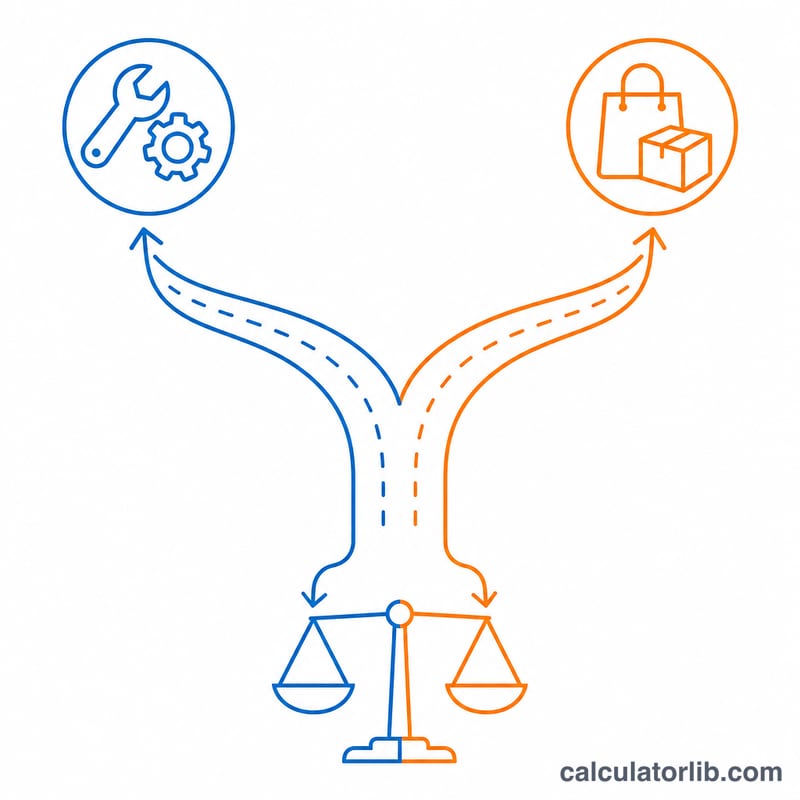
The build vs buy decision is one of the most common in software and IT: should you develop a solution in-house, or license/subscribe to an existing product? This calculator puts both options on the same financial footing by projecting their total cost over a time horizon you choose, then telling you which is cheaper.
How to use it
Enter your build assumptions: the number of developers, their monthly fully-loaded rate, how many months the build will take, and the expected annual maintenance cost. Then enter your buy assumptions: any upfront license fee and the recurring annual subscription. Pick a time horizon (in years) that reflects how long you expect to use the solution. The calculator returns the total build cost, total buy cost, the savings of choosing the cheaper option, and a plain recommendation.
The formula explained
Build cost combines a one-time development spend (developers × monthly rate × months) with recurring maintenance (maintenance × years). Buy cost combines an upfront license fee with recurring subscription (subscription × years). Savings is BuyCost − BuildCost: a positive number means building saves money, a negative number means buying does.
$$\begin{gathered} \text{Build} = (\text{Devs} \times \text{Monthly Rate} \times \text{Months}) + (\text{Maint./yr} \times \text{Years}) \\[1em] \text{Buy} = \text{License Fee} + (\text{Subscription/yr} \times \text{Years}) \\[1em] \text{Savings} = \text{Buy} - \text{Build} \end{gathered}$$
Worked example
With 3 developers at $10,000/month for 6 months, build effort is \(3 \times 10{,}000 \times 6 = \$180{,}000\). Add maintenance of $20,000/year over 3 years ($60,000) for a total build cost of $240,000. Buying with no license fee and $50,000/year subscription over 3 years costs $150,000. Savings = \(150{,}000 - 240{,}000 = -\$90{,}000\), so buying is the lower-cost option here.
$$\text{Build} = (3 \times 10{,}000 \times 6) + (20{,}000 \times 3) = \$240{,}000$$ $$\text{Buy} = 0 + (50{,}000 \times 3) = \$150{,}000$$ $$\text{Savings} = 150{,}000 - 240{,}000 = -\$90{,}000$$
Key Terms Explained
The build-vs-buy comparison rests on a handful of cost inputs. Understanding exactly what each represents keeps the two totals on an apples-to-apples footing.
- Fully-loaded developer rate — The true monthly cost of an engineer, not just base salary. It should include benefits, payroll taxes, equipment, software licenses, office or remote overhead, and management time. A fully-loaded rate is typically 1.25 to 1.4 times base salary, which is why it appears here as a single monthly rate per developer.
- Build months — The number of calendar months your team spends designing, building, testing, and shipping the first usable version of the software. Longer projects multiply directly into labor cost and delay any benefit the software provides.
- Annual maintenance — The recurring yearly cost to keep self-built software running after launch: bug fixes, security patches, dependency upgrades, infrastructure, and feature upkeep. Industry rules of thumb often place ongoing maintenance at roughly 15–25% of the original build cost per year.
- Upfront license fee — A one-time payment to a vendor for a perpetual or initial right to use a commercial product. It is paid once regardless of how many years you use the tool.
- Recurring subscription — The ongoing annual fee paid to a vendor (per seat, per tier, or flat) to continue using a SaaS or licensed product. It scales with your chosen time horizon.
- Time horizon — The number of years over which you compare the two options. Because recurring costs accumulate, the horizon strongly influences which option is cheaper.
- Total cost of ownership (TCO) — The sum of every cost over the time horizon for a given option: build labor plus maintenance for the in-house path, or license plus subscriptions for the purchased path.
- Savings — The difference \(\text{Savings} = \text{Buy} - \text{Build}\). A positive figure means building is projected to cost less than buying over the horizon; a negative figure means buying is cheaper.
FAQ
Does this include hidden costs? Use a fully-loaded developer rate (salary, benefits, overhead) and a realistic maintenance estimate to capture most hidden costs.
Should I always pick the cheaper option? No — cost is one factor. Control, speed, customization, and vendor lock-in also matter, but this tool quantifies the money side.
What time horizon should I use? Match it to how long the solution will realistically be in service, often 3–5 years.