
What is the Elapsed Time Calculator?
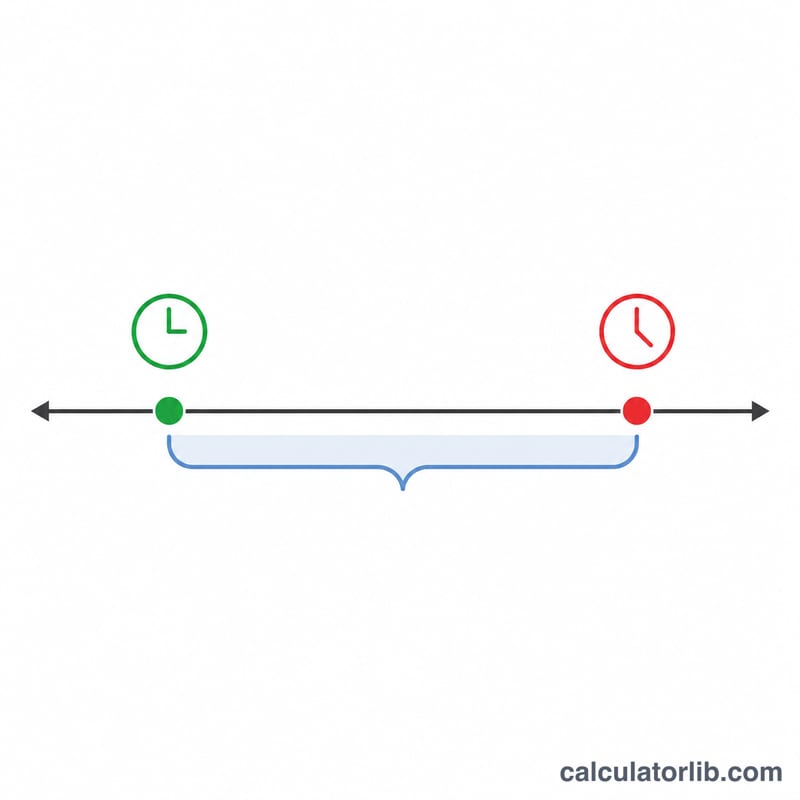
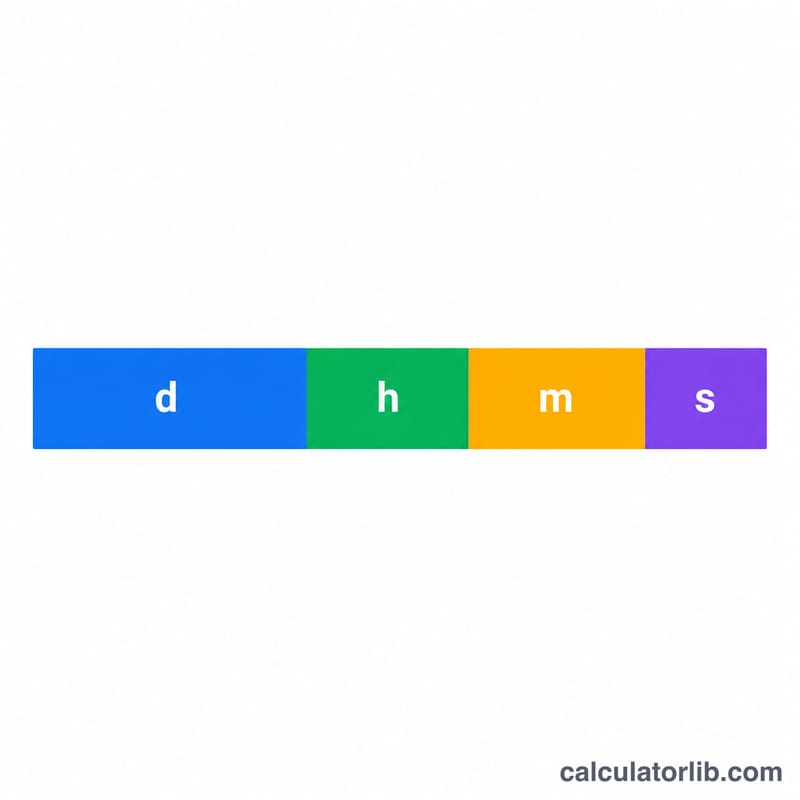
The Elapsed Time Calculator measures how much time has passed between a starting point and an ending point. You enter a start date and time and an end date and time, and it returns the duration as a clean breakdown of days, hours, minutes and seconds, along with the total expressed in each individual unit. It works for any pair of moments — tracking a work shift, timing an experiment, measuring a journey, or counting down to a deadline.
How to Use It
Pick the start date and start time, then the end date and end time. Press calculate and the tool subtracts the two instants. The hero result shows the duration in days, hours, minutes and seconds; the table below converts the same span into total days, hours, minutes and seconds so you can copy whichever unit you need.
The Formula Explained
Internally each date-time is converted to a number of milliseconds since a fixed reference point. The calculator computes $$\Delta t = \left(\text{End Date} + \text{End Time}\right) - \left(\text{Start Date} + \text{Start Time}\right)$$ divides by 1,000 to get seconds, and then splits those seconds into larger units: days are seconds \(\div 86{,}400\), the remaining hours are the leftover \(\div 3{,}600\), and so on. Because it works in absolute units, results are not affected by month lengths.
Worked Example
Start: 2024-01-01 at 08:00:00. End: 2024-01-02 at 10:30:00. That is 1 day plus 2 hours and 30 minutes. In seconds:
$$86{,}400 + 7{,}200 + 1{,}800 = 95{,}400 \text{ seconds}$$The breakdown is 1d 2h 30m 0s, which equals 1.1042 total days, 26.5 total hours, 1,590 total minutes, and 95,400 total seconds.
FAQ
Can the end be before the start? Yes — the breakdown uses the absolute difference, so it still shows the size of the gap. For a directional result, keep start earlier than end.
Does it count seconds? Yes, the time fields accept seconds, so durations are precise to the second.
Are leap years handled? Yes. Because the math is based on real calendar instants, leap days and varying month lengths are accounted for automatically.