
What is the Hour Countdown Calculator?
The Hour Countdown Calculator tells you exactly how many hours separate the current moment from a future (or past) target date and time. It also breaks the gap down into minutes and days, so you can plan deadlines, events, launches, exams, or shifts with precision. A positive result means the target is still ahead; a negative result means it has already passed.
How to use it
Enter the target date and target time — the moment you are counting down to. Then enter the current date and current time. The calculator subtracts the current moment from the target and reports the result in hours (primary), plus minutes and days. Both fields default to today so you can adjust just what you need.
The formula explained
Internally both moments are converted to a number of seconds. The difference in seconds is divided by 3,600 to get hours, by 60 to get minutes, and the hour figure is divided by 24 to get days:
$$\text{Hours} = \frac{\left(\text{Target Date} + \text{Target Time}\right) - \left(\text{Current Date} + \text{Current Time}\right)}{3600\,\text{seconds}}$$
Because the math is a plain subtraction, results can be negative when the target is in the past.
Worked example
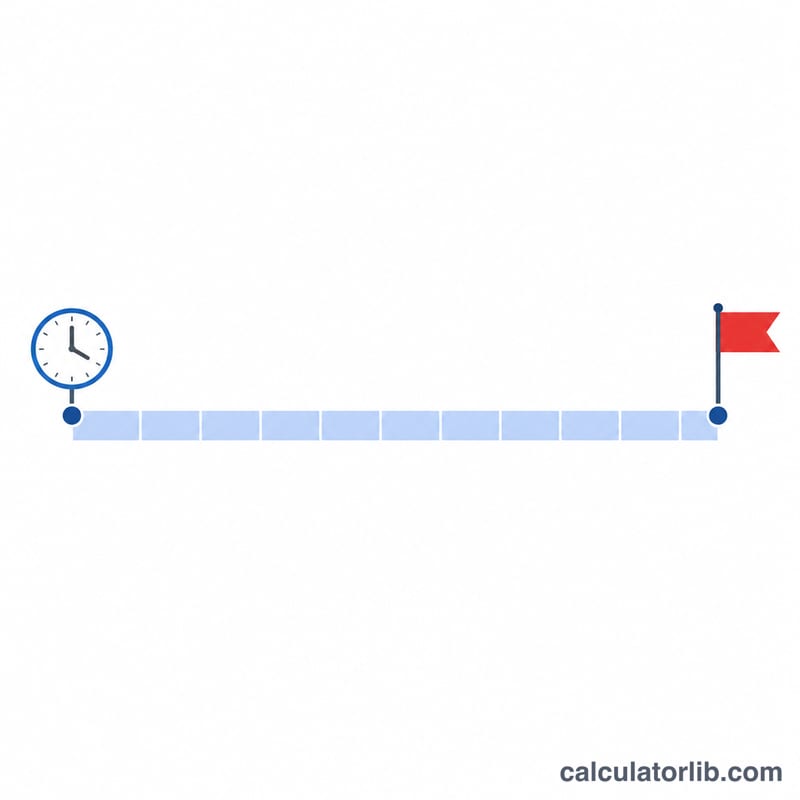
Suppose the current moment is 2024-01-01 00:00 and the target is 2024-01-02 00:00. The gap is one full day. The calculator returns \(24\) hours, \(1{,}440\) minutes, and \(1\) day. If instead the target were six hours later (06:00 the same day), you would get \(6\) hours, \(360\) minutes, and \(0.25\) days.
FAQ
Can the result be negative? Yes — if the target time is earlier than the current time, the hours and minutes are negative, showing how long ago the target passed.
Does it account for time zones? No. Both moments are treated in the same local context, so enter them in the same time zone for an accurate gap.
What about daylight saving changes? The calculation uses a straight clock-time difference and does not adjust for DST transitions; for most countdowns this difference is negligible.