
What is the Hours to Decimal Calculator?
This tool converts a time duration written as hours, minutes and seconds into a single decimal number of hours. Decimal hours are the standard way payroll systems, billing software and spreadsheets handle time, because they let you multiply directly by an hourly rate without juggling base-60 arithmetic.
How to use it
Enter the number of hours, minutes and (optionally) seconds you worked or measured. The calculator returns the equivalent decimal hours, along with the total in minutes and seconds for quick cross-checking.
The formula explained
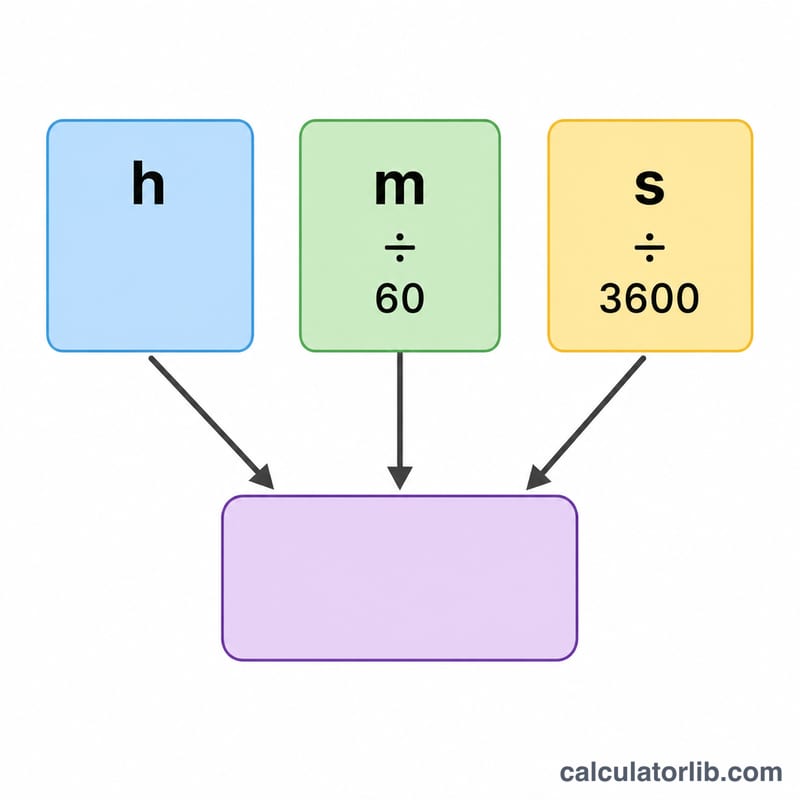
Because there are 60 minutes in an hour and 3,600 seconds in an hour, each minute is worth 1/60 of an hour and each second is worth 1/3600 of an hour:
$$\text{Decimal Hours} = \text{Hours} + \frac{\text{Minutes}}{60} + \frac{\text{Seconds}}{3600}$$
The fractional parts are simply added to the whole hours.
Worked example
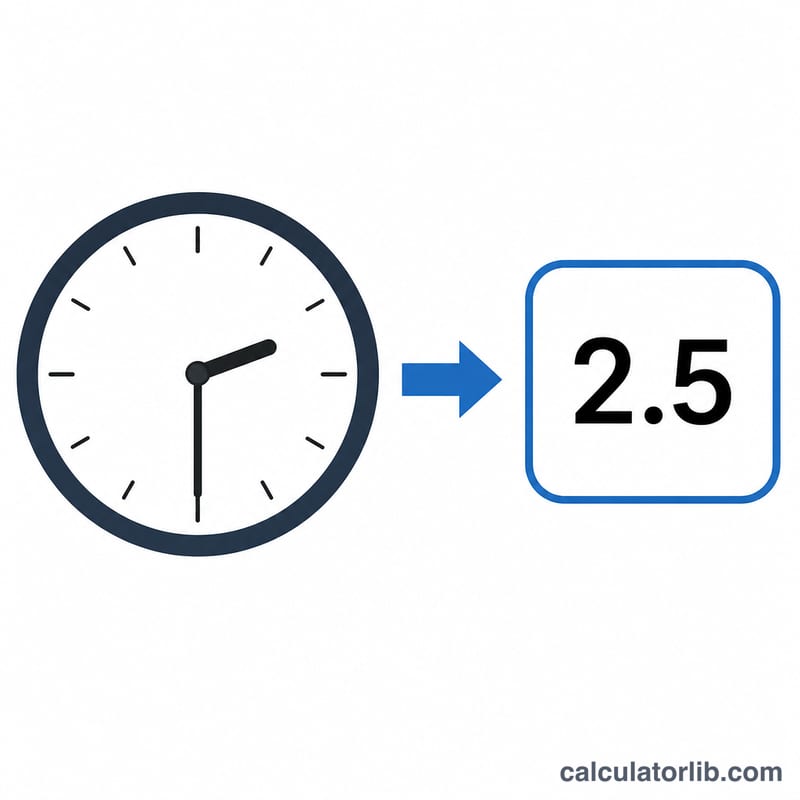
Suppose you worked 8 hours and 30 minutes. Minutes contribute \(30/60 = 0.5\), so the decimal time is \(8 + 0.5 = 8.5\) hours. At $20/hour that is \(8.5 \times 20 = \$170\). If you add 15 seconds, that adds \(15/3600 \approx 0.0042\), giving about 8.5042 hours.
FAQ
Why convert to decimal hours? Multiplying decimal hours by an hourly wage is far easier and less error-prone than working in hours-and-minutes.
How do I convert back? Take the whole part as hours; multiply the decimal remainder by 60 to get minutes. For example \(8.5 \to 8\) hours and \(0.5 \times 60 = 30\) minutes.
What if minutes are over 59? The math still works — 90 minutes simply becomes 1.5 hours — but for clean entry keep minutes and seconds between 0 and 59.