
What It Does
This calculator converts a time written in decimal hours — such as 2.75 hours — into a clear hours-and-minutes format like 2 hours 45 minutes. Decimal time is common on digital timesheets, payroll systems, and time-tracking apps, but it is hard to read at a glance. This tool turns it back into the familiar HH:MM style.
How to Use It
Type your decimal hours into the input box and submit. The result shows the whole hours, the leftover minutes, and the total number of minutes. For example, entering 8.5 returns 8 hours and 30 minutes (510 total minutes).
The Formula Explained
The number of whole hours is the floor (integer part) of the decimal value: \(h = \lfloor dec \rfloor\). The minutes come from the fractional part multiplied by 60 and rounded to the nearest whole minute: \(m = \text{round}((dec - h) \times 60)\). If rounding pushes minutes to 60, we add one hour and reset minutes to zero.
$$h = \lfloor dec \rfloor, \quad m = \text{round}((dec - h) \times 60)$$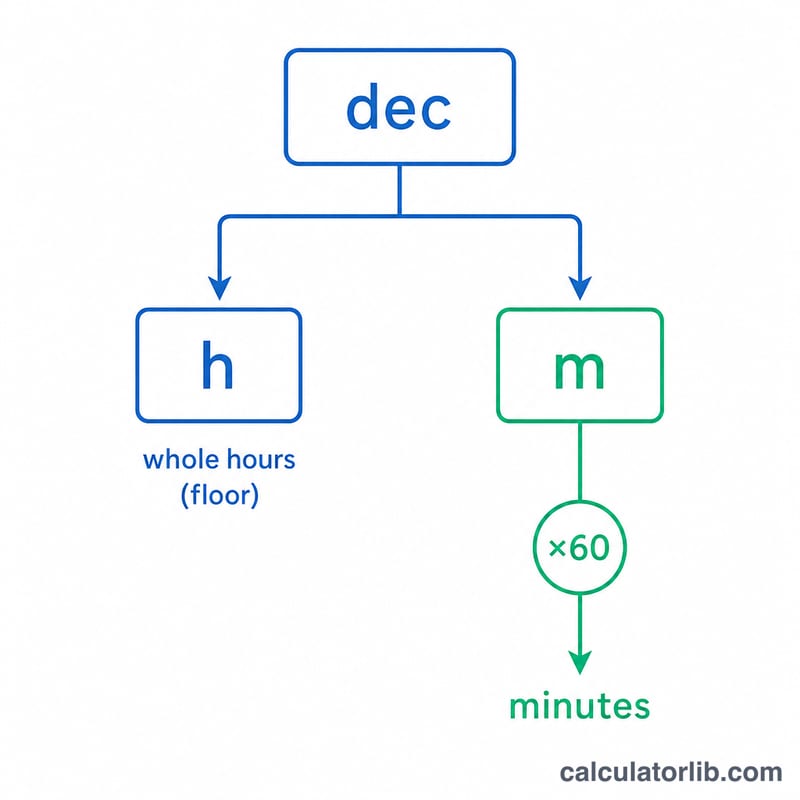
Worked Example
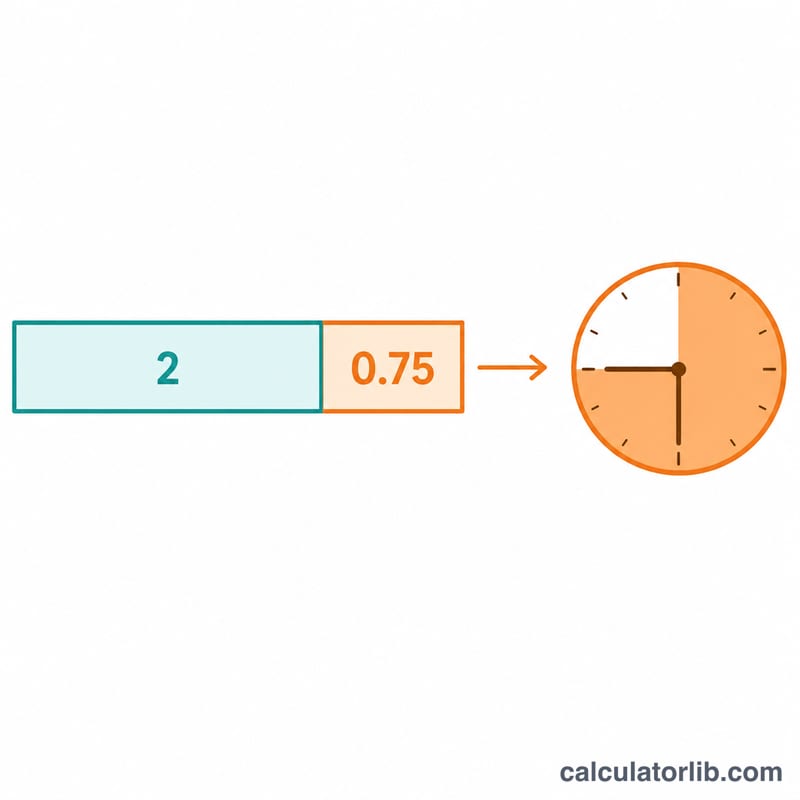
Take 2.75 hours. The whole hours are \(\lfloor 2.75 \rfloor = 2\). The fraction is 0.75, and \(0.75 \times 60 = 45\) minutes. So 2.75 hours equals 2 hours and 45 minutes, or 165 total minutes.
FAQ
What is 1.25 hours in minutes? 1 hour and 15 minutes (75 minutes total).
How do I convert minutes back to decimal hours? Divide the minutes by 60 — for example, \(45 \div 60 = 0.75\) hours.
Why might minutes round to 60? Values like 2.999 round to 60 minutes; the calculator automatically carries that into the next whole hour for a clean result.