
What this calculator does
The Hours and Minutes Calculator lets you add and subtract several blocks of time, each written in hours and minutes, and instantly returns the grand total as a clean "hours and minutes" duration. It is ideal for adding up timesheet entries, summing shift lengths, planning travel legs, or working out how much time you have left after subtracting breaks.
How to use it
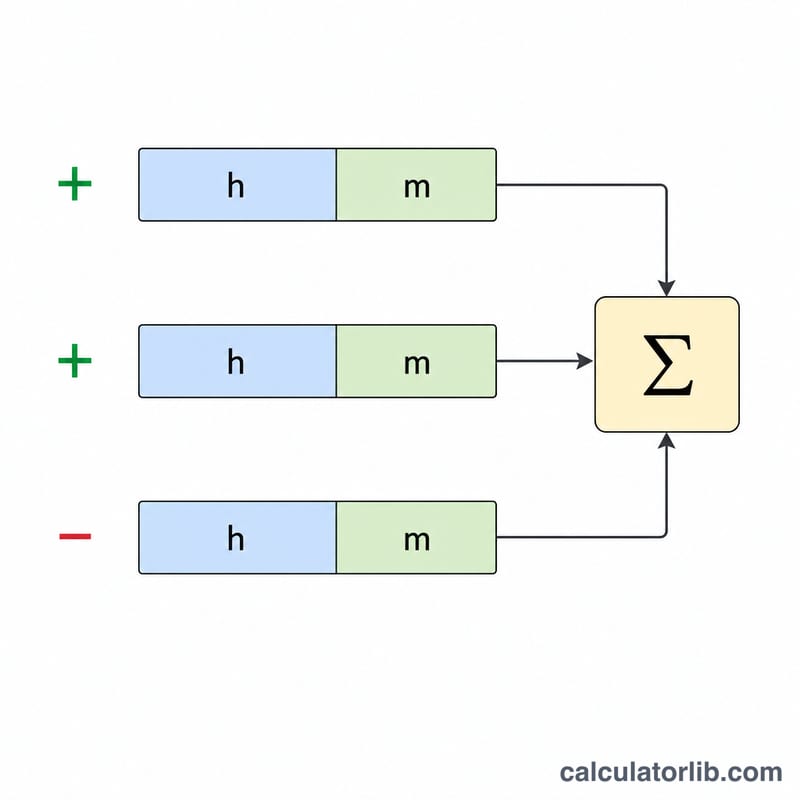
Enter the first time segment in the top row using the hours and min fields. For every additional row, choose whether it should be added (+) or subtracted (−) with the Operation selector, then type its hours and minutes. Leave any rows you do not need blank—empty fields count as zero. You can enter decimals (for example 0.5 hours) and minutes greater than 59; they roll up into hours automatically.
The formula explained
Each segment is first converted entirely to minutes: \(\text{segment minutes} = \text{hours} \times 60 + \text{minutes}\). The selected operation gives it a positive or negative sign, and all signed segments are summed into a single total in minutes (\(T\)).
$$T = \sum_i \pm (h_i \times 60 + m_i)$$
To present the answer, the calculator takes the absolute value of \(T\), divides by 60 to get whole hours, and keeps the remainder as minutes—then re-applies the sign.
$$H = \operatorname{sign}(T)\left\lfloor \tfrac{|T|}{60} \right\rfloor,\quad M = T - H \times 60$$
The result is also shown in plain minutes and as decimal hours (\(T \div 60\)).
Worked example
Add 2 h 45 min and 1 h 30 min, then subtract 0 h 50 min. In minutes: \(+165 + 90 - 50 = 205\) minutes. Whole hours \(= \lfloor 205 \div 60 \rfloor = 3\), remainder \(= 205 - 180 = 25\). The result is 3 hours 25 minutes, equal to about 3.4167 decimal hours.
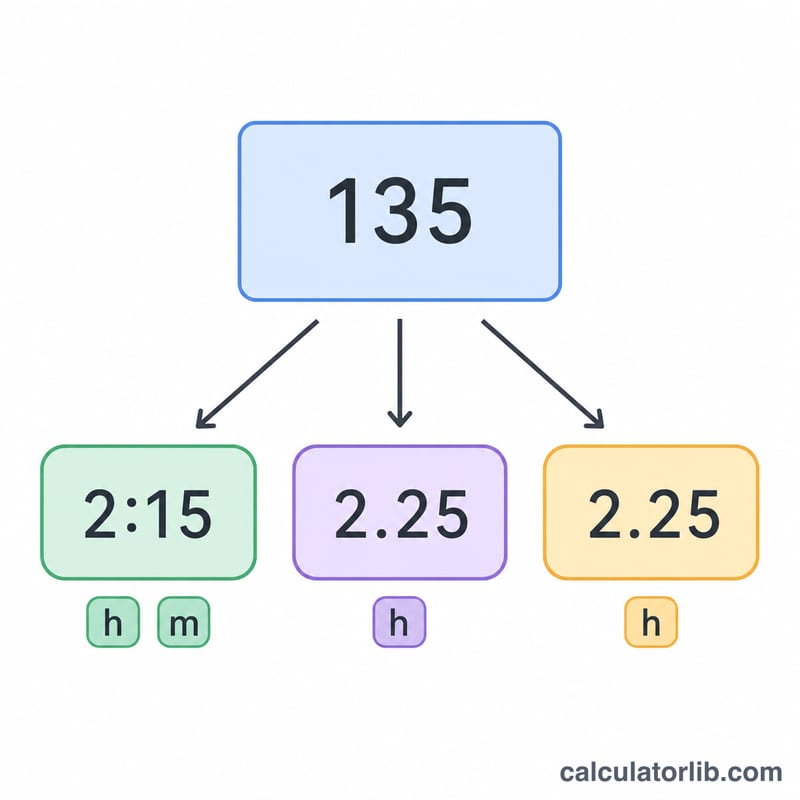
Minutes to Decimal Hours Conversion Table
When you add or subtract time, the result is often expressed in hours and minutes, but for payroll, billing, or spreadsheet work you frequently need the equivalent in decimal hours. The conversion is simple division: divide the number of minutes by 60.
$$\text{decimal hours} = \frac{\text{minutes}}{60}$$For example, 45 minutes converts to 0.75 hours, because \(45 \div 60 = 0.75\). The table below lists common minute values and their decimal-hour equivalents (rounded to three decimal places).
| Minutes | Calculation | Decimal Hours |
|---|---|---|
| 5 min | 5 ÷ 60 | 0.083 h |
| 10 min | 10 ÷ 60 | 0.167 h |
| 15 min | 15 ÷ 60 | 0.25 h |
| 20 min | 20 ÷ 60 | 0.333 h |
| 30 min | 30 ÷ 60 | 0.5 h |
| 40 min | 40 ÷ 60 | 0.667 h |
| 45 min | 45 ÷ 60 | 0.75 h |
| 50 min | 50 ÷ 60 | 0.833 h |
| 60 min | 60 ÷ 60 | 1.0 h |
Values such as 0.333 h and 0.667 h are repeating decimals (\(\tfrac{1}{3}\) and \(\tfrac{2}{3}\) of an hour) and are shown rounded; keep the full precision in calculations to avoid accumulating rounding error across several time segments.
FAQ
Can the result be negative? Yes. If subtractions outweigh additions, the total is negative and both the hours and minutes are shown with a minus sign, e.g. −30 minutes.
What if I enter 90 minutes? That is fine—90 minutes normalizes to 1 hour 30 minutes in the total.
Can I use decimals? Yes. 0.25 hours is treated as 15 minutes, and fractional minutes are carried through to the answer.