
What this calculator does
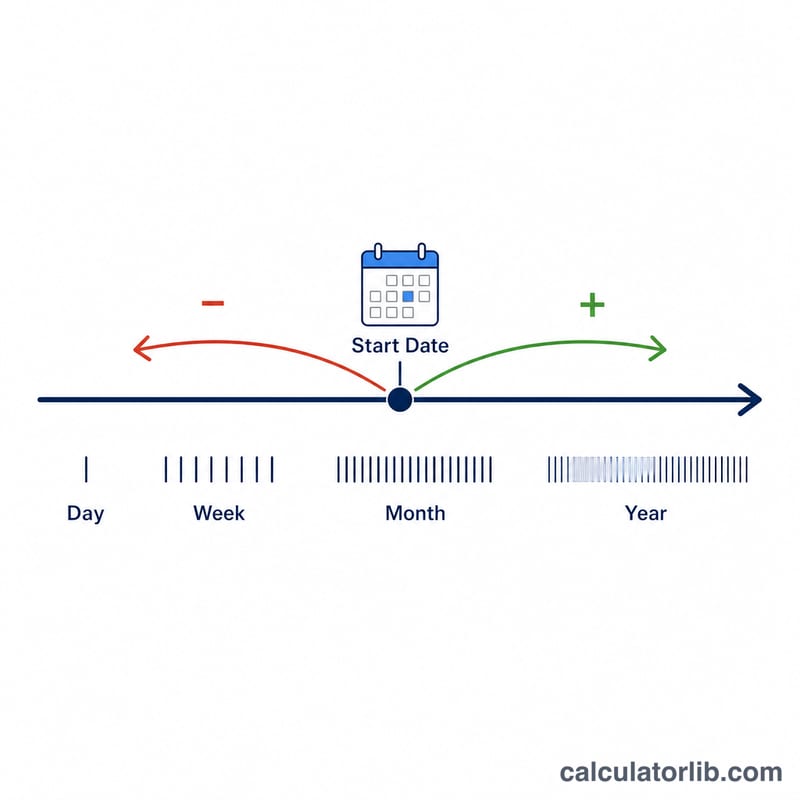
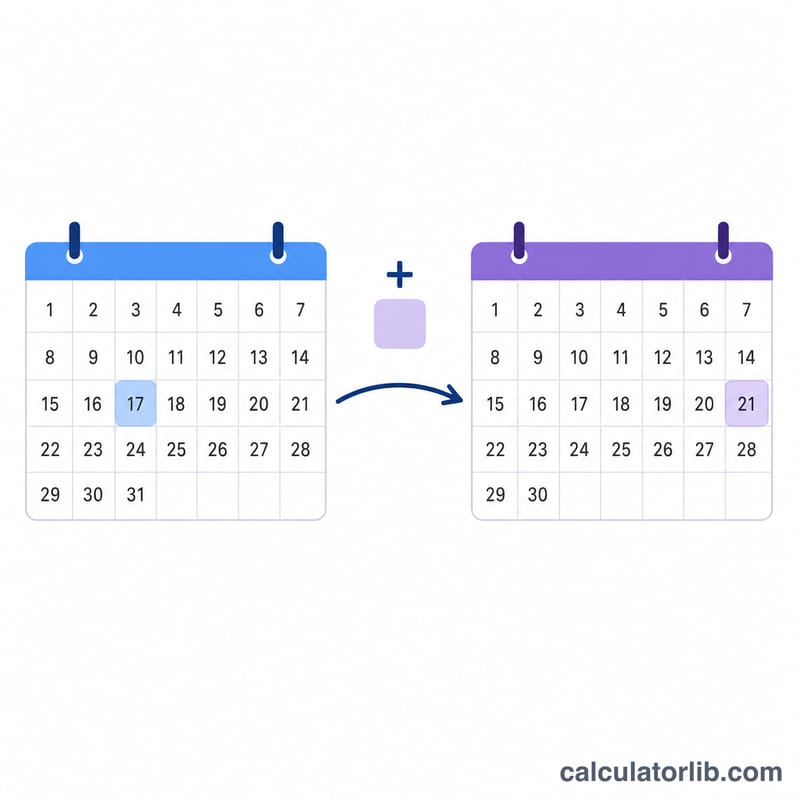
The Date plus or minus Calendar Units Calculator adds or subtracts a chosen number of days, weeks, months, quarters, or years to or from any starting date. It returns the resulting calendar date in your preferred format, the weekday, and the day-of-year for both the start and result dates. It uses the proleptic Gregorian calendar, so it works the same everywhere with no national holiday or business-day rules.
How to use it
Enter the starting date (year, month, day), pick a Date Format (USA m/d/yyyy, Europe d-m-yyyy, or ISO yyyy-mm-dd) that controls how dates are displayed, choose the Operator (add or subtract), type the number of Units, and select the Unit Type. The number may be zero or negative.
The formula explained
Days and weeks use exact day counting: the date is turned into a Julian Day Number (JDN), the signed offset is added (weeks are multiplied by 7), and the JDN is converted back, automatically respecting 365- and 366-day years. The general relationship is $$\text{Result} = \text{Start Date} \;\pm\; n \times \text{Unit}$$ For days and weeks this becomes $$\text{JDN}_{result} = \text{JDN}_{start} + n_{days}$$ Months, quarters, and years step whole calendar months. The total months are computed, divided into a year and month, and the day is clamped to the last valid day of that month: $$D_{result} = \min\big(D_{start},\; \text{daysInMonth}(Y_{result}, M_{result})\big)$$ For example, January 31 minus one month becomes the last day of the previous month, not an overflow into the next one.
Worked example
Start 6/15/2026 (a Monday, the 166th day of 2026), add 180 days. The Julian Day Number is 2461577; adding 180 gives \(2461577 + 180 = 2461757\), which is December 12, 2026 - a Saturday and the 346th day of 2026. So the result reads "Saturday December 12, 2026 / 12/12/2026 / 346th Day of 2026".
FAQ
Why does adding a month sometimes change the day? Because months have different lengths. Adding a month to January 31 lands on the last valid day of the next month (February 28 or 29) by clamping.
How are leap years handled? Day and week arithmetic counts real days, so leap days are crossed correctly. Adding whole years to February 29 lands on February 28 in non-leap target years.
Does it count business days? No - it works in pure calendar units and ignores weekends and holidays.