
What is the Stopwatch Timer Calculator?
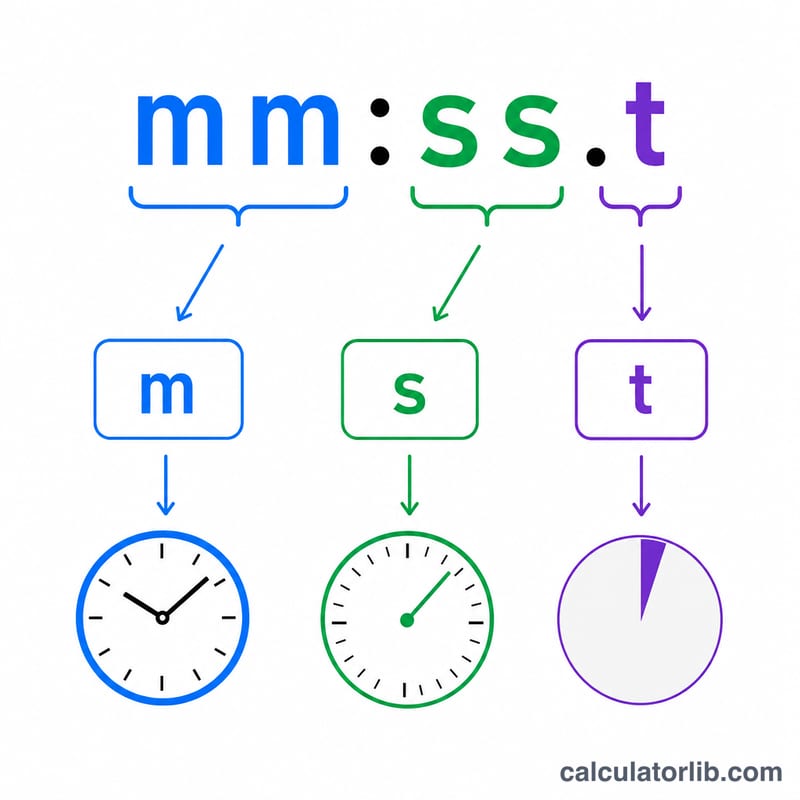
This is an adding-machine-style stopwatch time calculator. It lets you add or subtract stopwatch lap times entered as mm:ss.s (minutes, seconds, and tenths of a second) and keeps a running total. When the total exceeds 60 minutes it automatically rolls into hours and shows as h:mm:ss.s. It is ideal for summing race splits, lap times, or any sequence of short timed intervals. The tool is pure arithmetic and works the same in every country.
How to use it
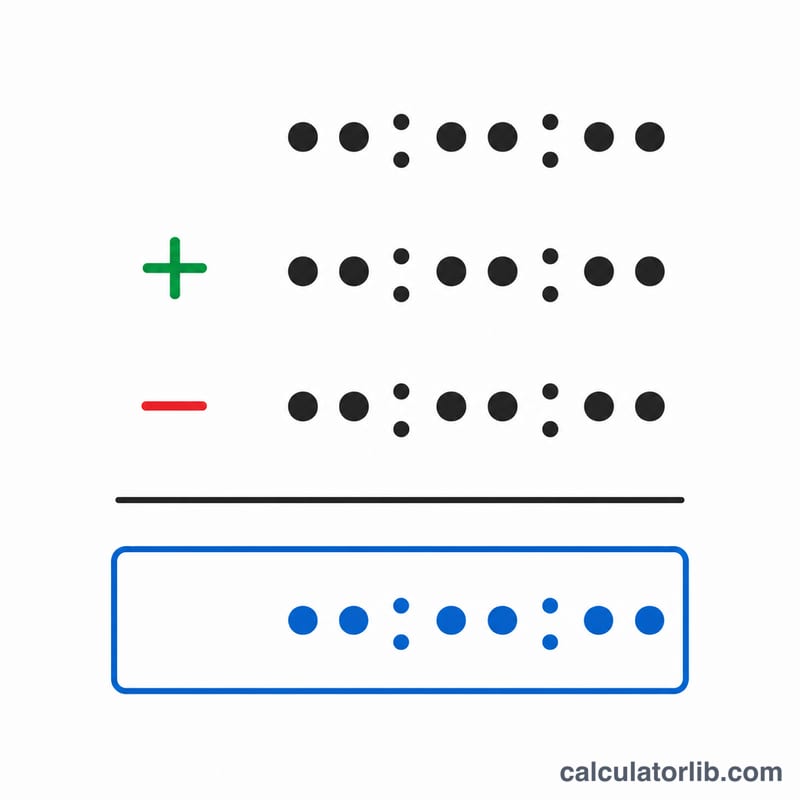
Pick the Operator (+ to add, − to subtract), type the lap time in the Time field, and press Calculate. The new running total appears as the Total/Answer. Carry that value forward in the Current total field to continue accumulating. Set the current total back to 00.00.0 to start a fresh tally.
Time entry formats
The separator between minutes and seconds may be a dash, period, colon or space; the separator before the tenths must be a period. So 5-06.2, 5.06.2, 5:06.2 and 5 06.2 all mean 5 minutes 6 seconds 2 tenths. A bare integer is read as seconds (30 = 30.0 s), and a single decimal is seconds.tenths (30.5 = 30.5 s). Use 5.. for 5:00.0 and 5..5 for 5:00.5. A leading minus makes the operand negative.
Worked example
Start at 00:00.0. Add 5.22.1 → \(5\times600 + 22\times10 + 1 = 3221\) tenths = 05:22.1. Add 5.40.0 → 3400 tenths, total \(6621\) = 11:02.1. Subtract 1.02.1 → 621 tenths, total \(6000\) = 10:00.0.
$$\text{tenths} = m \times 600 + s \times 10 + t$$
$$\text{newTotal} = \text{currentTotal} \pm (m \times 600 + s \times 10 + t)\ \text{tenths}$$
FAQ
Why work in tenths of a second? Storing the total as an integer number of tenths avoids floating-point rounding errors that creep in when adding many fractional seconds.
Can the total be negative? Yes. If you subtract more than the current total, the result is shown with a leading minus sign.
What are the per-field limits? The operand minutes and seconds are 0–59 and tenths 0–9; the accumulated total has no such cap and rolls into hours.