
What is the Hours and Minutes Calculator?
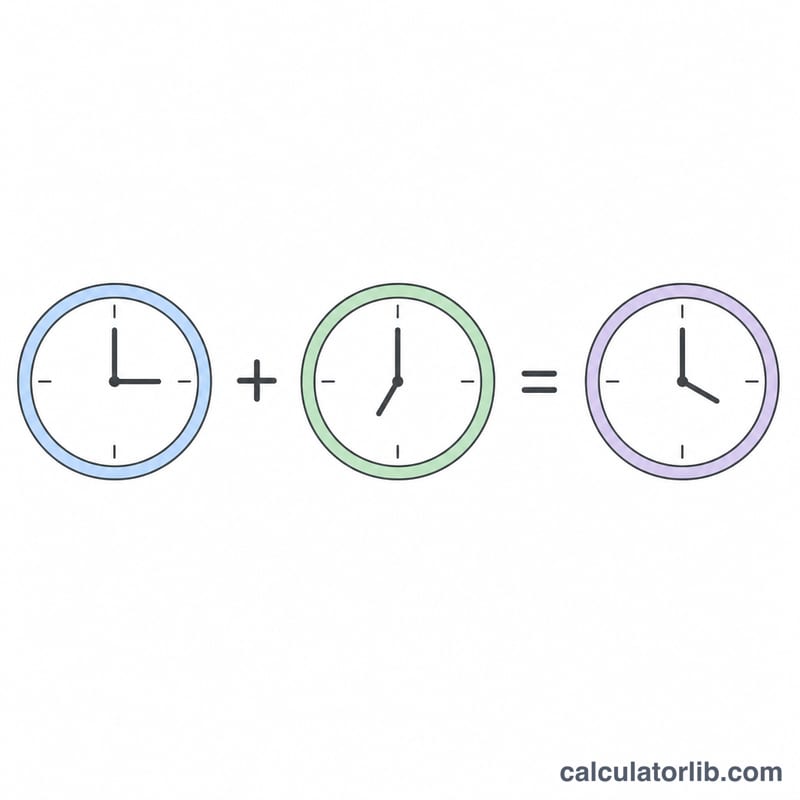
This tool lets you add or subtract two time durations expressed in hours and minutes. Instead of fiddling with carrying minutes over 60 in your head, you enter both values, choose add or subtract, and get a clean result in hours and minutes, plus the total in minutes and in decimal hours.
How to use it
Enter the first time as hours and minutes, pick the operation (+ or −), then enter the second time. The calculator converts everything to minutes, applies the operation, and converts back. It works for timesheets, cooking, workout splits, travel times, and any situation where you need to combine durations.
The formula explained
Each time is converted to total minutes: \(h \times 60 + m\). The two totals are then added or subtracted. The final total minutes is divided by 60 — the whole-number quotient is the hours and the remainder is the minutes. Decimal hours are simply total minutes ÷ 60, useful for billing.
$$T = (h_1 \times 60 + m_1) \pm (h_2 \times 60 + m_2)$$$$\text{hours} = \left\lfloor \frac{T}{60} \right\rfloor,\quad \text{minutes} = T \bmod 60$$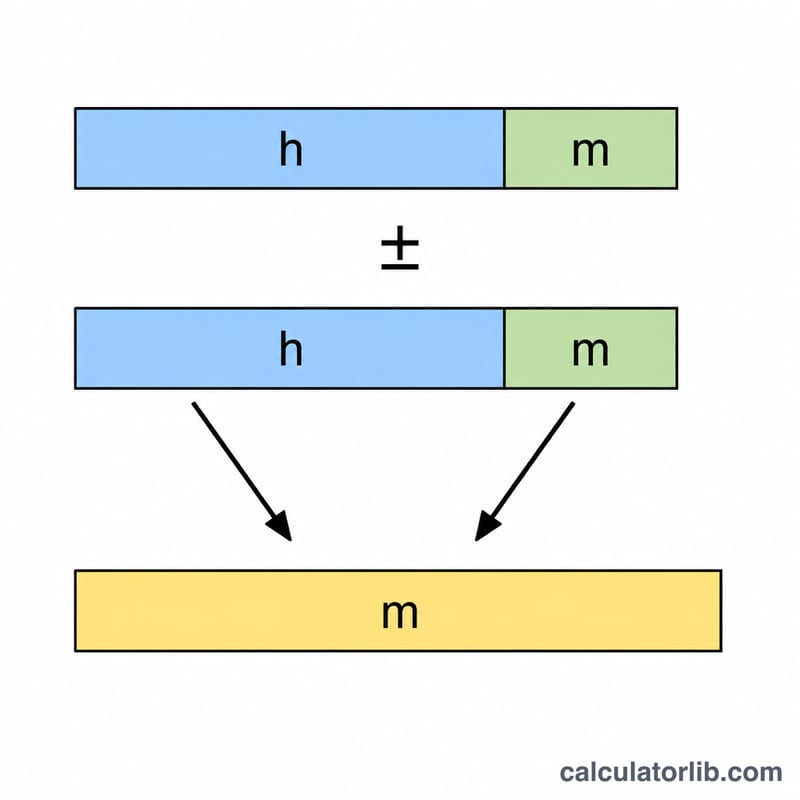
Worked example
Add 2 h 30 m and 1 h 45 m. First time = \(2 \times 60 + 30 = 150\) minutes. Second time = \(1 \times 60 + 45 = 105\) minutes. Total = \(150 + 105 = 255\) minutes. Converting back: \(255 \div 60 = 4\) hours with a remainder of 15 minutes, so the answer is 4 h 15 m (4.25 decimal hours).
FAQ
Can the result be negative? Yes. If you subtract a larger time from a smaller one, the hours and minutes are shown as negative values.
What are decimal hours? A duration written as a single decimal number, where 30 minutes = 0.5 hours. Handy for hourly pay and time tracking.
Can I enter minutes over 60? Yes. For example 0 h 90 m is treated as 90 minutes and will normalize to 1 h 30 m in the result.