
What is the Time to Hours Calculator?
This calculator converts a time duration expressed in hours, minutes and seconds into a single decimal-hour value. Decimal hours are widely used in payroll, time tracking, billing, and engineering, where 1 hour 30 minutes is more conveniently written as 1.5 hours rather than in mixed units.
How to use it
Enter the number of hours, minutes and seconds in the fields above. The calculator instantly returns the equivalent value in decimal hours, plus the total duration expressed in minutes and in seconds for quick cross-checking.
The formula explained
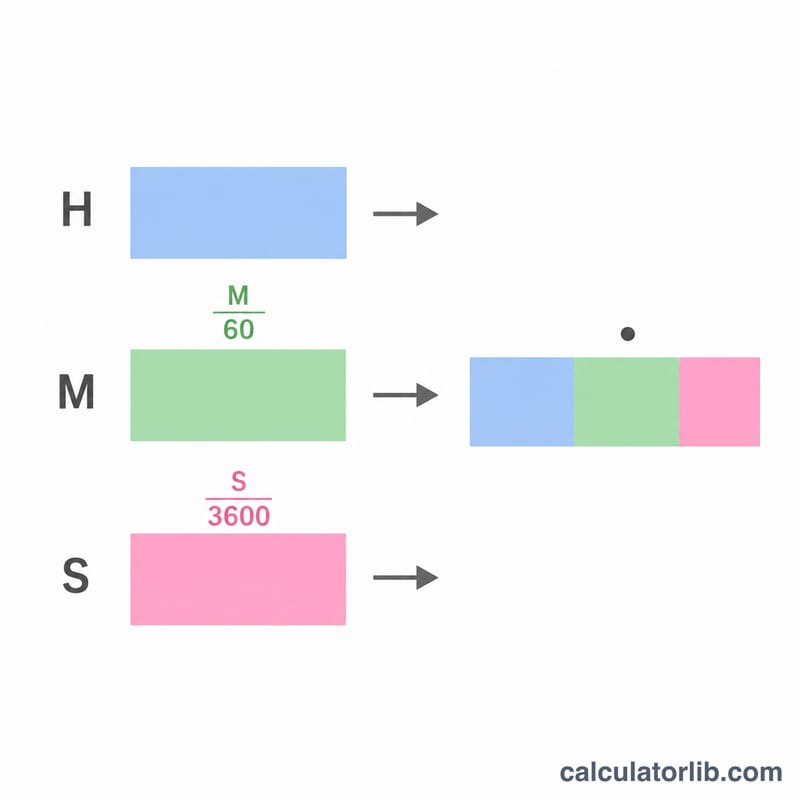
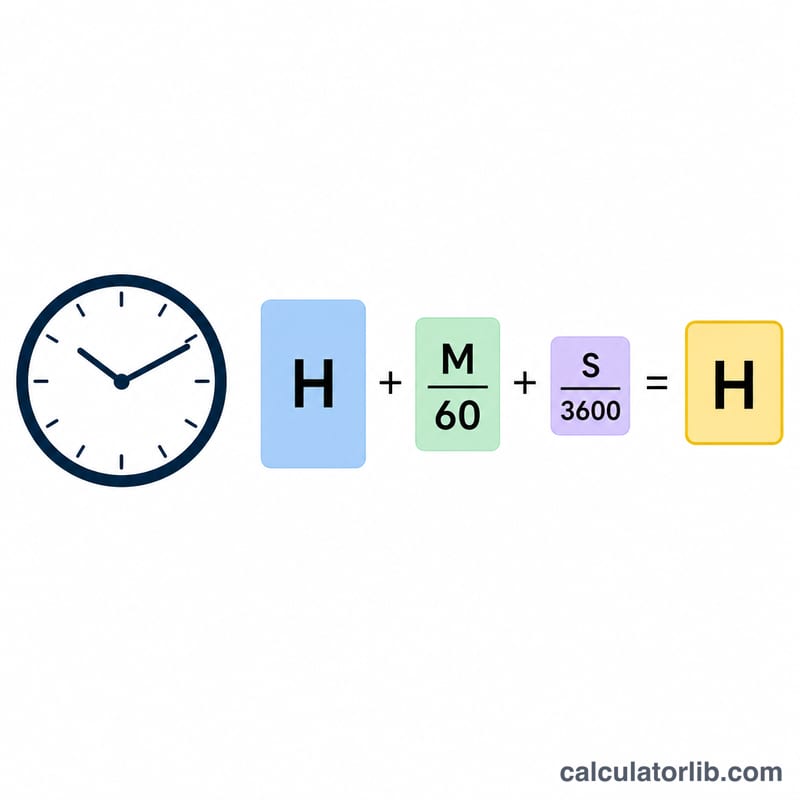
Because there are 60 minutes in an hour and 3,600 seconds in an hour, each smaller unit is divided by its conversion factor and added to the whole hours:
$$\text{Decimal Hours} = \text{Hours} + \frac{\text{Minutes}}{60} + \frac{\text{Seconds}}{3600}$$
Minutes contribute a fraction of an hour (e.g. 30 minutes = 0.5 hour) and seconds contribute a smaller fraction still.
Worked example
Suppose a task took 2 hours, 30 minutes and 0 seconds. The decimal-hour value is $$2 + \frac{30}{60} + \frac{0}{3600} = 2 + 0.5 = \textbf{2.5 hours}.$$ That equals 150 total minutes or 9,000 total seconds.
FAQ
Why convert time to decimal hours? Payroll and invoicing systems multiply hours by a rate, so a clean decimal value avoids errors when working with mixed hours and minutes.
How do I convert decimal hours back to minutes? Multiply the decimal hours by 60. For example, \(2.5 \times 60 = 150\) minutes.
Can minutes or seconds exceed 60? The calculator still computes correctly if you enter values above 60, but normally you keep minutes and seconds between 0 and 59.