
What Is the Hours Since a Time Calculator?
The Hours Since a Time Calculator tells you exactly how many hours have elapsed between a moment in the past and right now. Enter any past date and time, and the tool computes the difference using your device's current clock, returning the result in hours, days, and minutes. It is useful for tracking how long ago something happened — a medication dose, a deadline, a workout, a posted message, or a system event.
How to Use It
Pick the past date using the date picker and the past time using the time picker. When you submit, the calculator captures the current date and time and subtracts the moment you entered. The primary figure shows the elapsed hours, while the table below breaks the same span into days and minutes.
The Formula Explained
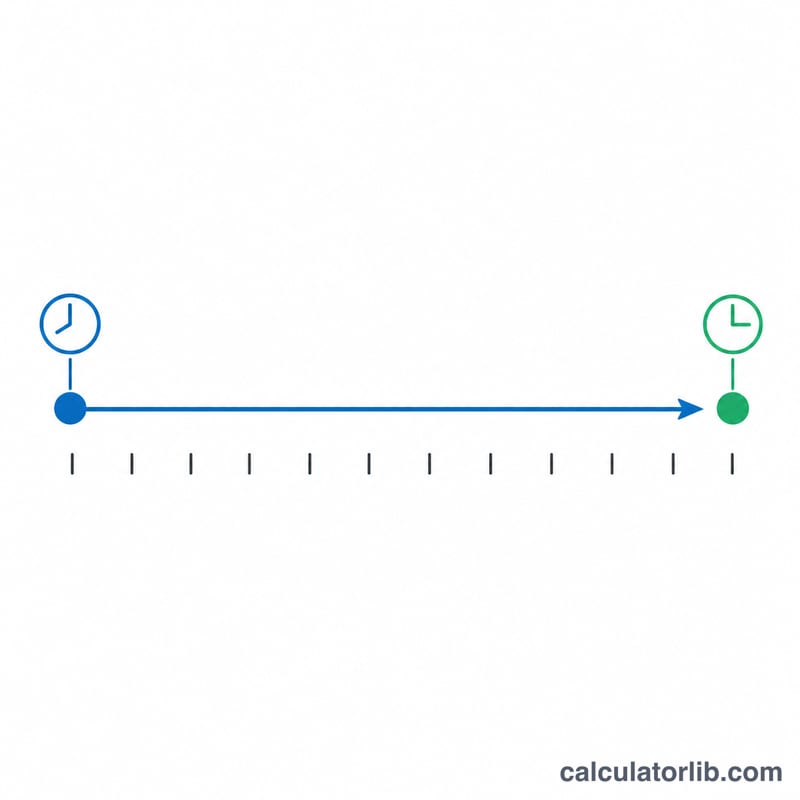
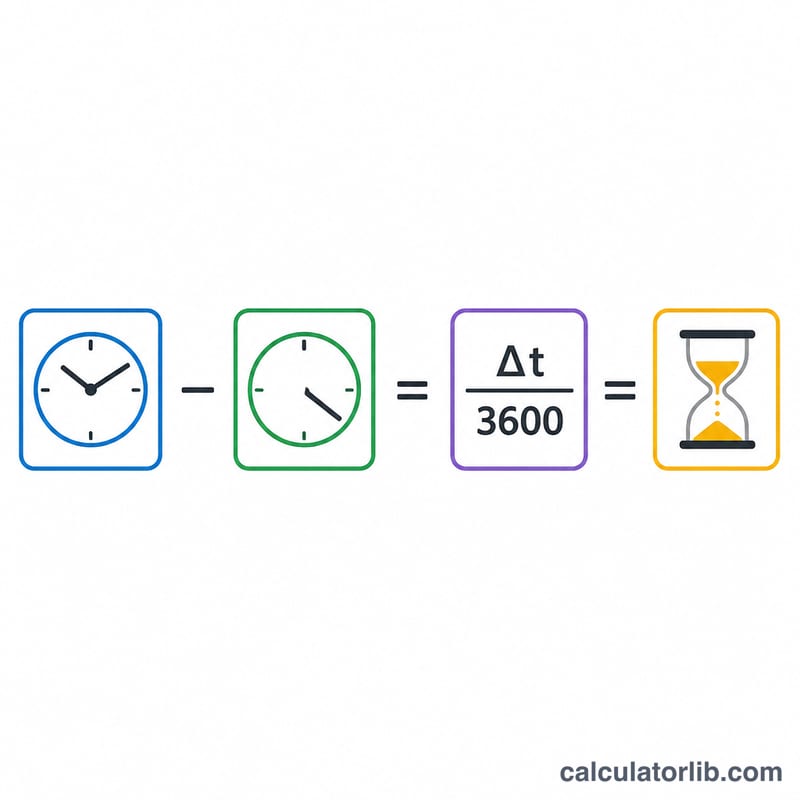
Both the current time and the past time are converted into a single number of seconds. The difference between them is the elapsed seconds. Dividing by 3,600 (the number of seconds in one hour) gives the hours:
$$\text{Hours Since} = \frac{t_{\text{now}} - \text{Past Date}\;\text{Past Time}}{3600\ \text{s}}$$
To get days, the hours are divided by 24; to get minutes, the elapsed seconds are divided by 60.
Worked Example
Suppose the current time is exactly 2024-01-02 at 12:00, and you entered a past time of 2024-01-01 at 12:00. The gap is 24 hours = 86,400 seconds. Dividing by 3,600 gives 24 hours, which equals 1 day or 1,440 minutes.
$$\text{Hours Since} = \frac{86{,}400\ \text{s}}{3600\ \text{s}} = 24\ \text{hours}$$
FAQ
What "now" does it use? It uses the current date and time from the server/device clock at the moment you submit the form.
Can the result be negative? Yes. If you enter a date and time that is in the future, the result will be negative, indicating that the moment has not yet arrived.
Does it handle time zones? The calculation treats both times in the same reference frame, so for best accuracy enter the past time in the same zone as the current clock.