
What is the "What Time Will It Be in X Hours" Calculator?
This tool tells you the exact clock time a certain number of hours after a chosen start time. Whether you are timing a long task, planning a wake-up after a nap, coordinating across a work shift, or working out an arrival time, this calculator handles the wrap-around past midnight automatically and reports the result in clean 24-hour HH:MM format.
How to Use It
Enter your start time using the start hour (0–23) and start minute (0–59) fields. Then type how many hours from that point you want to look ahead — you can use decimals such as 1.5 for ninety minutes. The calculator adds the hours, wraps the total around a 24-hour day, and shows the resulting time along with how many days forward it lands.
The Formula Explained
The math is simple modular arithmetic. First convert the start time to minutes since midnight: \(H \times 60 + M\). Add the number of hours converted to minutes (\(h \times 60\)). Because a day has 1,440 minutes, take the total modulo 1,440 to wrap around midnight. Finally split that result back into hours (integer division by 60) and minutes (remainder).
$$\begin{gathered} T = \Big( \left( 60\,\text{Start Hour} + \text{Start Minute} + \text{round}\!\left(60\,\text{Hours}\right) \right) \bmod 1440 + 1440 \Big) \bmod 1440 \\[1.5em] \text{where}\quad \left\{ \begin{aligned} \text{Hour} &= \left\lfloor \frac{T}{60} \right\rfloor \\ \text{Minute} &= T \bmod 60 \end{aligned} \right. \end{gathered}$$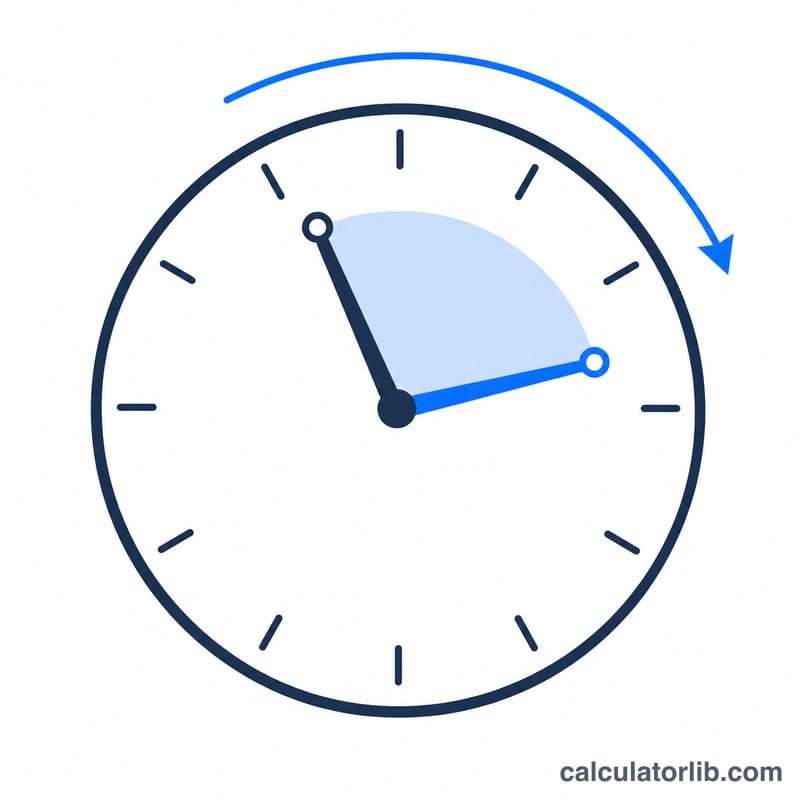
Worked Example
Suppose it is 22:00 and you want to know the time in 5 hours. Start minutes = \(22 \times 60 + 0 = 1320\). Add \(5 \times 60 = 300\), giving 1620. Wrap: \(1620 \bmod 1440 = 180\) minutes. That is \(180 \div 60 = 3\) hours and 0 minutes → 03:00, one day later.
FAQ
Can I use fractional hours? Yes. Entering 2.5 hours adds 150 minutes; the calculator rounds to the nearest minute.
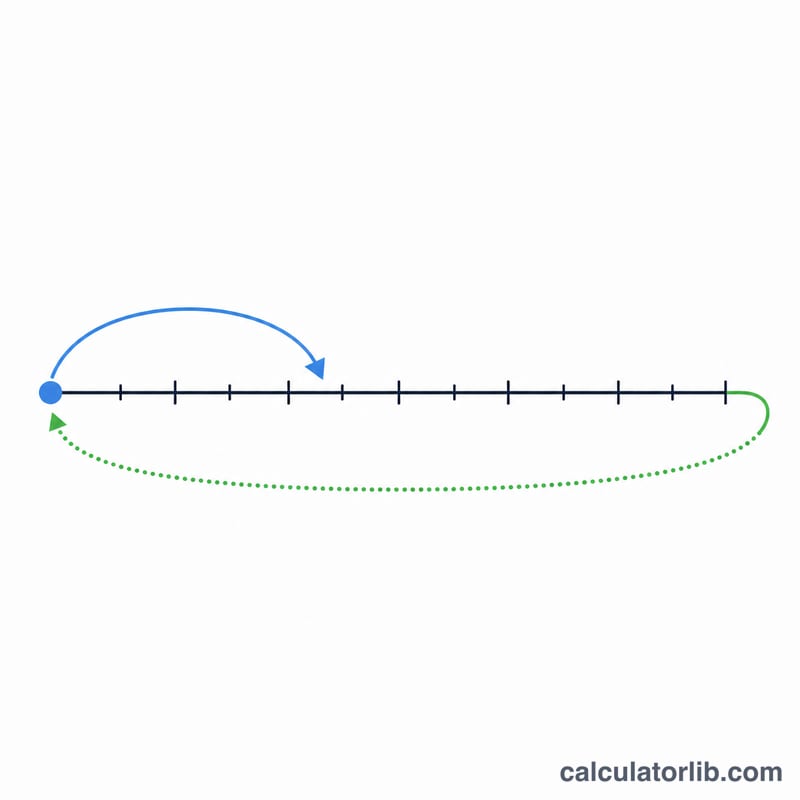
Does it handle crossing midnight? Yes. The result always falls within a single day, and the "Day offset" row shows how many days forward the answer is.
Is this 12-hour or 24-hour time? The output is in 24-hour format (HH:MM), where 13:00 equals 1:00 PM.