
What Is the Retirement Countdown Calculator?
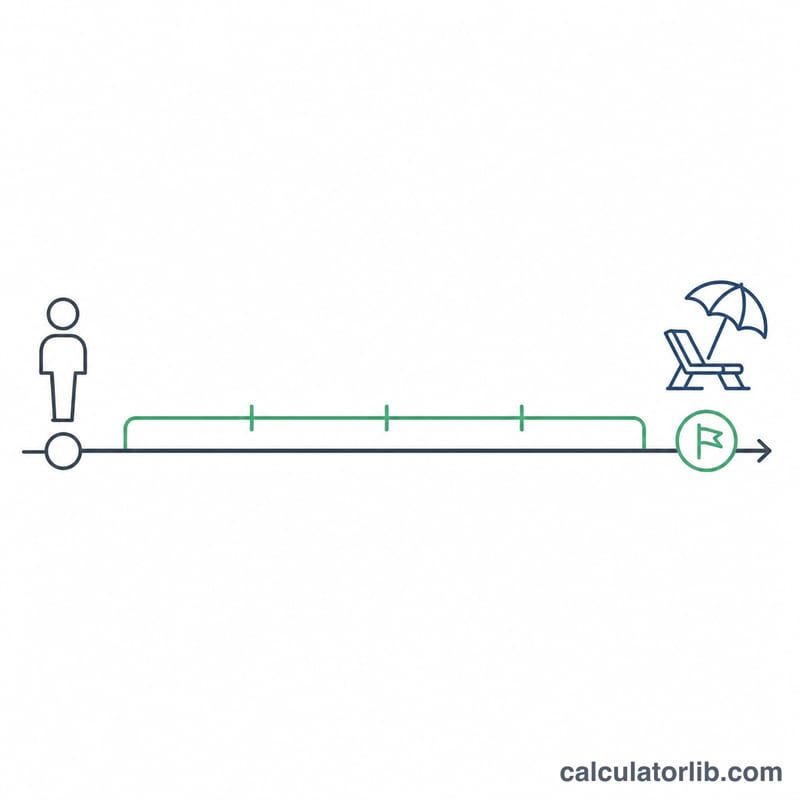
The Retirement Countdown Calculator tells you how much time stands between you and your planned retirement. Enter your current age and the age at which you intend to retire, and it instantly converts the gap into years, months, weeks, and days. It is a simple, universal tool — it works regardless of country or pension scheme because it only measures elapsed time, not benefits.
How to Use It
Type in your current age and your target retirement age, then read the results. The headline figure is the number of years remaining, with a friendly "years and months" breakdown underneath. The table converts that same span into total months, weeks, and days so you can picture the countdown however you like. If your retirement age is the same as or lower than your current age, the calculator shows zero remaining.
The Formula Explained
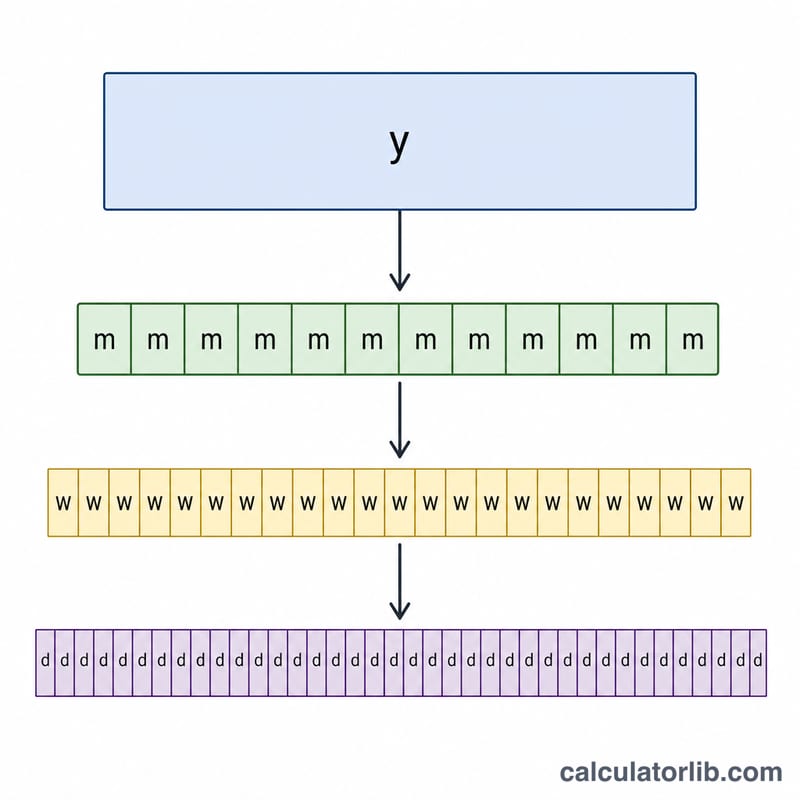
The core calculation is a straightforward subtraction: $$\text{Years Remaining} = \text{Retirement Age} - \text{Current Age}$$ From there, months are years \(\times 12\), days are years \(\times 365.25\) (the average length of a calendar year including leap years), and weeks are days \(\div 7\). Using \(365.25\) keeps multi-year countdowns accurate without needing exact birth dates.
Worked Example
Suppose you are 40 and plan to retire at 65. Years remaining = $$65 - 40 = 25 \text{ years}.$$ That is $$25 \times 12 = 300 \text{ months},$$ $$25 \times 365.25 = 9{,}131.25 \text{ days},$$ and $$9{,}131.25 \div 7 \approx 1{,}304.46 \text{ weeks}.$$ The calculator displays "25 years remaining (approx 25 yr 0 mo)" with the full breakdown in the table.
FAQ
Does this use my exact birth date? No — it uses whole-age inputs for simplicity. For day-precise results you would need exact dates.
Why 365.25 days per year? It averages in leap years, giving more accurate day and week totals over long spans.
What if I'm already past my retirement age? The calculator shows zero years remaining rather than a negative number.