
What It Does
This calculator measures the elapsed time between a start time and an end time on a 24-hour clock. It returns the duration both as a decimal number of hours and as a clean hours-and-minutes breakdown. It is handy for timesheets, shift planning, billing, study sessions, cooking, and any task where you need to know how long something lasted.
How to Use It
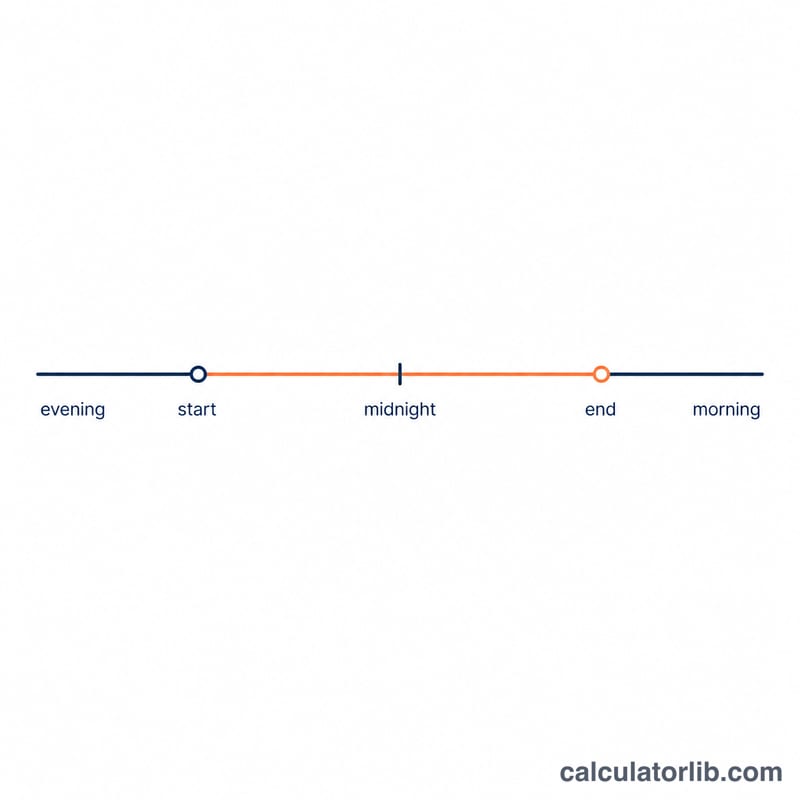
Enter the start hour and minute, then the end hour and minute, all in 24-hour format (0–23 for hours, 0–59 for minutes). For example, 5:30 PM is hour 17, minute 30. Click calculate to see the total duration. If the end time is earlier than the start time, the tool assumes the span crosses midnight and adds 24 hours automatically — perfect for overnight shifts.
The Formula Explained
Both times are converted to "minutes since midnight": \(\text{minutes} = \text{hour} \times 60 + \text{minute}\). The start total is subtracted from the end total. If the result is negative (end is on the next day), 1,440 minutes (24 hours) is added so the value wraps correctly. Finally the minutes are divided by 60 for decimal hours.
$$\begin{gathered} \text{Hours} = \frac{\left(\Delta + 1440\right) \bmod 1440}{60} \\[1.5em] \text{where}\quad \Delta = \left(60\cdot\text{End Hour} + \text{End Min}\right) - \left(60\cdot\text{Start Hour} + \text{Start Min}\right) \end{gathered}$$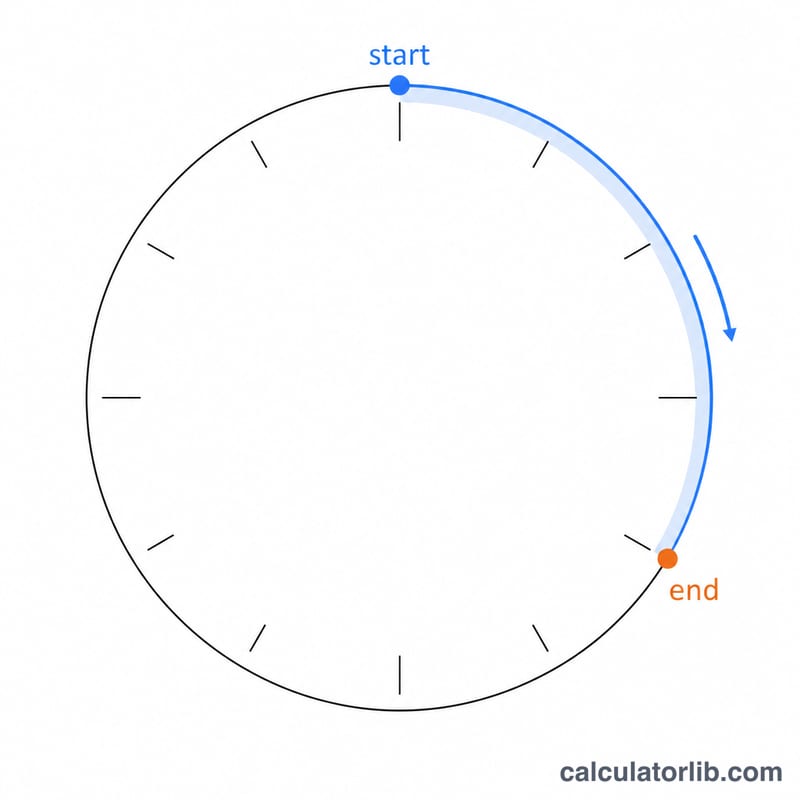
Worked Example
Start at 09:00 (540 minutes) and end at 17:30 (1,050 minutes). The difference is \(1050 - 540 = 510\) minutes. As hours that is
$$510 / 60 = 8.5 \text{ hours},$$or 8 hours and 30 minutes.
FAQ
What if the end time is before the start time? The calculator treats it as crossing midnight and adds 24 hours, so 22:00 to 06:00 returns 8 hours.
Can I get more than 24 hours? No. Because times are clock values without dates, the maximum span is just under 24 hours.
How do I convert PM times? Add 12 to the hour for PM (except 12 PM, which stays 12). For example 3 PM is hour 15.