
What this calculator does
This tool takes a starting date and time and adds (or subtracts) an elapsed amount expressed as days, hours, minutes and seconds. It returns the resulting calendar date, clock time and the day of the week. It uses the proleptic Gregorian calendar and treats every minute as exactly 60 seconds (leap seconds are not modeled). The math is universal; the optional era selector simply lets you enter a year using a Japanese imperial-era label such as Meiji, Taisho, Showa, Heisei or Reiwa, which is converted to a Western (CE) year before calculating.
How to use it
Pick an era (leave it on "Western (CE)" for ordinary years), then enter the start year, month, day, hour, minute and second. Choose a direction: "After (+)" moves forward in time, "Before (-)" moves backward. Enter the elapsed days, hours, minutes and seconds. Leave any field as 0 if it does not apply. Submit to see the resulting timestamp and weekday.
The formula explained
The start date is converted to a Julian Day Number (JDN), a continuous day count. The day is combined with the time of day into total seconds. The signed elapsed seconds are added, then the total is split back into a day count and a time of day using floor division so that negative offsets (subtraction across midnight, month or year boundaries) still produce a valid date. The JDN is then converted back to a Gregorian year, month and day, and the weekday is derived directly from the JDN.
$$\begin{gathered} T_{\text{result}} = T_{\text{start}} + \text{Dir} \cdot \Delta \\[1.5em] \text{where}\quad \left\{ \begin{aligned} Y &= \text{Era} + \text{Year} \\ T_{\text{start}} &= \text{JDN}(Y,\,\text{Mon},\,\text{Day}) \cdot 86400 \\ &\quad + 3600\,\text{Hr} + 60\,\text{Min} + \text{Sec} \\ \Delta &= 86400\,\text{Days} + 3600\,\text{Hrs} \\ &\quad + 60\,\text{Mins} + \text{Secs} \end{aligned} \right. \end{gathered}$$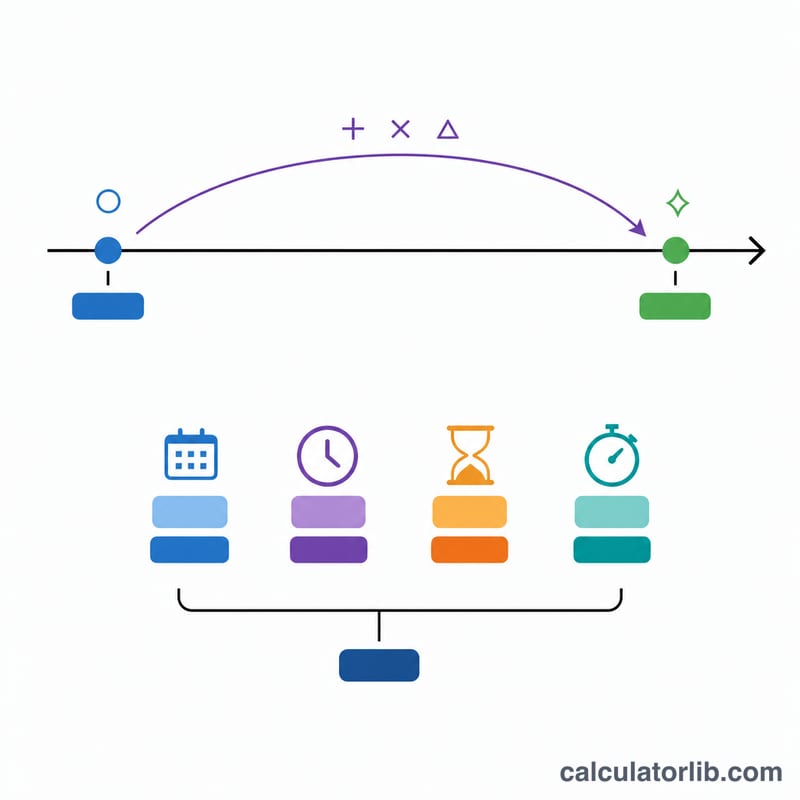
Worked example
Start at 2024-06-15 00:00:00, direction After, elapsed 0 days 11 hours 40 minutes 30 seconds. The JDN for 2024-06-15 is 2,460,477. Adding 42,030 seconds keeps the same day and gives 11:40:30. The result is 2024-06-15 11:40:30, which falls on a Saturday.
$$\Delta = 3600 \cdot 11 + 60 \cdot 40 + 30 = 42{,}030 \text{ seconds}$$$$T_{\text{result}} = 2{,}460{,}477 \cdot 86400 + 42{,}030 \;\Rightarrow\; \text{2024-06-15 11:40:30}$$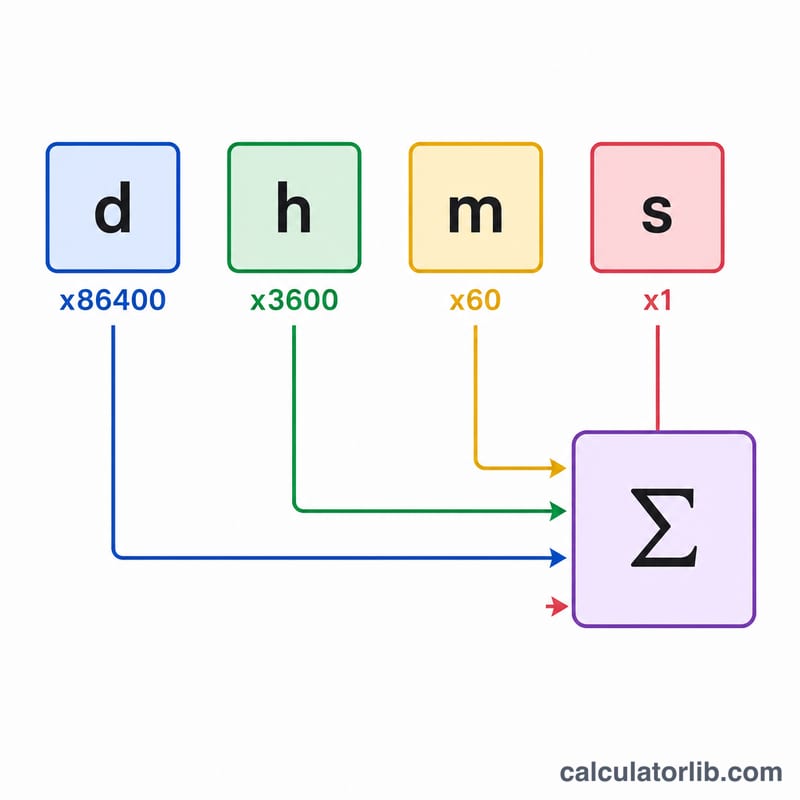
FAQ
Does it handle leap years? Yes. The Julian Day Number conversion applies the full Gregorian leap-year rule automatically.
Can I subtract time? Yes. Choose "Before (-)" and the entire elapsed amount is subtracted, correctly rolling back across days, months and years.
What about time zones and daylight saving? The calculation is a pure calendar instant with no time zone or DST adjustments, so results are deterministic.