
What this calculator does
The Add Months to a Date Calculator takes any starting date and shifts it forward (or backward, using a negative value) by a whole number of months. It returns the exact resulting calendar date. Unlike adding a fixed number of days, adding months requires special handling when the target month is shorter than the start month — and this tool handles that automatically.
How to use it
Pick your start date, type the number of months to add (use a negative number to go backwards in time), and read the resulting date. The breakdown table shows the resulting year, month, and day, and flags when the day was clamped to the end of the month.
The formula explained
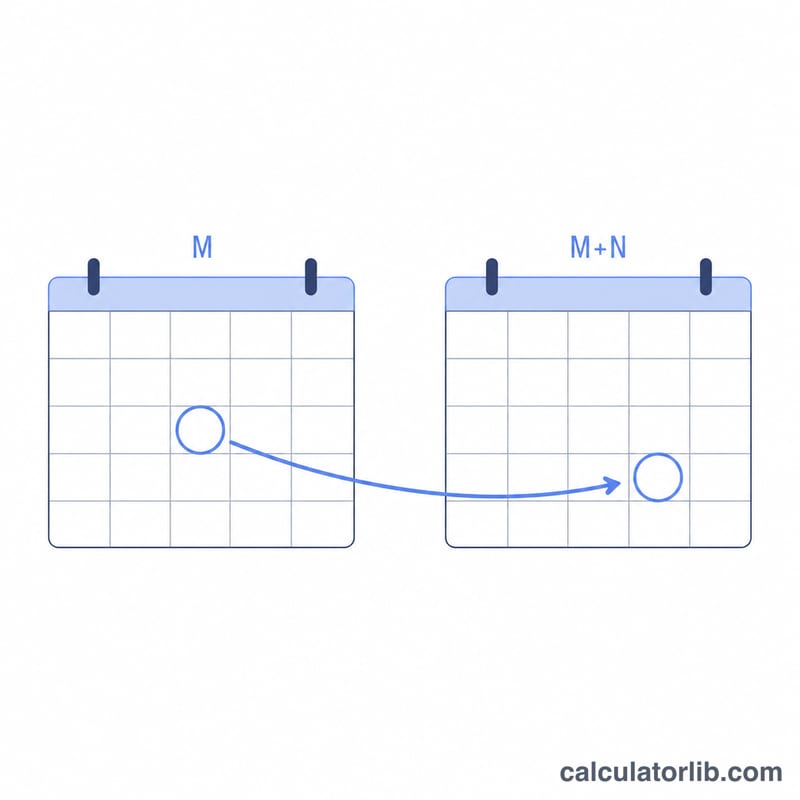
The calendar month index is computed as (year × 12) + (month − 1) + N. Dividing by 12 gives the new year, and the remainder gives the new month. The day is kept the same — unless it no longer exists in the new month. The general result is:
$$\text{Result} = \text{Date}(Y, M+N, \min(D, \text{lastDay}(Y, M+N)))$$where the new month and clamped day are given by:
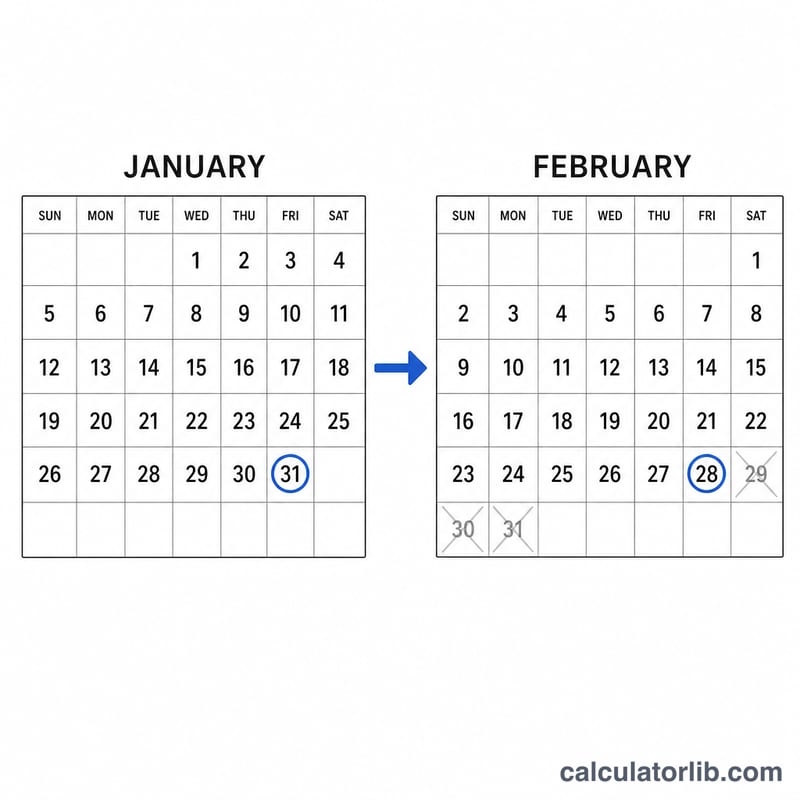
$$M_{new} = ((M-1)+N) \bmod 12 + 1$$$$D_{new} = \min(D, \text{lastDay}(Y_{new}, M_{new}))$$For example, January 31 + 1 month cannot be "February 31", so the day is clamped to the last valid day (28 or 29). This matches the behaviour of most spreadsheet and library date functions.
Worked example
Start date 2024-01-31, add 1 month. The target month is February 2024, a leap year with 29 days. Since \(31 > 29\), the day is clamped to 29:
$$\text{Date}(2024, 1+1, \min(31, 29)) = \text{2024-02-29}$$giving 2024-02-29.
Days in Each Month
Because months vary in length, the day you start on may not exist in the target month. The reference below lists the number of days in each month of the Gregorian calendar.
| # | Month | Days |
|---|---|---|
| 1 | January | 31 |
| 2 | February | 28 (29 in a leap year) |
| 3 | March | 31 |
| 4 | April | 30 |
| 5 | May | 31 |
| 6 | June | 30 |
| 7 | July | 31 |
| 8 | August | 31 |
| 9 | September | 30 |
| 10 | October | 31 |
| 11 | November | 30 |
| 12 | December | 31 |
The four months with 30 days are April, June, September and November; the rest have 31, except February. February is the only month whose length changes: it has 29 days in a leap year and 28 otherwise.
How leap years are determined
Under the Gregorian calendar, a year is a leap year if it satisfies these rules:
- The year is divisible by 4, and
- it is not divisible by 100, unless
- it is also divisible by 400.
So 2020 and 2024 are leap years (divisible by 4, not by 100). The year 1900 was not a leap year (divisible by 100 but not 400), while 2000 was a leap year (divisible by 400). This is why \(Jan\ 31 + 1\) month gives Feb 28 in 2023 but Feb 29 in 2024.
FAQ
What happens at month end? If your start day doesn't exist in the target month, it snaps to the last day of that month.
Can I subtract months? Yes — enter a negative number such as -3 to go back three months.
Does it handle leap years? Yes. The last-day-of-month calculation accounts for leap years automatically, so adding a month to January 31 lands on February 29 in leap years and February 28 otherwise.