
What this calculator does
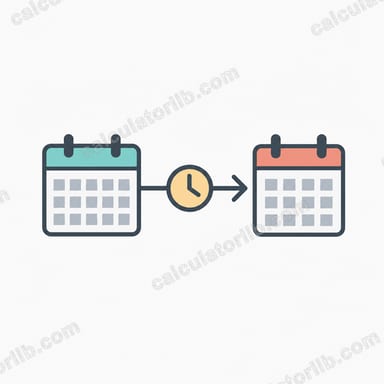
The Add Time to Date Calculator takes any start date and time, adds a number of hours and minutes you specify, and returns the exact resulting date and time. It automatically handles rollover across days, months, and years, so adding 30 hours to 10 PM correctly lands you on the following day, and adding hours near the end of a month rolls into the next month.
How to use it
Pick your start date and start time, then enter how many hours and minutes you want to add (decimals are allowed, e.g. 1.5 hours). The result shows the new date and time, the day of the week, and a breakdown of each component plus the total minutes added.
The formula explained
The start date and time are converted to a single instant. The duration is converted entirely to seconds: \(\text{hours} \times 3600 + \text{minutes} \times 60\). That number of seconds is added to the start instant, and the result is converted back into calendar fields. Because the math operates on a continuous timeline, all carry-over (60 seconds → minute, 60 minutes → hour, 24 hours → day, end of month → next month) is automatic.
$$\text{Result} = \text{Start} + (\text{hours} \times 3600 + \text{minutes} \times 60)\ \text{seconds}$$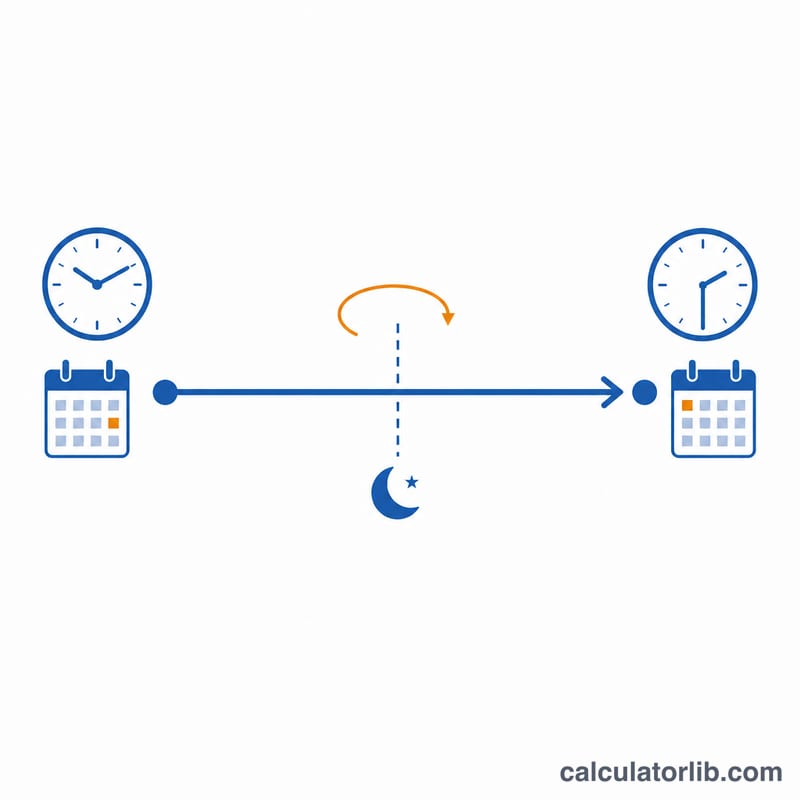
Worked example
Start: Jan 1, 2024 at 12:00. Add 5 hours and 30 minutes. Total seconds = $$5 \times 3600 + 30 \times 60 = 18{,}000 + 1{,}800 = 19{,}800 \text{ s} = 5\text{h } 30\text{m}.$$ Result: Jan 1, 2024 17:30, with 330 total minutes added.
Hours & Minutes to Seconds Conversion
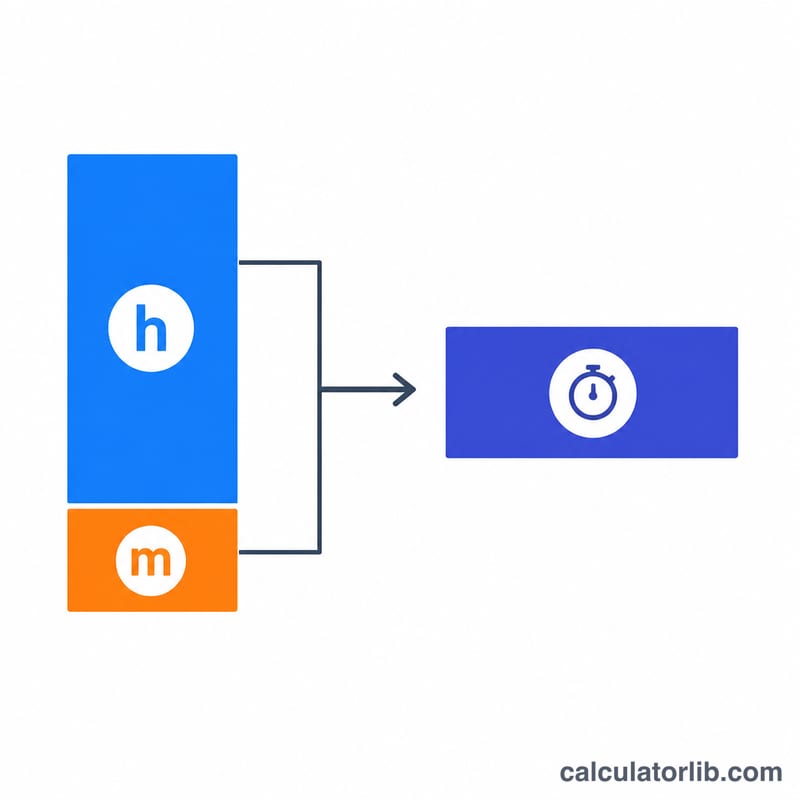
Adding time to a date works by converting the hours and minutes you add into seconds, then offsetting the start timestamp. The core relationships are \(1\text{ hour}=60\text{ minutes}=3600\text{ seconds}\) and \(1\text{ minute}=60\text{ seconds}\). The table below maps common durations to total minutes and total seconds.
| Duration (hours) | Total minutes | Total seconds |
|---|---|---|
| 0.25 h | 15 m | 900 s |
| 0.5 h | 30 m | 1,800 s |
| 1 h | 60 m | 3,600 s |
| 1.5 h | 90 m | 5,400 s |
| 2.25 h | 135 m | 8,100 s |
| 12 h | 720 m | 43,200 s |
| 24 h | 1,440 m | 86,400 s |
| 30 h | 1,800 m | 108,000 s |
For example, to add 2 hours 15 minutes you offset by \(2\times 3600 + 15\times 60 = 7200 + 900 = 8100\) seconds, and the calculator carries any overflow into the next minute, hour, or day automatically.
FAQ
Can I add fractional hours? Yes — entering 2.25 hours adds 2 hours 15 minutes.
Does it handle leap years? Yes, rollover uses the standard calendar including leap years.
Can I subtract time? Enter negative values for hours or minutes to move backward in time.