

What is the Days From a Date Calculator?
This tool tells you the exact calendar date that falls a given number of days from a chosen start date. Enter a start date and a number of days, and it returns the resulting date along with the day of the week. It correctly handles month lengths, leap years, and year boundaries, so you never have to count on your fingers or flip through a calendar.
How to use it
Pick your start date, then type the number of days to add. To count forward (for example, a 90-day deadline), enter a positive number. To count backwards from the start date, enter a negative number such as -14. The calculator shows the resulting date, broken out into year, month, and day, plus the weekday it lands on.
The formula explained
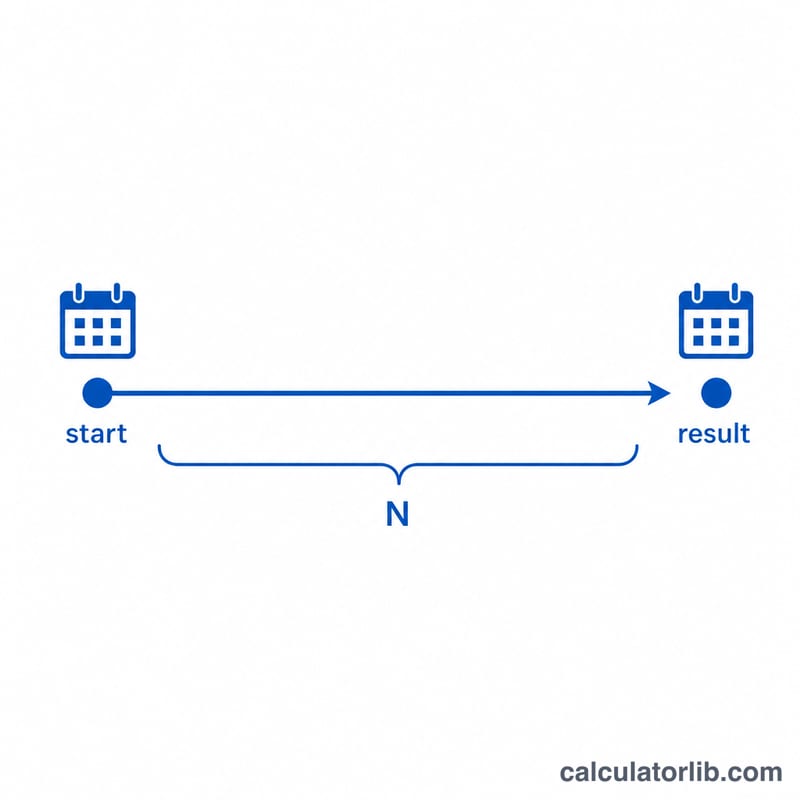
The math is simply $$\text{resultDate} = \text{startDate} + N \text{ days}$$ Internally the start date is converted to a day count, \(N\) is added, and the result is converted back to a calendar date. Because the conversion is calendar-aware, it automatically accounts for 28-, 29-, 30-, and 31-day months and for leap years (years divisible by 4, except centuries not divisible by 400).
Worked example
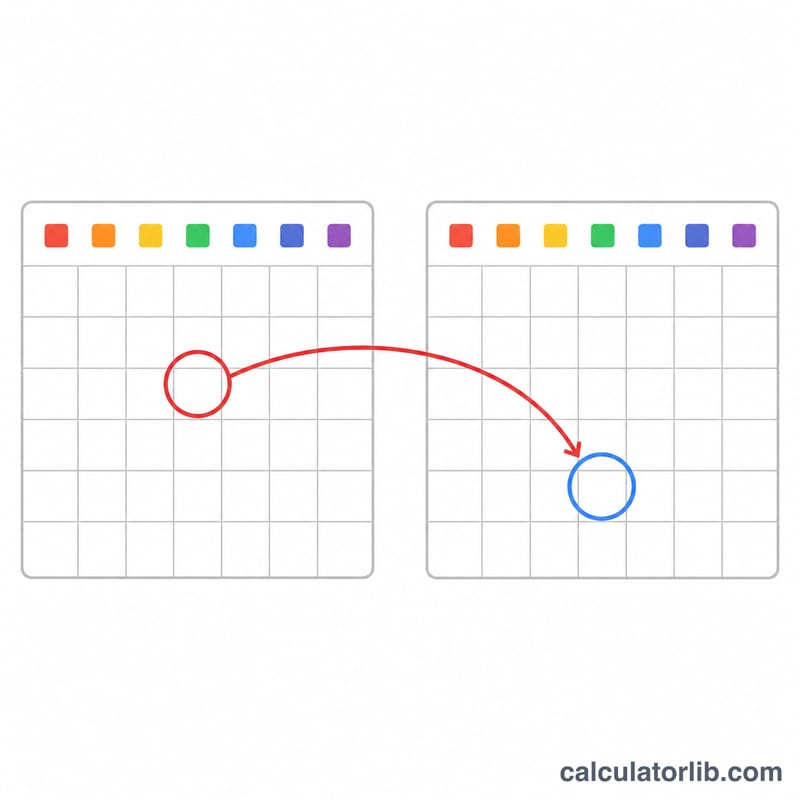
Start date: January 1, 2024. Add 30 days. Counting through January (31 days), day 30 lands on January 31, 2024 — a Wednesday. Add one more day and you would cross into February. This calculator does that crossing for you no matter how large \(N\) is.
FAQ
Does it count the start date itself? No. Adding 0 days returns the start date; adding 1 day returns the next day. The start date is day zero.
Can I subtract days? Yes — enter a negative number and the tool counts backwards.
Are leap years handled? Yes. February 29 in leap years is included automatically, so spanning across one is accurate.