

What is the Date Plus Days Calculator?
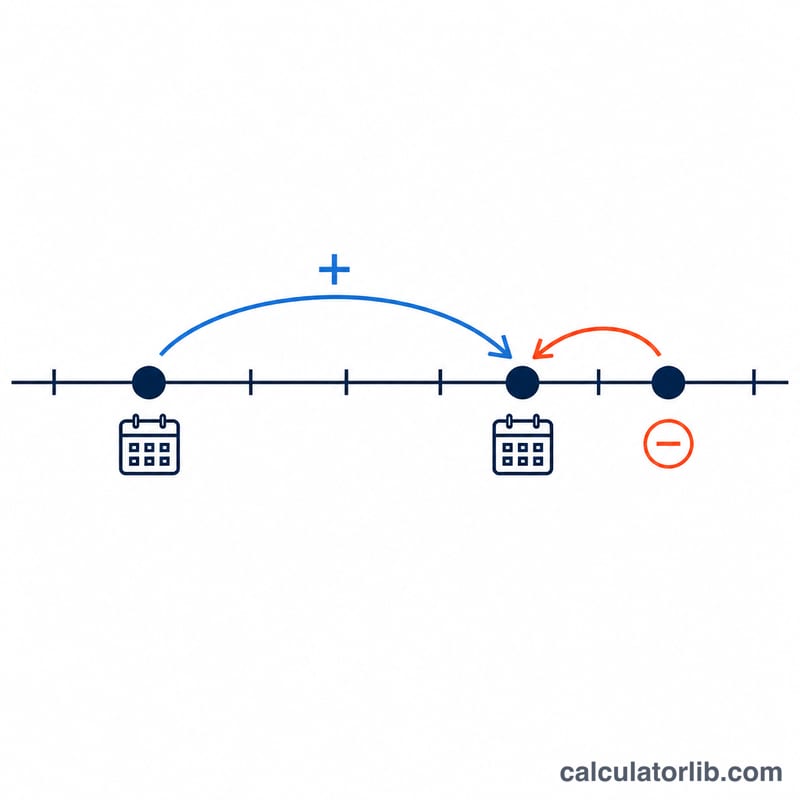
This tool takes a starting calendar date and a number of days, then computes the resulting date. Adding a positive number of days moves the date forward; a negative number moves it backward. The core math is universal (Gregorian calendar), and an optional era dropdown lets you enter the start year using a Japanese era such as Reiwa or Heisei — it simply adds a fixed offset to convert the era-year to a Western (Gregorian) year. The default era is Gregorian/Western, so it works the same everywhere.
How to use it
Pick the calendar era (leave it on Gregorian/Western for normal use), enter the year, choose the month and day, and type the number of days to add (use a negative number to subtract). Choose whether the first/start day should be counted as day 1 of the span. The result shows the new date and its day of the week.
The formula
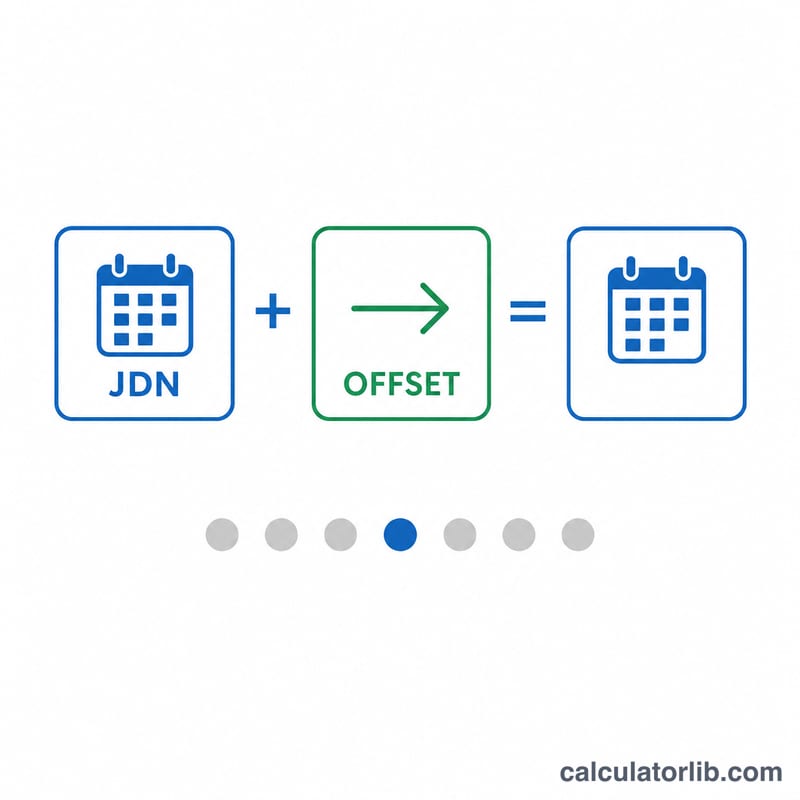
The date is converted to a Julian Day Number (JDN):
$$\text{Result Date} = \text{JDN}^{-1}\!\left(\text{JDN}(\text{Start Date}) + \Delta\right)$$with \(a = \lfloor (14 - \text{month})/12 \rfloor\), \(y = \text{year} + 4800 - a\), \(m = \text{month} + 12a - 3\), then
$$\text{JDN} = \text{day} + \left\lfloor \frac{153m + 2}{5} \right\rfloor + 365y + \left\lfloor \frac{y}{4} \right\rfloor - \left\lfloor \frac{y}{100} \right\rfloor + \left\lfloor \frac{y}{400} \right\rfloor - 32045.$$The day offset is added to the JDN, and the result is converted back to a calendar date. If counting the first day, the effective offset is reduced by one in the direction of travel.
Worked example
Start 2024-06-15, add 10 days, do not count the first day. The start date converts to \(\text{JDN } 2460477\); adding 10 gives
$$2460477 + 10 = 2460487,$$which converts back to 2024-06-25, a Tuesday. If instead you count the first day, the effective offset is 9, giving 2024-06-24 (Monday) — the 10th day of the span.
FAQ
Does it handle leap years and month rollover? Yes. The Julian Day Number round-trip automatically handles leap years, month-end rollover and year boundaries.
Can I subtract days? Yes — enter a negative number of days.
What does "count the first day" mean? When enabled, the starting day itself counts as day 1 of the span, so the date moves one fewer day than the entered number.