
What Is a Subtraction Calculator?
A subtraction calculator finds the difference between two numbers by subtracting the second number from the first. Subtraction is one of the four basic arithmetic operations and answers the question "how much is left?" or "what is the gap between two values?" This tool handles whole numbers, decimals, and produces negative results when the second number is larger than the first.
How to Use It
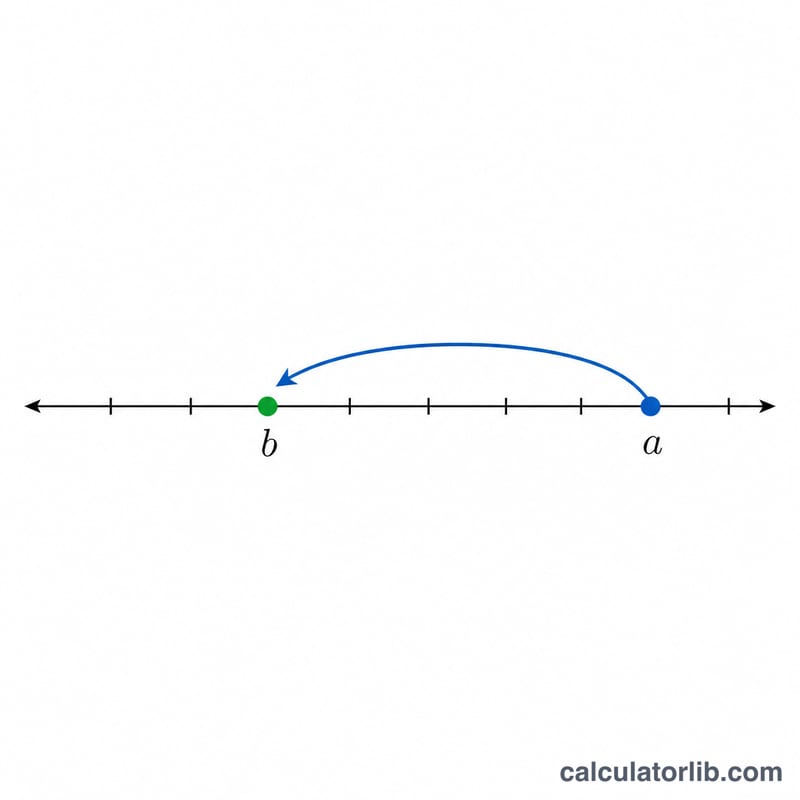
Enter your first number (the minuend) in the top field and the second number (the subtrahend) in the bottom field, then calculate. The result is the difference, \(a - b\). You can use positive numbers, negative numbers, and decimals.
The Formula Explained
The formula is simply $$\text{Difference} = \text{Minuend} - \text{Subtrahend}$$ The minuend (a) is the quantity you start with, and the subtrahend (b) is the amount you take away. The order matters: \(5 - 3 = 2\), but \(3 - 5 = -2\). If the subtrahend is negative, subtracting it adds to the total, e.g. \(5 - (-3) = 8\).
Worked Example
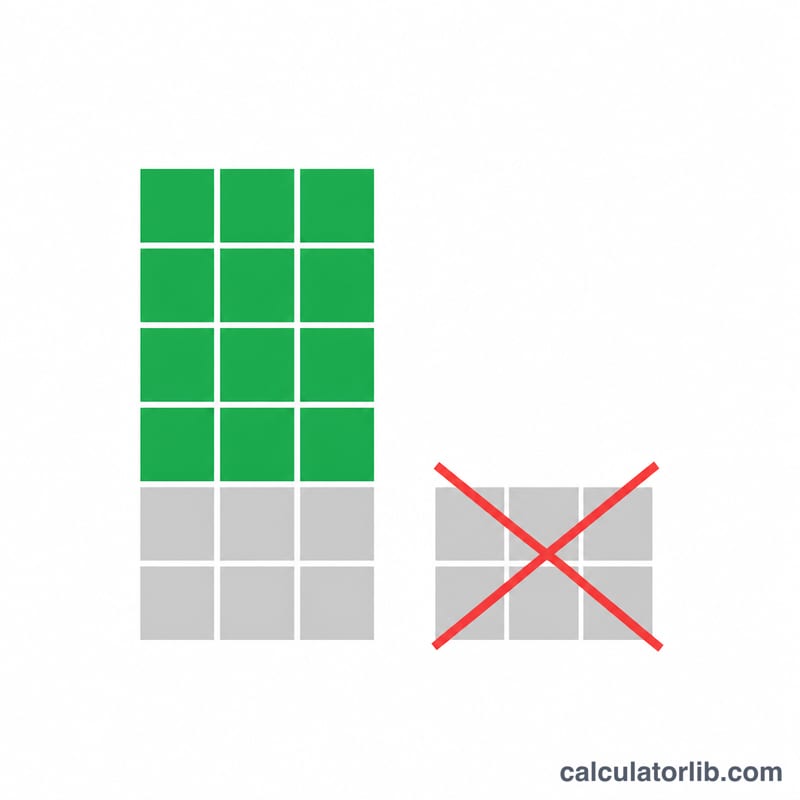
Suppose you have $100 and spend $37. The difference is $$100 - 37 = 63$$ so you have $63 left. With decimals, \(12.5 - 4.25 = 8.25\).
FAQ
Can the result be negative? Yes. If the second number is larger than the first, the difference is negative.
Does it support decimals? Yes, you can enter decimal values in both fields.
What are the parts of a subtraction called? The first number is the minuend, the second is the subtrahend, and the answer is the difference.