
What is the Subtract Percentage Calculator?
This tool takes a percentage off any number. Give it an original value and the percent you want to remove, and it returns both the final result and the exact amount that was subtracted. It is perfect for figuring out sale prices, discounts, markdowns, tax-free amounts, weight loss, budget cuts, and any situation where you need "X% off" a starting figure.
How to use it
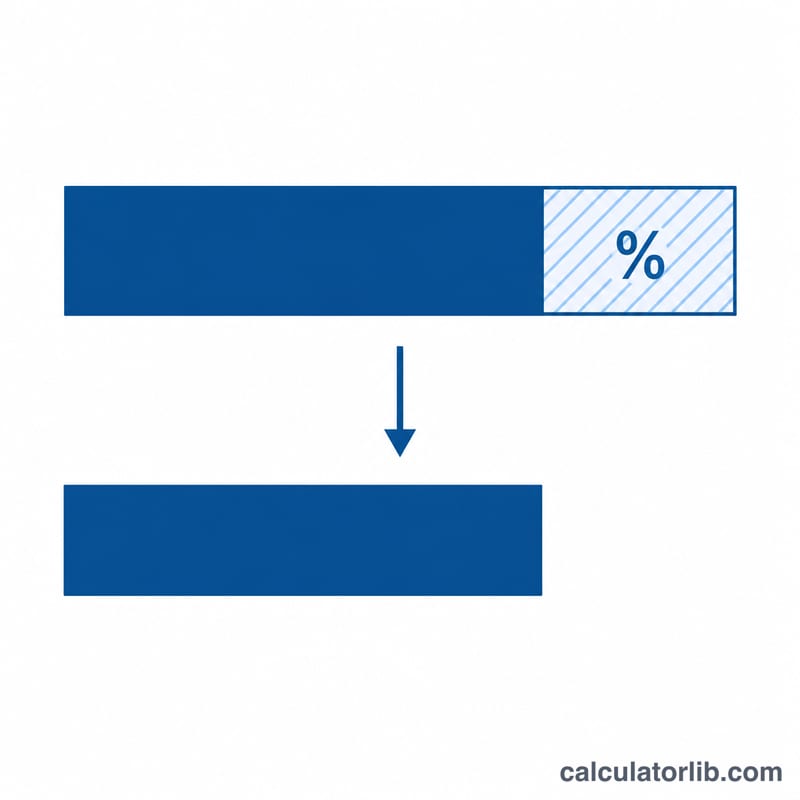
Enter the original number (the starting value) and the percent to subtract. Press calculate. The hero box shows the result, while the table breaks down the original number, the amount removed, and the final value so you can check the math at a glance.
The formula explained
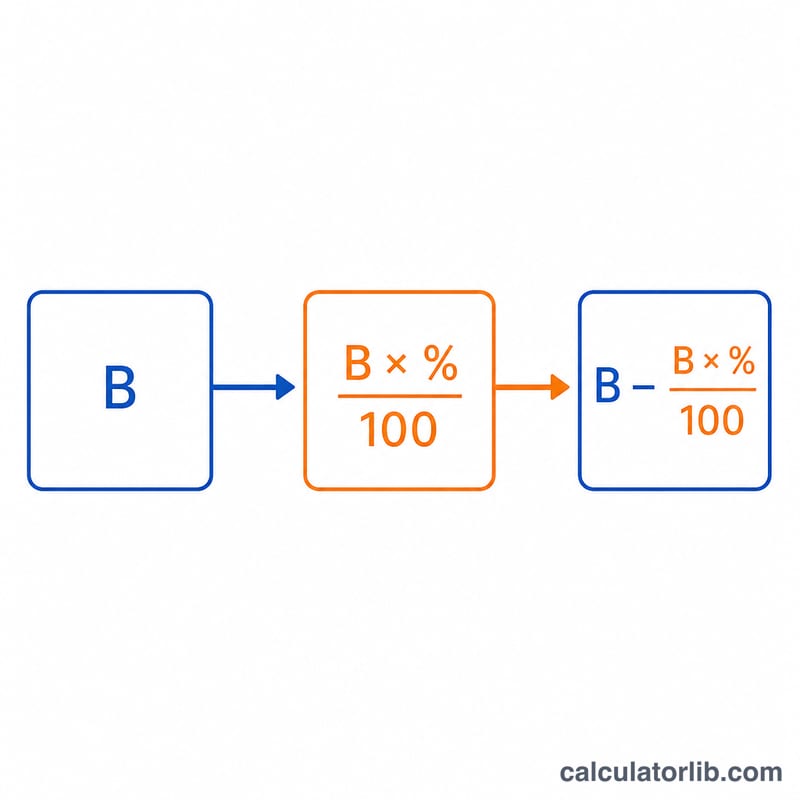
The calculation is a two-step process. First, the percentage is converted to a fraction and multiplied by the base to find the amount removed: \( \text{Amount} = \text{Base} \times \dfrac{\text{Percent}}{100} \). Then that amount is subtracted from the base: \( \text{Result} = \text{Base} - \text{Amount} \). This can be combined into a single step: $$ \text{Result} = \text{Base} \times \left(1 - \frac{\text{Percent}}{100}\right) $$ which is why taking 15% off 200 is the same as keeping 85% of 200.
Worked example
Suppose a jacket costs $200 and is marked 15% off. The amount subtracted is $$ 200 \times \frac{15}{100} = \$30 $$ The sale price is $$ 200 - 30 = \mathbf{\$170} $$ The calculator returns 170 as the result and 30 as the amount subtracted.
FAQ
Can I subtract more than 100%? Yes. If you subtract more than 100%, the result becomes negative, which simply means you removed more than the original amount.
What if the percent is 0? Then nothing is removed and the result equals the original number.
Is this the same as a discount calculator? Effectively yes — subtracting a percentage from a price gives the discounted price, and the amount subtracted is the discount value.