

What is the Add Days to Date Calculator?
This tool finds the exact calendar date that lands a chosen number of days after — or before — any start date. It automatically handles month lengths, leap years and year boundaries, and even tells you which day of the week the result falls on. It is perfect for tracking deadlines, contract terms, project milestones, return windows, incubation periods and warranty expirations.
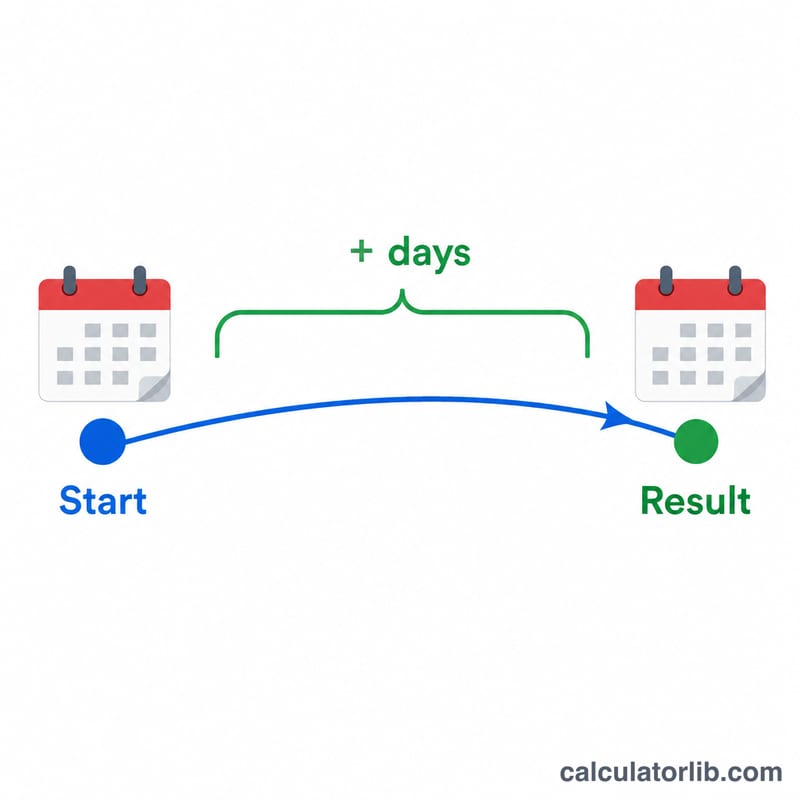
How to use it
Pick a start date, type the number of days you want to move, and choose whether to add (to get a future date) or subtract (to get a past date). The calculator returns the resulting date in a readable long format and ISO format, plus the weekday and the signed number of days applied.
The formula explained
The calculation is simply:
$$\text{resultDate} = \text{startDate} + n \text{ days}$$
When you choose "Subtract", \(n\) becomes negative, so the formula naturally rolls the date backward. Because the calendar is fully accounted for, adding 30 days to January 31 correctly lands in early March (in non-leap years), and leap days on February 29 are respected.

Worked example
Suppose the start date is January 1, 2024 and you add 30 days. Counting forward: 30 days after January 1 is January 31, 2024. Because 2024 is a leap year, this lands on a Wednesday. The calculator returns "Wednesday, January 31, 2024".
FAQ
Does it include the start date in the count? No. Adding 1 day to January 1 gives January 2 — the start date itself is day zero.
Does it handle leap years? Yes. February 29 in leap years and all month lengths are handled automatically.
Can I go backward in time? Yes. Select "Subtract (past date)" to find a date that many days before your start date.