
What Is the 60 Day Calculator?
The 60 Day Calculator tells you the exact calendar date that falls a given number of days after a chosen start date — by default, 60 days later. It automatically accounts for the varying lengths of months and for leap years, so you never have to count on a calendar by hand. It also tells you which day of the week the result lands on.
How to Use It
Pick your start date, set the number of days to add (60 is pre-filled), and submit. The calculator returns the resulting date in a readable format and in ISO format (YYYY-MM-DD), plus the weekday. This is handy for deadlines, return windows, payment terms (such as net-60), notice periods, and follow-up scheduling.
The Formula Explained
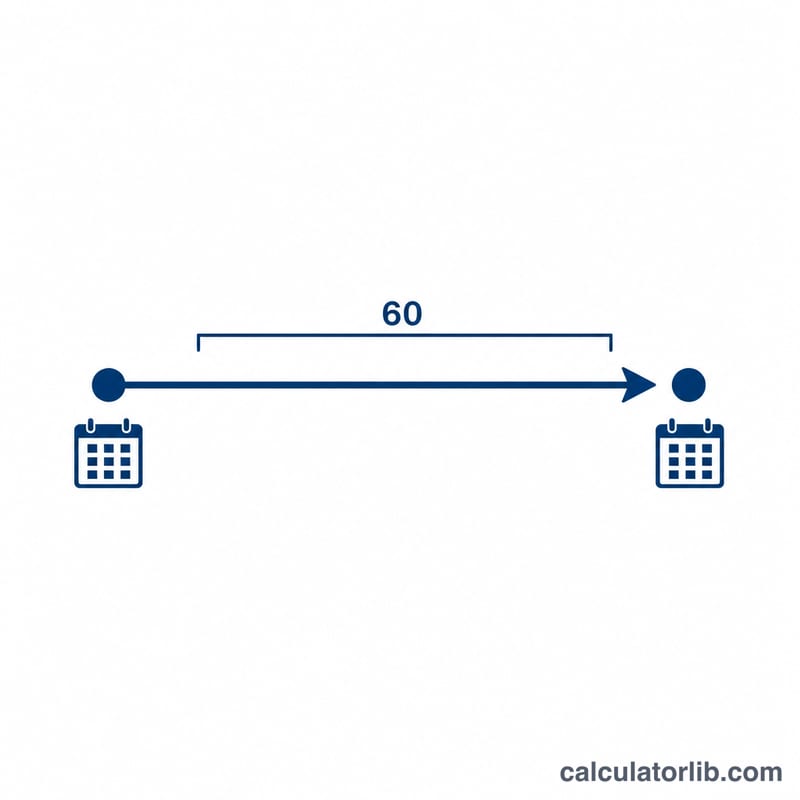
The math is simple counting: $$\text{Result Date} = \text{Start Date} + n \text{ days}$$. Day 0 is the start date itself; adding 60 days moves forward 60 calendar days, crossing month and year boundaries as needed. The day counting is inclusive of every calendar day, including weekends and holidays.
Worked Example
Suppose your start date is January 1, 2024 and you add 60 days. January has 31 days, so 30 days lands on January 31. The remaining 30 days carry into February 2024 (a leap year, so February has 29 days). \(\text{January 31} + 30 \text{ days} = \text{March 1, 2024}\). So 60 days after January 1, 2024 is Friday, March 1, 2024.
FAQ
Does it count the start date? No. The start date is day 0; adding 60 days gives you the 60th day after it.
Does it handle leap years? Yes. February's length is adjusted automatically for leap years.
Can I add a different number of days? Yes. Change the "Days to Add" field to any value to count forward by that many days.